
Creating a federated image sharing service
In this tutorial we will build a small federated image sharing service, similar to Pixelfed or, in a way, to Instagram with the locks blown off, using Nuxt on the client and server side and Fedify for everything ActivityPub. The goal is to learn Fedify rather than Nuxt, but a brief tour of Nuxt's building blocks is included so that a reader with only vanilla JavaScript experience can follow along.
If you have any questions, suggestions, or feedback, please feel free to join our Matrix chat space or GitHub Discussions.
Target audience
This tutorial is aimed at web developers who want to learn Fedify and try their hand at building federated software.
We assume you have some experience building small web applications with HTML and JavaScript, and that you are comfortable with a terminal. You do not need to know TypeScript, Vue, Nuxt, SQL, ActivityPub, or Fedify. We will teach just enough of each along the way.
You don't need experience creating ActivityPub software, but we do assume that you have used at least one fediverse service, like Mastodon, Pixelfed, or Misskey, so you have a feel for what we are trying to build.
If you have already worked through the Creating your own federated microblog tutorial, you will find many of the concepts familiar. This tutorial treads similar ground but swaps Hono and JSX for Nuxt and Vue, and focuses on image posts instead of text posts. The two tutorials are designed to complement each other rather than stack on top, so you can read them in either order.
Goals
We will end up with a single-user image sharing service that can talk to the rest of the fediverse via ActivityPub. Its features are:
- Only one account can be created on the instance.
- Other accounts in the fediverse can follow the local user.
- Followers can unfollow the local user.
- The user can view their list of followers.
- The user can upload image posts with captions.
- Posts published by the user fan out to their followers' timelines.
- The user can follow other accounts in the fediverse.
- The user can view the accounts they are following.
- The user sees a chronological home timeline of posts from accounts they follow.
- The user can like posts, and likes coming from remote actors are recorded.
- The user can leave comments on posts, and replies coming from remote actors are recorded.
To keep the tutorial focused, we impose these constraints:
- Each post has exactly one image; no carousels.
- Account profiles (bio, profile picture) cannot be edited.
- Posts cannot be edited or deleted once published.
- No boosts (reposts), no direct messages, no search.
- No pagination.
- No authentication: whoever opens the browser first owns the instance.
You are encouraged to add any of these features yourself after finishing the tutorial. The closing chapter lists a few natural extensions as a starting point.
The full source code is available in the GitHub repository. Each chapter that touches the example app lands as its own commit, with a small number of follow-up commits at the tip that fix issues spotted during the end-to-end rehearsal. Reading the log from the bottom up still walks through the chapters in order; the latest tip is the canonical end state.
Setting up the development environment
Installing Node.js
Fedify supports three JavaScript runtimes: Deno, Bun, and Node.js. Among the three, Node.js is the most widely used, and Nuxt targets Node.js by default, so that is what we will use.
TIP
A JavaScript runtime is a platform that executes JavaScript code outside a web browser. Node.js is the most widely used one for server applications and command-line tools. Nuxt runs on top of Node.js (it also runs on Bun and Deno, but Node.js gives the smoothest experience).
To use Fedify 2.2.0 and Nuxt 4, you need Node.js 22.0.0 or higher. There are various installation methods; pick the one that suits your system.
Once Node.js is installed, the node and npm commands become available:
node --version
npm --version
Installing the fedify command
To scaffold a Fedify project, install the fedify command on your system. There are several installation methods, but using npm is the simplest:
npm install -g @fedify/cliAfter installation, check the version:
fedify --versionMake sure the version is 2.2.0 or higher; older versions do not ship the Nuxt integration we rely on.
fedify init to scaffold the project
Pick a directory where you want to work. We will call ours content-sharing. Then run fedify init with four non-interactive options so the command does not ask you any questions:
fedify init -w nuxt -p npm -k in-memory -m in-process content-sharingThe flags tell fedify init to use:
-w nuxt- Nuxt as the web framework.
-p npm- Npm as the package manager.
-k in-memory- An in-memory key–value store for Fedify. This is perfect for development; once you deploy, you would swap it for Redis or a relational database.
-m in-process- An in-process message queue for Fedify. The same reasoning applies: fine for development, swap for Redis or RabbitMQ in production.
After a short install you will see something like this printed at the end:
✨ Nuxt project has been created with the minimal template.

╭── 👉 Next steps ───╮
│                    │
│   › npm run dev    │
│                    │
╰────────────────────╯

  To start the server, run the following command:

`npm run dev`

Then, try to look up an actor from your server:

`fedify lookup http://localhost:3000/users/john`

      Start by editing the server/federation.ts file to define your federation!
Move into the directory and take a look at what got generated:
cd content-sharing
ls -a
The most interesting files and directories are:
- app/: the Vue side of the app.
- app.vue: the root Vue component that Nuxt renders on every page. Right now it shows a
<NuxtWelcome />component, which is the page you will see in a moment.
- app.vue: the root Vue component that Nuxt renders on every page. Right now it shows a
- public/: static assets served as-is (favicon, robots.txt, and any uploaded images we will add later).
- server/: code that runs on the server only.
- federation.ts: the Fedify federation object. This is where actors, inbox listeners, and object dispatchers are registered. Most of our work will land here.
- logging.ts: LogTape configuration used by Fedify. The default export is the configuration promise; we never call into this file directly.
- plugins/logging.ts: a Nitro server plugin that awaits the configuration promise on startup so Fedify's logs are alive before any request lands.
- nuxt.config.ts: Nuxt's configuration file; already has
@fedify/nuxtwired up as a module. - package.json: npm metadata and dependencies.
- .oxfmtrc.json: Oxfmt formatter configuration.
- .oxlintrc.json: Oxlint configuration, including Fedify lint rules.
- tsconfig.json: TypeScript compiler references to the generated Nuxt type files.
We are using TypeScript, so most source files end in .ts (for pure TypeScript) or .vue (for Vue single-file components that may contain TypeScript in their <script> blocks).
Running the dev server for the first time
Let's make sure the scaffolded project boots:
npm run devKeep this terminal open; the server will keep running until you stop it with Ctrl+C:
●  Nuxt 4.4.2 (with Nitro 2.13.3, Vite 7.3.2 and Vue 3.5.33)

  ➜ Local:    http://localhost:3000/
  ➜ Network:  use --host to expose
Open http://localhost:3000/ in a browser. You should see Nuxt's default welcome page:
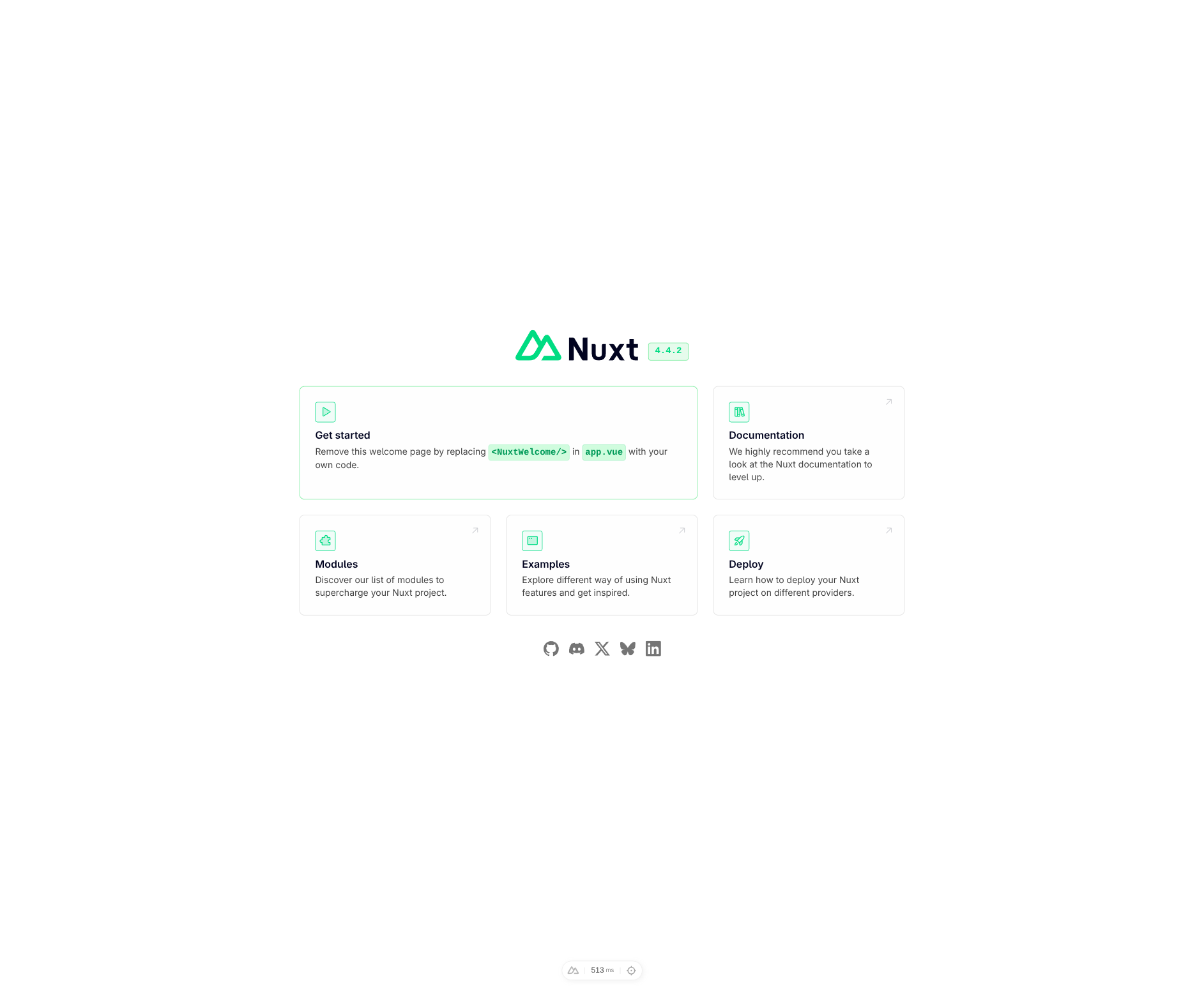
We will replace this page with our own in the next chapter. But first, let's prove that Fedify is actually serving federation routes on the same server. In a new terminal (keep npm run dev running in the first one), run:
fedify lookup http://localhost:3000/users/aliceYou should see output like this:
✔ Fetched object: http://localhost:3000/users/alice
Person {
  id: URL 'http://localhost:3000/users/alice',
  name: 'alice',
  preferredUsername: 'alice'
}
✔ Successfully fetched the object.
That tells us a few important things at once:
- The same HTTP server that rendered the welcome page at / also serves an ActivityPub
Personobject at /users/alice.@fedify/nuxtis doing content negotiation for us: browsers get HTML; ActivityPub clients (which sendAccept: application/activity+json) get JSON-LD. - The
alicewe asked for was not predefined anywhere. The scaffolded server/federation.ts contains an actor dispatcher that happily turns any identifier into a stubPerson. We will tighten this up later so only the real local user has an actor.
TIP
fedify lookup queries ActivityPub objects from the command line. It is equivalent to pasting the URI into Mastodon's search box, except it works against your local server too.
If you prefer curl, you can also query the actor directly (note the Accept header):
curl -H "Accept: application/activity+json" http://localhost:3000/users/aliceThe response is compact JSON, so pipe it through jq if you have it installed for easier reading.
Visual Studio Code
Visual Studio Code may not be your favorite editor, but we recommend it while following this tutorial. We are about to write a lot of TypeScript and Vue, and VS Code is currently the smoothest editor for both. The scaffolded project even ships with a .vscode/ directory that recommends the right extensions (Oxc for formatting and linting, Volar for Vue).
WARNING
Don't confuse Visual Studio Code with Visual Studio. The two share a brand name and nothing else.
After installing Visual Studio Code, open the project folder via File → Open Folder…. If you see a popup asking Do you want to install the recommended extensions?
, click Install.
TIP
Emacs and Vim users: we are not here to talk you out of your editor, but please do set up TypeScript LSP and the Volar Vue language server. The difference in productivity when editing large Vue components is substantial.
Prerequisites
TypeScript in a nutshell
Before we dive in, let's glance at TypeScript. If you already know it, skip this section.
TypeScript is JavaScript plus static type checking. The syntax is almost identical, except you can annotate variables and function parameters with types by writing a colon followed by the type:
let username: string;If you try to assign a value of a different type, the editor will show a red squiggle before you even run it:
username = 123;The single most common type error you will see is the null possibility error. For example, if a function can return either a string or null, TypeScript forces you to handle both:
const caption: string | null = loadCaption();Trying to call a string method on this value fails:
const firstChar = caption.charAt(0);TypeScript is telling you that caption might be null, and null.charAt(0) would blow up. The fix is to handle the null branch explicitly:
const firstChar = caption === null ? "" : caption.charAt(0);This catches bugs you would otherwise find only at runtime. Another incidental benefit is auto-completion: type caption. in your editor and you will see every method string has. Fedify ships hand-written types for every ActivityPub object, so you get the same experience for actors, activities, and objects.
TIP
For a deeper tour of TypeScript, The TypeScript Handbook takes about 30 minutes to read.
Vue and Nuxt in a nutshell
Vue is a component-based UI framework. A component is a .vue file with three optional blocks: <script> for JavaScript or TypeScript, <template> for HTML, and <style> for CSS. For example:
<script setup lang="ts">
const count = ref(0);
</script>

<template>
  <button type="button" @click="count++">
    Clicked {{ count }} times
  </button>
</template>
A few things are worth noting:
<script setup>lets you expose variables from the script block to the template just by declaring them.ref(0)creates a reactive value. Whencountchanges, any template usingre-renders.@click="count++"attaches a click listener.
Nuxt is a meta-framework built on top of Vue. It adds:
- File-based routing. A Vue file at app/pages/index.vue becomes the route /, and a file named [username].vue inside app/pages/users/ becomes /users/:username.
- Server routes. A TypeScript file at server/api/posts.ts becomes an HTTP endpoint at /api/posts.
- Built-in TypeScript, Vite-based hot reloading, SSR, and a modules system.
@fedify/nuxtis one such module.
Think of Nuxt as Vue with Next.js-style conveniences bolted on. In this tutorial, we will write Vue components for HTML views and plain TypeScript for server-side logic. Whenever the two need to talk, we will define a small JSON API in server/api/.
What is ActivityPub, roughly?
ActivityPub is a decentralized social networking protocol. Every user has an actor (usually of type Person), which is just a JSON-LD object hosted at a stable URL. Actors can send each other activities (like Follow, Create, Like, Announce, Delete) by POSTing them to the recipient's inbox URL. Each actor also advertises a followers collection, an outbox, a few cryptographic keys, and so on.
You do not need to know any of this in detail to follow the tutorial. Fedify gives you typed helpers for every activity and object, so you can think in terms like “when someone follows alice, insert a row in the followers table” instead of “parse JSON-LD, verify HTTP signatures, dereference the actor”. Whenever we introduce a new activity or property, we will explain what it means.
A minimal app shell
Before we get into federation work, let's replace Nuxt's placeholder welcome page with a tiny layout that looks like a real image sharing site. We will keep it intentionally plain so the CSS stays out of the way for the rest of the tutorial.
We are calling our instance PxShare throughout the tutorial. It is a made-up name; feel free to pick your own.
Installing unocss
We will use UnoCSS for styling. UnoCSS is a tiny utility-first CSS engine; you write classes like flex, rounded-full, text-brand, and it generates just enough CSS to cover what you used. This keeps our stylesheets short and lets later chapters paste a few class names instead of writing real CSS.
Install UnoCSS as a Nuxt module, its Wind3 preset (utility set), and a CSS reset:
npm install -D unocss @unocss/nuxt @unocss/preset-wind3 @unocss/resetConfiguring Nuxt and unocss
Add UnoCSS to the Nuxt module list and point Nuxt at a stylesheet we will create in a moment. Replace nuxt.config.ts with:
export default defineNuxtConfig({
  modules: ["@fedify/nuxt", "@unocss/nuxt"],
  fedify: { federationModule: "#server/federation" },
  ssr: true,
  css: ["~/assets/styles.css"],
});
Then create uno.config.ts at the project root to configure the utility set and add one custom color for our brand accent:
import { defineConfig, presetWind3 } from "unocss";

export default defineConfig({
  presets: [presetWind3()],
  theme: {
    colors: {
      brand: {
        DEFAULT: "#e85a9b",
        dark: "#c43f7d",
      },
    },
  },
});
The brand color is what will power the pink accent on buttons and the logo; brand-dark is a slightly darker variant we will use for hover states.
Create app/assets/styles.css with a CSS reset and one or two global styles:
@import "@unocss/reset/tailwind.css";

html,
body,
#__nuxt {
  height: 100%;
}

body {
  font-family:
    system-ui,
    -apple-system,
    "Segoe UI",
    sans-serif;
  background: #fafafa;
  color: #262626;
}
The root layout
Replace app/app.vue with a two-row layout: a sticky top navbar, a main area that holds whatever page we are on, and a small footer. The <NuxtPage /> component is where Nuxt injects the page matched by the current URL.
<script setup lang="ts">
const siteName = "PxShare";
</script>

<template>
  <div class="min-h-screen flex flex-col">
    <header
      class="sticky top-0 z-10 bg-white border-b border-gray-200 px-4 py-3 flex items-center justify-between"
    >
      <NuxtLink to="/" class="text-xl font-bold text-brand tracking-tight">
        {{ siteName }}
      </NuxtLink>
      <nav class="flex items-center gap-4 text-sm">
        <NuxtLink
          to="/compose"
          class="px-3 py-1.5 bg-brand text-white rounded-full hover:bg-brand-dark"
        >
          Compose
        </NuxtLink>
      </nav>
    </header>
    <main class="flex-1 max-w-2xl w-full mx-auto px-4 py-6">
      <NuxtPage />
    </main>
    <footer class="py-6 text-center text-xs text-gray-400">
      Built with Fedify and Nuxt
    </footer>
  </div>
</template>
TIP
Three Nuxt things to notice here:
<NuxtLink to="/">is Nuxt's client-side navigation link. It renders as an<a>element, but clicks update the URL without a full page reload.<NuxtPage />is the slot where the currently matched page component renders. If we did not include it, our pages would never show.<script setup lang="ts">is Vue's single-file component script setup syntax. Top-level bindings (likesiteName) are automatically available in the template.
The home page
Create app/pages/index.vue for the / route:
<script setup lang="ts">
useHead({ title: "PxShare" });
</script>

<template>
  <section class="text-center py-16">
    <h1 class="text-3xl font-bold mb-2">Welcome to PxShare</h1>
    <p class="text-gray-500">A tiny federated image sharing service.</p>
  </section>
</template>
useHead({ title: "PxShare" }) sets the browser tab title. We will use the same helper later to set per-page titles.
Checking the result
Save every file. If npm run dev is still running from the previous chapter, Nuxt picks up the changes automatically, though it restarts once because nuxt.config.ts changed. Otherwise, run it again:
npm run devTIP
Adding a brand-new file under app/pages/ sometimes makes Nuxt's HMR briefly serve a 404 for the new route while the route map reloads. If that happens, stop the dev server with Ctrl+C and run npm run dev again; a clean start always picks the new page up. The same applies later when we add the rest of the routes.
Open http://localhost:3000/ and you should see the new shell:
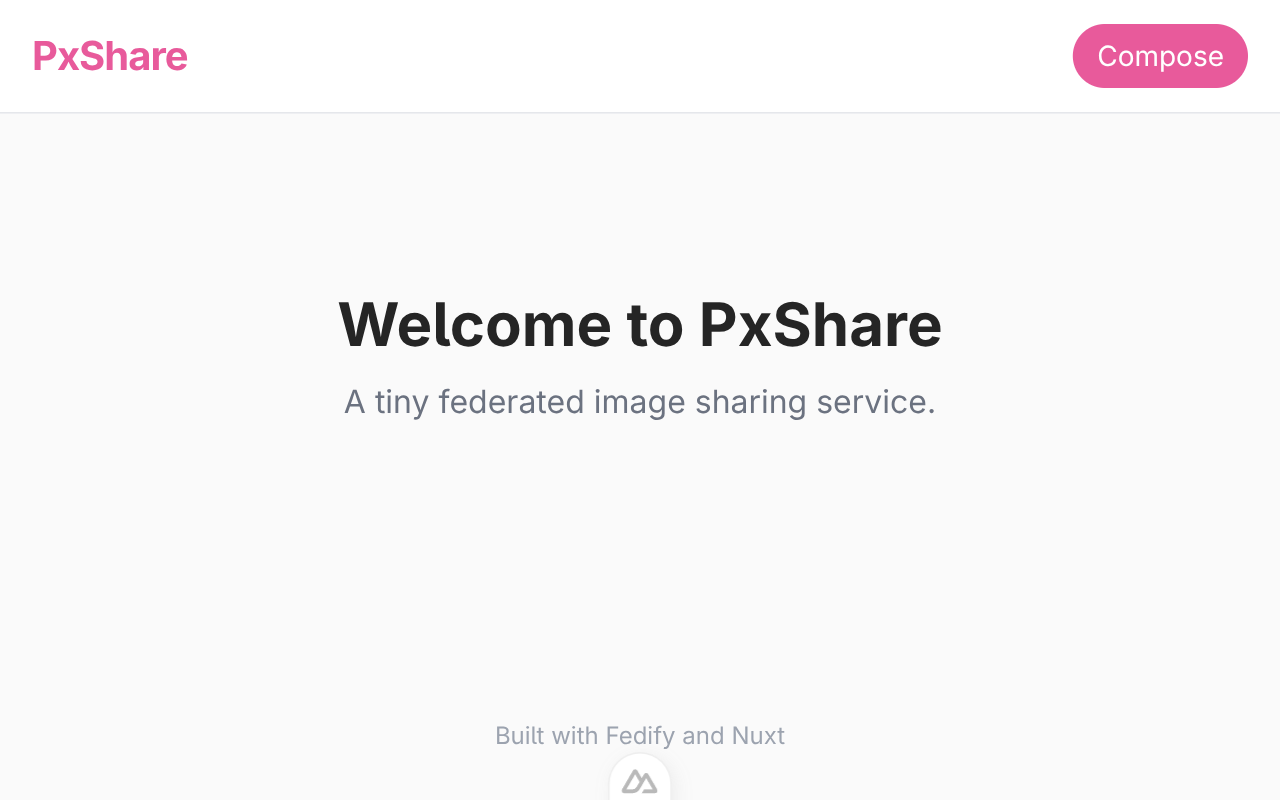
Nothing federated yet, but the skeleton is ready for us to fill in. The ActivityPub actor from the previous chapter still works:
fedify lookup http://localhost:3000/users/aliceContent negotiation means the same URL serves the welcome layout to a browser and a JSON-LD Person object to ActivityPub clients. Chapter 6 covers this in detail.
Setting up the database
Fediverse software needs persistent state: who the local user is, who follows them, what they have posted, what they have liked. We will use SQLite because it is a single file with no server to run, and we will talk to it through Drizzle ORM so the schema is a TypeScript file and the queries are typed.
TIP
If you prefer raw SQL, Drizzle does not stand in the way: the same library exposes a db.run(sql`…`) escape hatch. We stick to the typed query builder in this tutorial so you can hover your cursor over any database call in your editor and see the columns involved.
Installing the packages
Install Drizzle, the better-sqlite3 driver, Drizzle's CLI (used only at dev time to push schema changes), and the TypeScript type declarations for better-sqlite3:
npm install better-sqlite3 drizzle-orm
npm install -D drizzle-kit @types/better-sqlite3
The schema
Create server/db/schema.ts with just an empty module marker. Later chapters will fill it in; keeping the file present lets us import it from the client right away.
// Tables live here.  For now the file is empty; later chapters will fill
// in tables for the local user, followers, posts, comments, and likes.

export {};
NOTE
The export {} line makes TypeScript treat this file as a module rather than a plain script. Without it, other files cannot import * as schema from "./schema".
The database connection
Create server/db/client.ts, which opens the SQLite file on disk and wraps it with Drizzle:
import Database from "better-sqlite3";
import { drizzle } from "drizzle-orm/better-sqlite3";
import * as schema from "./schema";

const sqlite = new Database("content-sharing.sqlite3");
sqlite.pragma("journal_mode = WAL");
sqlite.pragma("foreign_keys = ON");

export const db = drizzle(sqlite, { schema });
Two pragmas are worth knowing:
journal_mode = WAL- Switches SQLite to write-ahead logging, which makes concurrent reads and writes much smoother. You almost always want this on for server applications.
foreign_keys = ON- SQLite does not enforce
REFERENCESconstraints unless you ask. Turning this on catches cases like “insert a follower row for a user that does not exist” as an error at write time.
The exported db is what every server route and Fedify handler will import when it needs to read or write.
The drizzle-kit config
drizzle-kit is the command-line tool that turns the TypeScript schema into actual SQL. Configure it at the project root as drizzle.config.ts:
import { defineConfig } from "drizzle-kit";

export default defineConfig({
  schema: "./server/db/schema.ts",
  out: "./server/db/migrations",
  dialect: "sqlite",
  dbCredentials: { url: "content-sharing.sqlite3" },
});
Expose two npm scripts that wrap drizzle-kit, so the reader never has to type the tool's name directly. Edit package.json:
{
  "scripts": {
    "build": "nuxt build",
    "dev": "nuxt dev",
    "generate": "nuxt generate",
    "preview": "nuxt preview",
    "postinstall": "nuxt prepare",
    "format": "oxfmt",
    "format:check": "oxfmt --check",
    "lint": "oxlint .",
    "db:push": "drizzle-kit push",
    "db:studio": "drizzle-kit studio"
  }
}
db:push compares the schema to the live database and applies any differences. db:studio opens a local web UI for poking at rows, which is occasionally handy while debugging.
Creating the database
Run the push command once now:
npm run db:pushIt should print something like:
[i] No changes detectedThat is correct: the schema is empty, so there is nothing to create yet. The command also creates an empty content-sharing.sqlite3 file on disk as a side effect. From now on, every chapter that edits the schema will ask you to re-run npm run db:push.
Gitignoring the database file
Add the SQLite file (and its sidecars that WAL mode creates) to .gitignore so your local state does not end up in git:
# Local SQLite database
*.sqlite3
*.sqlite3-journal
*.sqlite3-shm
*.sqlite3-wal
Account creation
Our instance hosts exactly one user. In this chapter we wire up a first-run signup flow: if no account exists, Nuxt redirects to /setup; once the account is created, the middleware steps aside and we see the home page.
The users table
Open server/db/schema.ts and replace the placeholder with a real users table:
import { sql } from "drizzle-orm";
import { check, integer, sqliteTable, text } from "drizzle-orm/sqlite-core";

// The single local user of this instance.  The `id = 1` check enforces
// "only one account per instance"; if anyone tries to insert another
// row, SQLite rejects the write.  That same check makes `username`
// trivially unique, so we deliberately do not add `.unique()` on it
// (drizzle-kit re-emits unique indexes on every push against a CHECK-
// constrained table and the second push fails).
export const users = sqliteTable(
  "users",
  {
    id: integer("id").primaryKey({ autoIncrement: false }),
    username: text("username").notNull(),
    name: text("name").notNull(),
    createdAt: text("created_at")
      .notNull()
      .default(sql`CURRENT_TIMESTAMP`),
  },
  (t) => [check("users_single_user", sql`${t.id} = 1`)],
);

export type User = typeof users.$inferSelect;
A few SQL-shaped details worth explaining:
CHECK (id = 1)is a table-level constraint that rejects any row whoseidis not 1. Since the column is also the primary key, it is unique, so the combination means “at most one row, and its id is always 1”. This is how we keep the instance single-user at the storage layer.usernameisNOT NULL. A user with no username makes no sense in a federated app. We do not addUNIQUEhere because theCHECK (id = 1)constraint already limits the table to a single row, which makesusernametrivially unique.created_atgetsDEFAULT CURRENT_TIMESTAMP, meaning SQLite fills it in automatically when weINSERTwithout supplying it.User = typeof users.$inferSelectgives us the TypeScript type corresponding to a row read from this table. We will importUserin many places and never have to maintain the shape by hand.
Apply the schema to the database:
npm run db:pushA helper for reading the local user
Almost every server route needs to know “is anyone registered?” or “who is the local user?”. Rather than repeat the query, put it in a utility module:
import { db } from "../db/client";
import { users } from "../db/schema";

export async function getLocalUser() {
  return (await db.select().from(users).limit(1).all())[0] ?? null;
}
Drizzle's db.select().from(users).limit(1).all() builds the SQL SELECT * FROM "users" LIMIT 1 for us; the [0] ?? null pattern turns an empty result into null so callers can write if (user === null) ….
The signup endpoint
Create server/api/signup.post.ts. The .post.ts suffix tells Nuxt to only match POST requests to /api/signup.
import { createError, defineEventHandler, readBody } from "h3";
import { db } from "../db/client";
import { users } from "../db/schema";
import { getLocalUser } from "../utils/users";

const USERNAME_PATTERN = /^[a-z0-9_]+$/;

export default defineEventHandler(async (event) => {
  const existing = await getLocalUser();
  if (existing !== null) {
    throw createError({
      statusCode: 409,
      statusMessage: "Account already exists on this instance.",
    });
  }

  const body = await readBody<{ username?: unknown; name?: unknown }>(event);
  const username =
    typeof body.username === "string" ? body.username.trim().toLowerCase() : "";
  const name = typeof body.name === "string" ? body.name.trim() : "";

  if (username === "" || !USERNAME_PATTERN.test(username)) {
    throw createError({
      statusCode: 400,
      statusMessage:
        "Username must be non-empty and use only lowercase letters, digits, and underscores.",
    });
  }
  if (name === "") {
    throw createError({
      statusCode: 400,
      statusMessage: "Display name must not be empty.",
    });
  }

  await db.insert(users).values({ id: 1, username, name });

  return { ok: true };
});
TIP
The validation here is intentionally narrow: lowercase letters, digits, and underscores only. This matches the character set Mastodon and Pixelfed accept in usernames, and keeps our actor URIs (which embed the username) safe without extra URL encoding.
Also add a tiny GET /api/me endpoint for the Vue side to consult:
import { defineEventHandler } from "h3";
import { getLocalUser } from "../utils/users";

export default defineEventHandler(async () => {
  const user = await getLocalUser();
  return { user };
});
The setup page
Create app/pages/setup.vue. It is a plain form that POSTs the body fields to /api/signup and redirects to / on success:
<script setup lang="ts">
useHead({ title: "Set up PxShare" });

const username = ref("");
const name = ref("");
const error = ref<string | null>(null);
const submitting = ref(false);

async function submit() {
  error.value = null;
  submitting.value = true;
  try {
    await $fetch("/api/signup", {
      method: "POST",
      body: { username: username.value, name: name.value },
    });
    await navigateTo("/", { replace: true });
  } catch (e: unknown) {
    error.value =
      (e as { statusMessage?: string })?.statusMessage ??
      "Signup failed. Please try again.";
  } finally {
    submitting.value = false;
  }
}
</script>

<template>
  <section class="max-w-md mx-auto py-10">
    <h1 class="text-2xl font-bold mb-6">Set up your PxShare instance</h1>
    <p class="text-sm text-gray-500 mb-6">
      PxShare is a single-user federated service.  Choose the one account this
      instance will host.
    </p>
    <form class="flex flex-col gap-4" @submit.prevent="submit">
      <label class="flex flex-col gap-1">
        <span class="text-sm font-medium">Username</span>
        <input
          v-model="username"
          required
          autocomplete="off"
          placeholder="alice"
          class="border border-gray-300 rounded px-3 py-2 focus:outline-none focus:border-brand"
        />
        <span class="text-xs text-gray-500">
          Lowercase letters, digits, and underscores only.  Fediverse actors
          will find you as <code>@username@your-domain</code>.
        </span>
      </label>
      <label class="flex flex-col gap-1">
        <span class="text-sm font-medium">Display name</span>
        <input
          v-model="name"
          required
          placeholder="Alice"
          class="border border-gray-300 rounded px-3 py-2 focus:outline-none focus:border-brand"
        />
      </label>
      <p v-if="error" class="text-sm text-red-600">{{ error }}</p>
      <button
        type="submit"
        :disabled="submitting"
        class="bg-brand text-white rounded-full py-2 font-medium hover:bg-brand-dark disabled:opacity-50"
      >
        {{ submitting ? "Creating..." : "Create account" }}
      </button>
    </form>
  </section>
</template>
The first-run middleware
If we opened the browser now, /setup would work but so would every other page, including / with its “Welcome to PxShare” placeholder. That is not what we want: a brand new instance should redirect you straight to the setup page.
Nuxt route middleware can run before every navigation. Create app/middleware/setup.global.ts; the .global.ts suffix makes it apply to every route automatically.
export default defineNuxtRouteMiddleware(async (to) => {
  if (to.path === "/setup") return;
  const { user } = await $fetch("/api/me");
  if (user === null) {
    return navigateTo("/setup", { replace: true });
  }
});
The middleware skips over the /setup route itself (otherwise we would loop forever), asks the server whether a user exists, and redirects to the setup page if not.
Trying it out
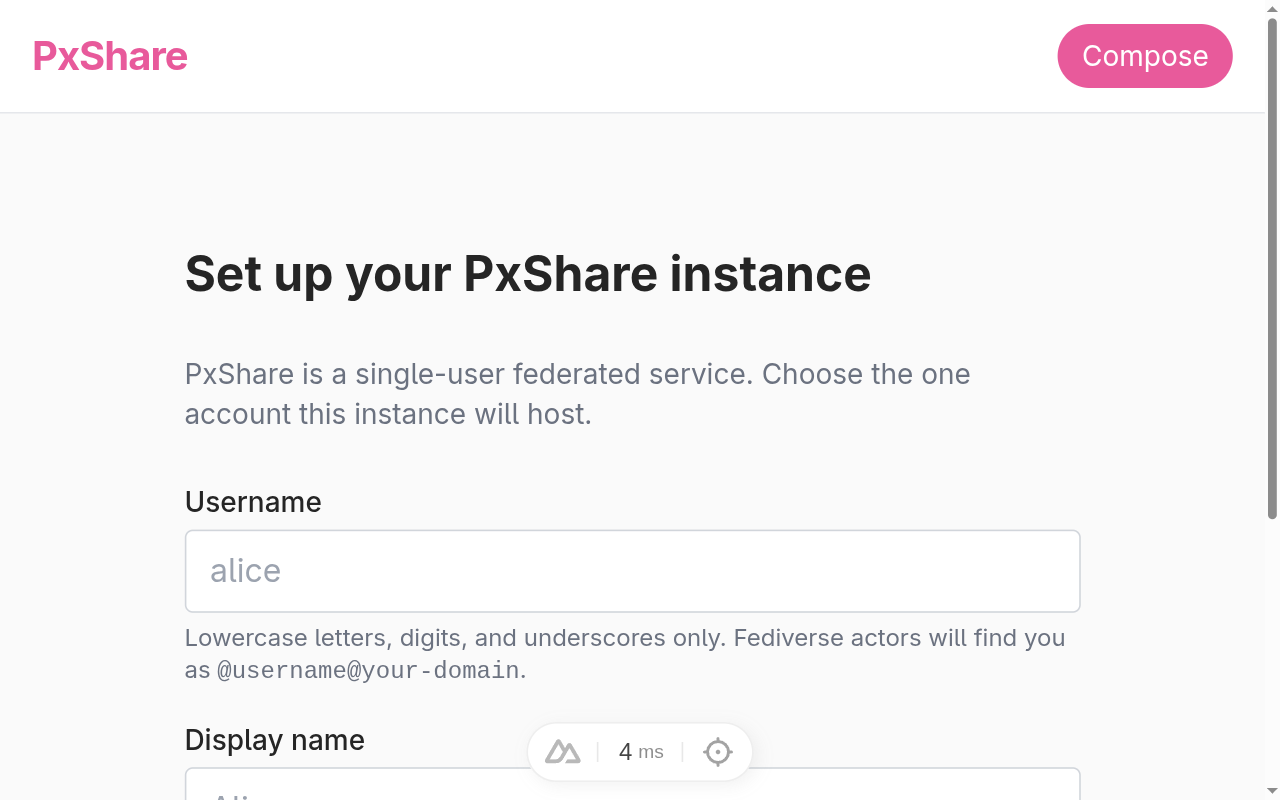
With npm run dev running, visit http://localhost:3000/. Because no account exists yet, you land on the setup form:
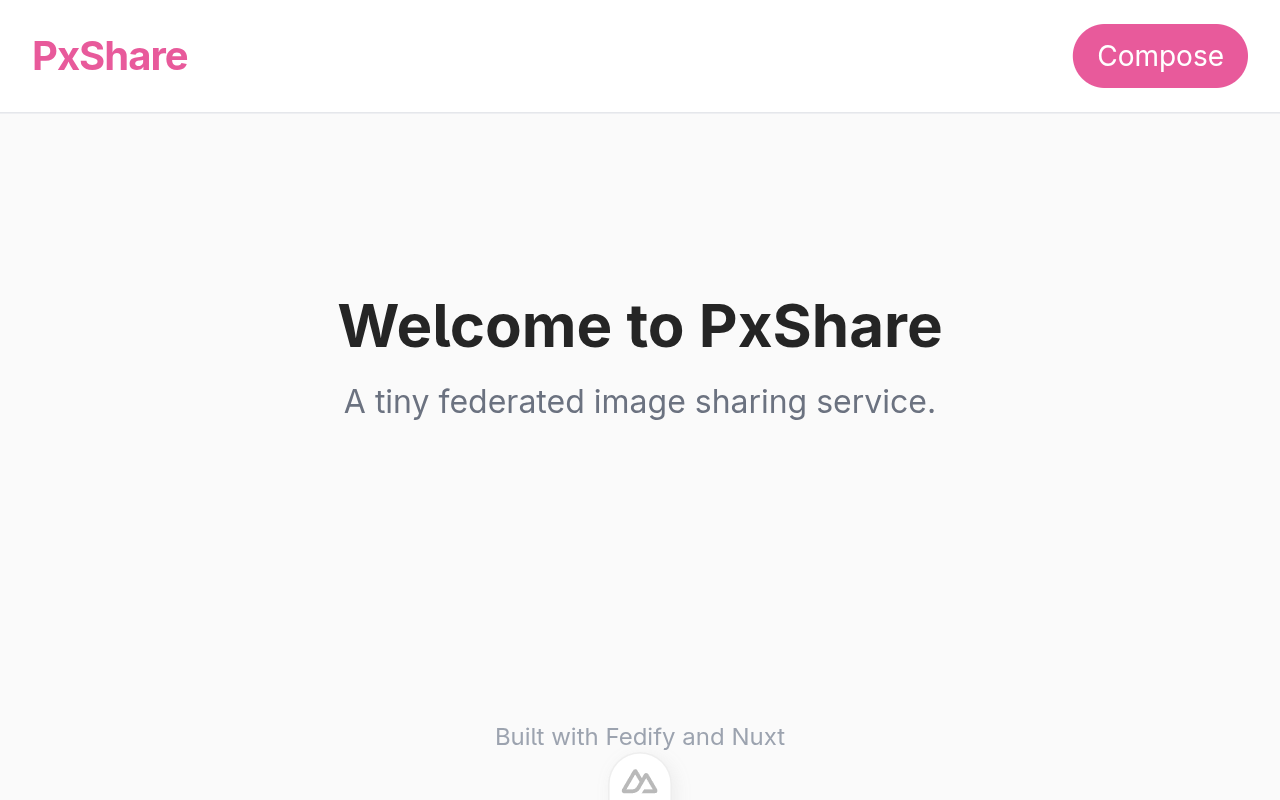
Fill it in, submit, and you get bounced back to /:
Verify the row with the sqlite3 CLI:
sqlite3 content-sharing.sqlite3 "SELECT * FROM users"id | username | name | created_at |
|---|---|---|---|
1 | alice | Alice Example | 2026-04-25 03:20:13 |
And confirm the single-user constraint holds by attempting a second signup:
curl -s -X POST -H "Content-Type: application/json" \
  -d '{"username":"bob","name":"Bob"}' \
  http://localhost:3000/api/signup
{"error":true,"statusCode":409,"statusMessage":"Account already exists on this instance."}Profile page
Now that we have an account, let's give it a public profile page. This is the page the world (and, eventually, other fediverse servers) sees when they look up alice. For now it is plain HTML; Chapter 7 will teach the same URL to speak ActivityPub as well.
The API endpoint
Create server/api/users/[username].get.ts. The square brackets in the filename make username a route parameter that Nuxt extracts for us.
import { eq } from "drizzle-orm";
import { createError, defineEventHandler, getRouterParam } from "h3";
import { db } from "../../db/client";
import { users } from "../../db/schema";

export default defineEventHandler(async (event) => {
  const username = getRouterParam(event, "username");
  if (typeof username !== "string" || username === "") {
    throw createError({ statusCode: 404 });
  }
  const user = (
    await db.select().from(users).where(eq(users.username, username)).limit(1)
  )[0];
  if (user === undefined) {
    throw createError({ statusCode: 404 });
  }
  return { user };
});
Drizzle's eq(column, value) builds the SQL WHERE column = value clause in a typed way; you cannot accidentally swap the column with the value.
The Vue page
Create app/pages/users/[username].vue. useFetch is Nuxt's server-aware fetch wrapper: during SSR it calls the endpoint as a direct function, on the client it does a real network request.
<script setup lang="ts">
const route = useRoute();
const username = computed(() => String(route.params.username));

const { data, error } = await useFetch(() => `/api/users/${username.value}`, {
  key: () => `user-${username.value}`,
});

if (error.value) {
  throw createError({ statusCode: 404, statusMessage: "User not found" });
}

const user = computed(() => data.value?.user ?? null);

useHead({
  title: () =>
    user.value ? `${user.value.name} (@${user.value.username})` : "PxShare",
});
</script>

<template>
  <section v-if="user" class="flex flex-col gap-6">
    <header class="flex items-center gap-4">
      <div
        class="w-20 h-20 rounded-full bg-brand/10 flex items-center justify-center text-3xl font-bold text-brand"
      >
        {{ user.name[0] }}
      </div>
      <div class="flex flex-col">
        <h1 class="text-xl font-bold">{{ user.name }}</h1>
        <p class="text-sm text-gray-500">@{{ user.username }}</p>
      </div>
    </header>
    <div
      class="grid grid-cols-3 gap-1 min-h-40 text-sm text-gray-400 items-center justify-center"
    >
      <div class="col-span-3 text-center py-16">No posts yet.</div>
    </div>
  </section>
</template>
The avatar circle is a placeholder showing the first letter of the display name. A real app would let the user upload an image; we defer that to the reader as an exercise.
Redirecting the home page
Right now our home page just says “Welcome to PxShare”. Single-user instances are friendlier if / takes you straight to the local user's profile, so update app/pages/index.vue:
<script setup lang="ts">
const { data } = await useFetch("/api/me", { key: "me-home" });

definePageMeta({ middleware: [] });

if (data.value?.user) {
  await navigateTo(`/users/${data.value.user.username}`, { replace: true });
}
</script>

<template>
  <section class="text-center py-16">
    <h1 class="text-3xl font-bold mb-2">Welcome to PxShare</h1>
    <p class="text-gray-500">A tiny federated image sharing service.</p>
  </section>
</template>
Trying it out
Save the files and go to http://localhost:3000/users/alice:
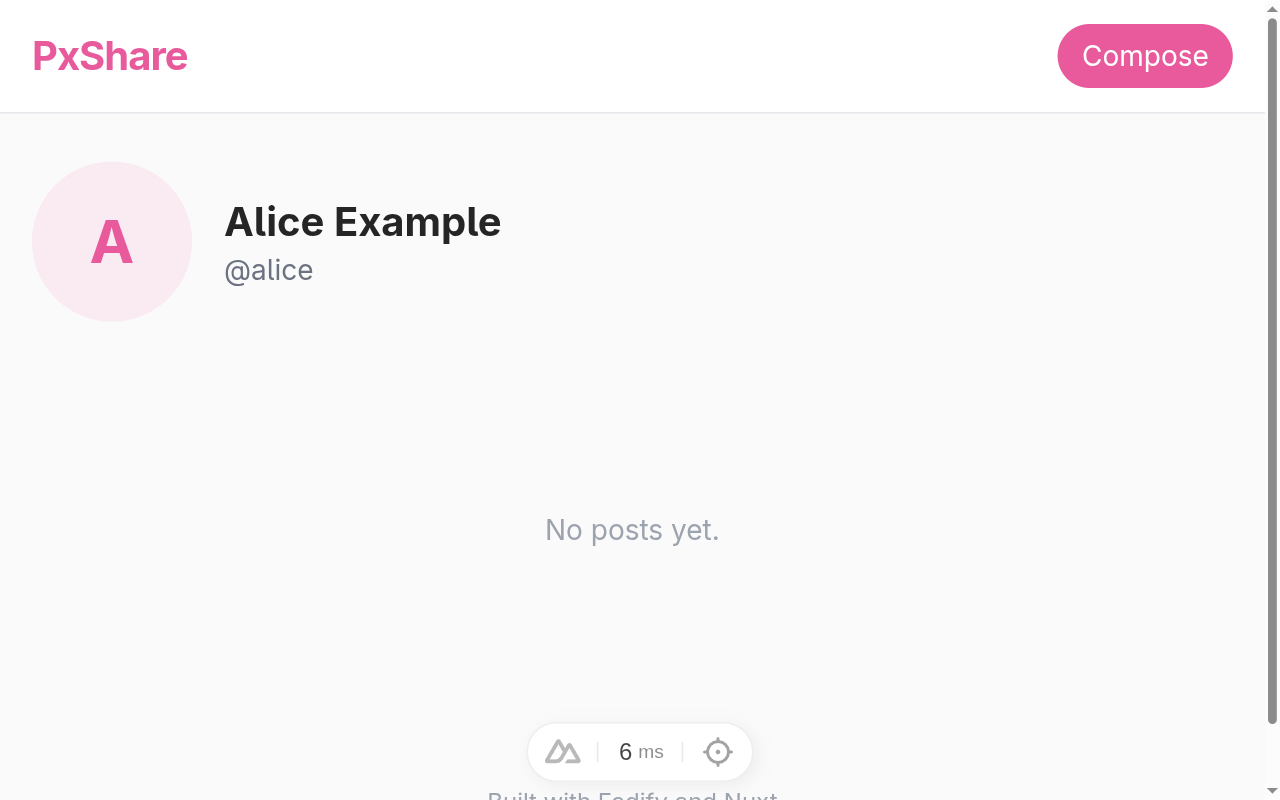
Open the root URL http://localhost:3000/ and notice the redirect: the home page now takes you straight to alice's profile.
TIP
The profile URL we chose (/users/:username) is exactly where the ActivityPub actor already lives, thanks to the scaffolded setActorDispatcher("/users/{identifier}", …) in server/federation.ts. Run fedify lookup once more and compare with what the browser sees:
curl -H "Accept: text/html" http://localhost:3000/users/alice | head -5
curl -H "Accept: application/activity+json" \
  http://localhost:3000/users/alice | head -20
Same URL, two totally different responses. The next chapter replaces the scaffolded stub with a dispatcher that pulls real data from the users table.
Actor dispatcher
ActivityPub is a protocol for exchanging activities between actors. Posting an image, liking it, commenting, following somebody: every action a user takes on the fediverse is an activity, and every activity travels from one actor to another. Implementing the actor is the first stop on the federation tour.
Our scaffolded server/federation.ts already declares a tiny actor. Open it again:
import {
  createFederation,
  InProcessMessageQueue,
  MemoryKvStore,
} from "@fedify/fedify";
import { Person } from "@fedify/vocab";
import { getLogger } from "@logtape/logtape";

const logger = getLogger("content-sharing");

export const federation = createFederation({
  kv: new MemoryKvStore(),
  queue: new InProcessMessageQueue(),
});

federation.setActorDispatcher(
  "/users/{identifier}",
  async (ctx, identifier) => {
    return new Person({
      id: ctx.getActorUri(identifier),
      preferredUsername: identifier,
      name: identifier,
    });
  },
);

export default federation;
The interesting line is setActorDispatcher(). Whenever another fediverse server fetches an actor URL on our service, Fedify calls this callback with the matched identifier (the {identifier} template variable, filled in from the URL) and a Context object. The callback returns a Person (Fedify's typed representation of an ActivityPub actor), and Fedify takes care of serializing it into the right JSON-LD shape, attaching a JSON-LD context, and answering with the correct content type.
getActorUri() reads the URL template you passed in and hands back the canonical actor URI for that identifier. Using the context to mint URIs (instead of building strings yourself) means the URLs always match what setActorDispatcher registered, even after you put the app behind a reverse proxy or change the path.
The current dispatcher is a fib: it accepts any identifier and hands back a freshly invented Person. We want it to consult the users table and refuse anything that is not a real account.
Reading the user from the database
Let's rewrite the dispatcher so it reads from users, returns null when the identifier does not exist (Fedify turns that into a 404 Not Found), and emits a Person filled in with the data we have. Replace server/federation.ts with this:
import {
  createFederation,
  InProcessMessageQueue,
  MemoryKvStore,
} from "@fedify/fedify";
import { Endpoints, Person } from "@fedify/vocab";
import { getLogger } from "@logtape/logtape";
import { eq } from "drizzle-orm";
import { db } from "./db/client";
import { users } from "./db/schema";

const logger = getLogger("content-sharing");

export const federation = createFederation<void>({
  kv: new MemoryKvStore(),
  queue: new InProcessMessageQueue(),
});

federation.setActorDispatcher(
  "/users/{identifier}",
  async (ctx, identifier) => {
    const user = (
      await db
        .select()
        .from(users)
        .where(eq(users.username, identifier))
        .limit(1)
    )[0];
    if (user === undefined) return null;

    return new Person({
      id: ctx.getActorUri(identifier),
      preferredUsername: identifier,
      name: user.name,
      url: ctx.getActorUri(identifier),
      inbox: ctx.getInboxUri(identifier),
      endpoints: new Endpoints({
        sharedInbox: ctx.getInboxUri(),
      }),
      manuallyApprovesFollowers: false,
      discoverable: true,
      indexable: true,
    });
  },
);

federation.setInboxListeners("/users/{identifier}/inbox", "/inbox");

export default federation;
A lot is happening here, so let's walk through it.
Database lookup. The query mirrors the one we wrote in server/api/users/[username].get.ts: the dispatcher hands
identifiertoeq(users.username, identifier)and pulls the matching row. When the row is missing, returningnulllets Fedify respond with404 Not Foundautomatically.Display name and profile URL. We hand the database's display name to the
Personand pin the actor's profile URL to the same address other servers will use as the actor ID. ActivityPub allows the actor ID and the profile URL to differ, but our app keeps them identical for simplicity.Inbox and shared inbox. The
inboxis the URL where other servers POST activities addressed to alice; a Mastodon user'sFollowwill land here. TheEndpoints.sharedInboxis a single inbox that handles activities addressed to anyone on our server; busy instances rely on it to deliver one copy of a public post instead of one POST per follower. Both URLs come fromgetInboxUri(), which returns the per-actor inbox when called with an identifier and the shared inbox when called without arguments.Pixelfed-friendly flags.
manuallyApprovesFollowers: false,discoverable: true, andindexable: truetell other servers and search crawlers that alice is happy to be found, indexed, and auto-followed. Pixelfed in particular readsdiscoverableto decide whether a remote profile shows up in its explore feed. An unflagged actor often appears as a blank or pending profile on Pixelfed, so we set the trio up front.Registering the inbox path.
getInboxUri()complains if no inbox path has been registered yet; even though we are not handling activities in this chapter, callingsetInboxListeners()with empty bodies is enough to make the call succeed. We will fill in the listener bodies in Handling follows.
TIP
Person is one of many actor types in the ActivityPub vocabulary. The standard also defines Application, Group, Organization, and Service. PxShare hosts a single human user, so Person is the natural fit; a bot account would use Service instead.
Looking the actor up
Save the file. The dev server should pick the change up automatically; if it does not, restart it with npm run dev.
In a separate terminal, ask Fedify's CLI to look the actor up:
fedify lookup http://localhost:3000/users/aliceYou should see something close to this:
- Looking up the object...
✔ Fetched object: http://localhost:3000/users/alice
Person {
  id: URL 'http://localhost:3000/users/alice',
  name: 'Alice Example',
  url: URL 'http://localhost:3000/users/alice',
  preferredUsername: 'alice',
  manuallyApprovesFollowers: false,
  inbox: URL 'http://localhost:3000/users/alice/inbox',
  endpoints: Endpoints { sharedInbox: URL 'http://localhost:3000/inbox' },
  discoverable: true,
  indexable: true
}
✔ Successfully fetched the object.
Every property we set on the Person shows up in the response, flags included. Now try a username that does not exist:
fedify lookup http://localhost:3000/users/nobodyThe dispatcher returns null, so Fedify answers 404 Not Found:
- Looking up the object...
✖ Failed to fetch http://localhost:3000/users/nobody
Error: It may be a private object.  Try with -a/--authorized-fetch.
TIP
The fediverse uses 404 Not Found to mean both this account never existed
and this account is private and you are not allowed to see it
; Fedify's lookup hint nudges you to retry with fedify lookup --authorized-fetch. Our actor is public, so the hint does not apply here, but you will see this message a lot when poking at Mastodon's hidden profiles.
Browser still gets HTML
The HTML profile page from Profile page is unchanged. Visit http://localhost:3000/users/alice in your browser and the same Vue page renders, because Fedify only intercepts requests whose Accept header asks for ActivityPub-flavored JSON.
You can confirm both responses come from the same URL:
curl -s -o /dev/null -w "%{http_code} %{content_type}\n" \
  -H "Accept: text/html" http://localhost:3000/users/alice
curl -s -o /dev/null -w "%{http_code} %{content_type}\n" \
  -H "Accept: application/activity+json" http://localhost:3000/users/alice
200 text/html;charset=utf-8
200 application/activity+jsonNOTE
@fedify/nuxt implements this by registering its middleware ahead of Nuxt's pages. Every incoming request goes through Fedify first; if Fedify recognizes the URL and the Accept header, it answers directly. Otherwise it falls through to Nuxt and our Vue page handles it. Both worlds share the same route table, so we never have to keep two URL schemes in sync.
With a real actor in place, the next chapter teaches alice how to sign the activities she sends and verify the ones she receives.
Cryptographic key pairs
Every activity that flows between fediverse servers carries a digital signature. When alice sends a Follow to a Mastodon user, Mastodon expects her server to sign the request with alice's private key and to publish the matching public key on alice's actor. The receiving side fetches the public key, verifies the signature, and trusts that the activity really came from alice's server. Without this handshake, anyone could impersonate her.
Fedify takes care of the signing and the verification on every incoming and outgoing activity. What it does not do is create the keys, because alice has to own them; they are the only thing keeping her account hers. This chapter wires up that ownership.
WARNING
The private key is alice's secret. Never log it, expose it through the API, or paste it into chat. The public key is the opposite: publishing it everywhere is the whole point. Our actor_keys table will keep both columns next to each other in the database; when the app grows up, the private key column is the first thing you would move into a secrets manager.
Two algorithms, side by side
The fediverse is in the middle of a slow transition from RSA-PKCS#1-v1.5 signatures to Ed25519 signatures. Mastodon and Pixelfed verify both, while older Misskey installs and a long tail of niche servers still expect only RSA. Carrying both key types is the safest option, so our table will hold two rows per user, one per algorithm.
The actor_keys table
Open server/db/schema.ts and add an actorKeys table after the users table:
import { sql } from "drizzle-orm";
import {
  check,
  integer,
  primaryKey,
  sqliteTable,
  text,
} from "drizzle-orm/sqlite-core";

export const users = sqliteTable(
  "users",
  {
    id: integer("id").primaryKey({ autoIncrement: false }),
    username: text("username").notNull(),
    name: text("name").notNull(),
    createdAt: text("created_at").notNull().default(sql`CURRENT_TIMESTAMP`),
  },
  (t) => [check("users_single_user", sql`${t.id} = 1`)],
);

export type User = typeof users.$inferSelect;

export const actorKeys = sqliteTable(
  "actor_keys",
  {
    userId: integer("user_id")
      .notNull()
      .references(() => users.id),
    type: text("type", { enum: ["RSASSA-PKCS1-v1_5", "Ed25519"] }).notNull(),
    privateKey: text("private_key").notNull(),
    publicKey: text("public_key").notNull(),
    createdAt: text("created_at").notNull().default(sql`CURRENT_TIMESTAMP`),
  },
  (t) => [primaryKey({ columns: [t.userId, t.type] })],
);

export type ActorKey = typeof actorKeys.$inferSelect;
A few things to notice:
- Composite primary key. The combination of
userIdandtypeis the row's identity; one user gets exactly one row per algorithm, so the table can hold at most two rows for alice. - Foreign key to
users. The reference makes sure a key row cannot exist without an owner, which gives us cascade-friendly cleanup if we ever delete a user. - Both keys as text. We will store both halves of the pair as serialized JWK objects. JWK is JSON-shaped, so a
textcolumn works without any binary handling. - Algorithm enum.
text("type", { enum: [...] })gives Drizzle a TypeScript-level union for the column, so the dispatcher cannot accidentally write a typo like"ed25519"(lowercase) without failing to compile.
Push the change to SQLite:
npm run db:pushTIP
If db:push complains that an index already exists, that is a known quirk of drizzle-kit push re-running idempotent statements. The new actor_keys table is still created. You can also wipe the dev database and re-run if you prefer a clean slate:
rm -f content-sharing.sqlite3*
npm run db:push
The key pairs dispatcher
Open server/federation.ts. We will add three Fedify helpers (generateCryptoKeyPair(), exportJwk(), importJwk()), pull in the actorKeys table, and chain a setKeyPairsDispatcher onto the existing dispatcher chain:
import {
  createFederation,
  exportJwk,
  generateCryptoKeyPair,
  importJwk,
  InProcessMessageQueue,
  MemoryKvStore,
} from "@fedify/fedify";
import { Endpoints, Person } from "@fedify/vocab";
import { getLogger } from "@logtape/logtape";
import { eq } from "drizzle-orm";
import { db } from "./db/client";
import { actorKeys, users } from "./db/schema";

const logger = getLogger("content-sharing");

export const federation = createFederation<void>({
  kv: new MemoryKvStore(),
  queue: new InProcessMessageQueue(),
});

federation
  .setActorDispatcher("/users/{identifier}", async (ctx, identifier) => {
    const user = (
      await db
        .select()
        .from(users)
        .where(eq(users.username, identifier))
        .limit(1)
    )[0];
    if (user === undefined) return null;

    const keys = await ctx.getActorKeyPairs(identifier);
    return new Person({
      id: ctx.getActorUri(identifier),
      preferredUsername: identifier,
      name: user.name,
      url: ctx.getActorUri(identifier),
      inbox: ctx.getInboxUri(identifier),
      endpoints: new Endpoints({
        sharedInbox: ctx.getInboxUri(),
      }),
      publicKey: keys[0]?.cryptographicKey,
      assertionMethods: keys.map((k) => k.multikey),
      manuallyApprovesFollowers: false,
      discoverable: true,
      indexable: true,
    });
  })
  .setKeyPairsDispatcher(async (_ctx, identifier) => {
    const user = (
      await db
        .select()
        .from(users)
        .where(eq(users.username, identifier))
        .limit(1)
    )[0];
    if (user === undefined) return [];

    const rows = await db
      .select()
      .from(actorKeys)
      .where(eq(actorKeys.userId, user.id));
    const stored = Object.fromEntries(rows.map((row) => [row.type, row]));

    const pairs: CryptoKeyPair[] = [];
    for (const keyType of ["RSASSA-PKCS1-v1_5", "Ed25519"] as const) {
      const row = stored[keyType];
      if (row === undefined) {
        logger.debug(
          "User {identifier} has no {keyType} key; generating one.",
          { identifier, keyType },
        );
        const { privateKey, publicKey } = await generateCryptoKeyPair(keyType);
        await db.insert(actorKeys).values({
          userId: user.id,
          type: keyType,
          privateKey: JSON.stringify(await exportJwk(privateKey)),
          publicKey: JSON.stringify(await exportJwk(publicKey)),
        });
        pairs.push({ privateKey, publicKey });
      } else {
        pairs.push({
          privateKey: await importJwk(JSON.parse(row.privateKey), "private"),
          publicKey: await importJwk(JSON.parse(row.publicKey), "public"),
        });
      }
    }
    return pairs;
  });

federation.setInboxListeners("/users/{identifier}/inbox", "/inbox");

export default federation;
This is one of the longer pieces of code in the tutorial, but it breaks down into three movements.
The dispatcher chain.
setActorDispatcher()returns anActorCallbackSettersobject, so we can chainsetKeyPairsDispatcher()straight onto it. Whenever Fedify needs alice's keys, this callback runs.Lazy generation. The callback first reads any existing rows from
actor_keys. If a row for a given algorithm is missing, it callsgenerateCryptoKeyPair()to create a new pair, callsexportJwk()to serialize both halves to JSON, and inserts them. Existing rows are deserialized back intoCryptoKeyobjects withimportJwk(). This way alice never has to “set up” her account; the first ActivityPub fetch produces her keys on demand.Wiring the keys onto the actor. Inside the actor dispatcher, we call
getActorKeyPairs()to get back an array of rich key descriptors. We pass the first key'scryptographicKeytopublicKey(the legacy slot expected by older software) and map the whole array'smultikeyfield toassertionMethods(the modern slot, which can carry several keys).
TIP
Why two publicKey-shaped properties? Originally ActivityPub had only publicKey, and many implementations still assume it holds exactly one key. FEP-521a introduced assertionMethods to register multiple keys at once. Setting both means RSA-only and Ed25519-aware servers can each find a key they recognize.
Looking the actor up again
Restart the dev server (or save the file and let HMR pick it up) and ask Fedify to look alice up. The first lookup is the one that populates actor_keys.
fedify lookup http://localhost:3000/users/aliceThe response now carries a publicKey and an assertionMethods array, in addition to the properties from Actor dispatcher:
✔ Fetched object: http://localhost:3000/users/alice
Person {
  id: URL 'http://localhost:3000/users/alice',
  name: 'Alice Example',
  url: URL 'http://localhost:3000/users/alice',
  preferredUsername: 'alice',
  publicKey: CryptographicKey {
    id: URL 'http://localhost:3000/users/alice#main-key',
    owner: URL 'http://localhost:3000/users/alice',
    publicKey: CryptoKey {
      type: 'public',
      algorithm: { name: 'RSASSA-PKCS1-v1_5', modulusLength: 4096, ... },
    },
  },
  assertionMethods: [
    Multikey { id: URL '.../alice#multikey-1', algorithm: 'RSASSA-PKCS1-v1_5' },
    Multikey { id: URL '.../alice#multikey-2', algorithm: 'Ed25519' },
  ],
  inbox: URL 'http://localhost:3000/users/alice/inbox',
  endpoints: Endpoints { sharedInbox: URL 'http://localhost:3000/inbox' },
  manuallyApprovesFollowers: false,
  discoverable: true,
  indexable: true,
}
If you peek inside the database, you can see both rows landed:
sqlite3 content-sharing.sqlite3 "SELECT user_id, type FROM actor_keys"user_id | type |
|---|---|
1 | RSASSA-PKCS1-v1_5 |
1 | Ed25519 |
A second fedify lookup does not create new rows; the dispatcher notices both algorithms are already present and just hands the existing keys back to Fedify.
WebFinger comes for free
Most fediverse software does not start with a URL like http://localhost:3000/users/alice; it starts with a handle, like @alice@example.com. To turn the handle into a URL, the software asks the host for a WebFinger resource:
curl 'http://localhost:3000/.well-known/webfinger?resource=acct:alice@localhost:3000'{
"subject": "acct:alice@localhost:3000",
"aliases": ["http://localhost:3000/users/alice"],
"links": [
{ "rel": "self",
"href": "http://localhost:3000/users/alice",
"type": "application/activity+json" },
{ "rel": "http://webfinger.net/rel/profile-page",
"href": "http://localhost:3000/users/alice" }
]
}We did not write a WebFinger endpoint. Fedify wires one up automatically the moment setActorDispatcher is registered, using the same {identifier} template as a hint. When First federation test puts the app behind a public hostname, that hostname will be all another server needs to discover and verify alice.
With keys, signatures, and discovery in place, the next chapter points alice's local instance at the public internet for the first time, and gets Mastodon and Pixelfed to fetch her profile.
First federation test
Alice's profile, keys, and WebFinger response all live at localhost:3000, which is not a place the rest of the fediverse can reach. To make sure our tutorial code talks to real ActivityPub software, we need a public URL that proxies through to the local dev server. Fedify ships exactly that, in the form of fedify tunnel.
Running fedify tunnel
Open a second terminal so the dev server keeps running, and start the tunnel:
fedify tunnel 3000After a couple of seconds, the CLI prints a publicly reachable URL:
- Creating a secure tunnel...
✔ Your local server at 3000 is now publicly accessible:

"https://cc001590e20ab0.lhr.life/"
 Press ^C to close the tunnel.
The exact subdomain changes every session. We will refer to it as <tunnel> for the rest of the chapter; copy your real URL into the commands below.
TIP
fedify tunnel rotates between three free SSH-based services (fedify.com.es, serveo.net, pinggy.io) so it does not depend on you signing up for anything. If a session drops or refuses to start, run the command again, or pin a specific service with -s, for example fedify tunnel -s pinggy.io 3000. When all three misbehave, cloudflared tunnel --url http://localhost:3000 and ngrok http 3000 are good fallbacks; the rest of the tutorial works with whichever public URL you ended up with.
Allowing the tunnel host in Nuxt
If you try to open the tunnel URL right away, Nuxt's dev server will refuse with a Blocked request page. This is a Vite security feature: in development it only answers requests whose Host header matches one of the allowed hosts. Tell Vite to accept any host so it does not matter which tunneling service fedify tunnel ends up using. Edit nuxt.config.ts:
// https://nuxt.com/docs/api/configuration/nuxt-config
export default defineNuxtConfig({
  modules: ["@fedify/nuxt", "@unocss/nuxt"],
  fedify: { federationModule: "#server/federation" },
  ssr: true,
  css: ["~/assets/styles.css"],
  vite: {
    server: {
      // Accept any `Host` header during development.  Whichever
      // tunneling service we point `fedify tunnel` at, the dev
      // server will answer.  Production builds ignore this option.
      allowedHosts: true,
    },
  },
});
Save the file; Nuxt restarts automatically.
NOTE
allowedHosts: true only loosens the Vite dev server, which never runs in production. npm run build ignores the option, so deployed instances still rely on the reverse proxy in front of them to reject unknown hostnames.
Smoke test from the command line
With the tunnel up and Nuxt happy, fetch alice's actor through the public URL. Use fedify lookup so we exercise the full WebFinger to actor flow:
fedify lookup @alice@<tunnel>You should get back the same Person object we saw in Cryptographic key pairs, except every URL now starts with the tunnel's hostname:
✔ Fetched object: https://<tunnel>/users/alice
Person {
  id: URL 'https://<tunnel>/users/alice',
  inbox: URL 'https://<tunnel>/users/alice/inbox',
  endpoints: Endpoints { sharedInbox: URL 'https://<tunnel>/inbox' },
  publicKey: CryptographicKey { ... },
  assertionMethods: [ Multikey { ... }, Multikey { ... } ],
  ...
}
Fedify uses the X-Forwarded-* headers the tunnel attaches to every request to figure out the public origin. That is why the URL on the actor flips from http://localhost:3000 to https://<tunnel> automatically; nothing in our code had to know the tunnel hostname.
Looking alice up from Mastodon
Now for the actual federation test. Open https://activitypub.academy/ in a new browser tab. The Academy is an open Mastodon instance for ActivityPub experimentation: every sign-up gets an ephemeral account that is deleted the next day, so no real identity is involved. Click Sign up, accept the privacy policy, and you land in a fresh Mastodon UI.
In the search box at the top left, paste the actor URL from the tunnel:
https://<tunnel>/users/aliceMastodon performs an authenticated fetch to your tunnel, follows the WebFinger pointer, and shows the result inline:
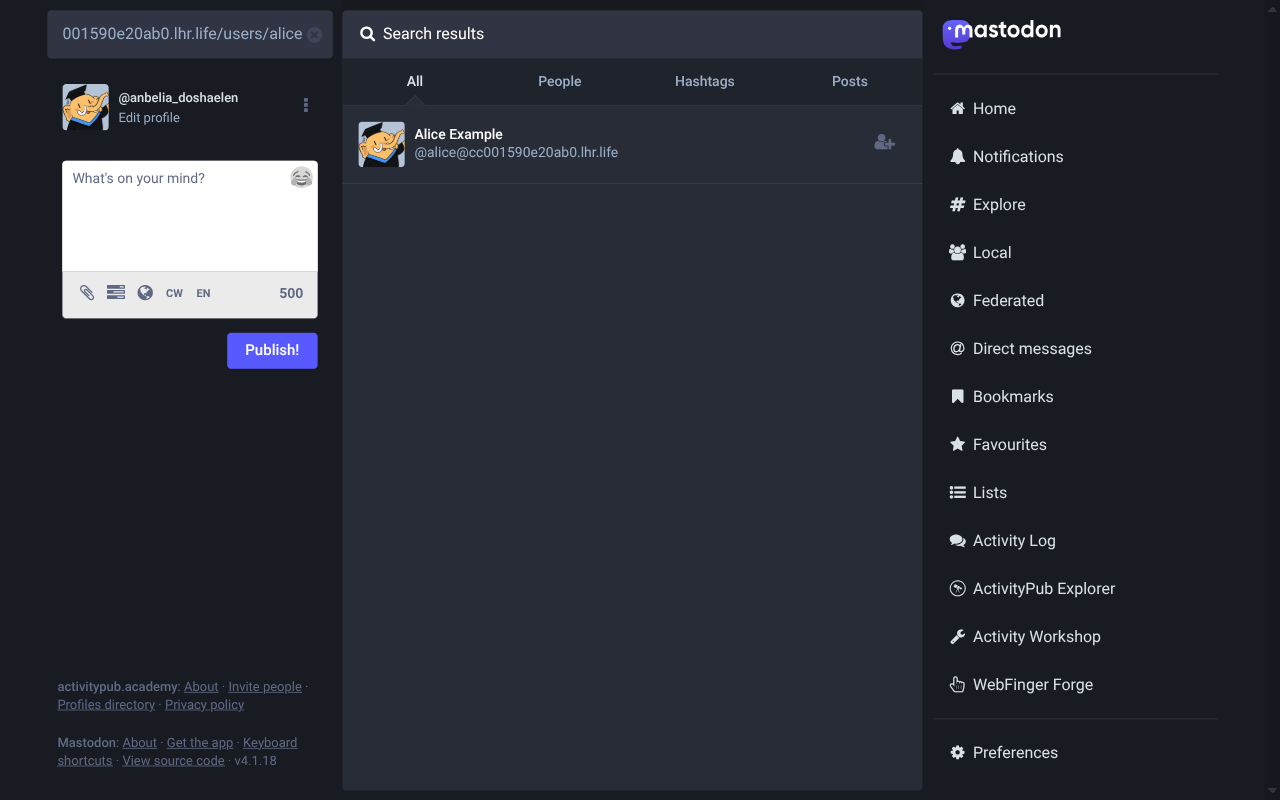
Click the result (or navigate directly to https://activitypub.academy/@alice@<tunnel>) to see alice rendered as a fully-fledged remote profile, complete with a Follow button:
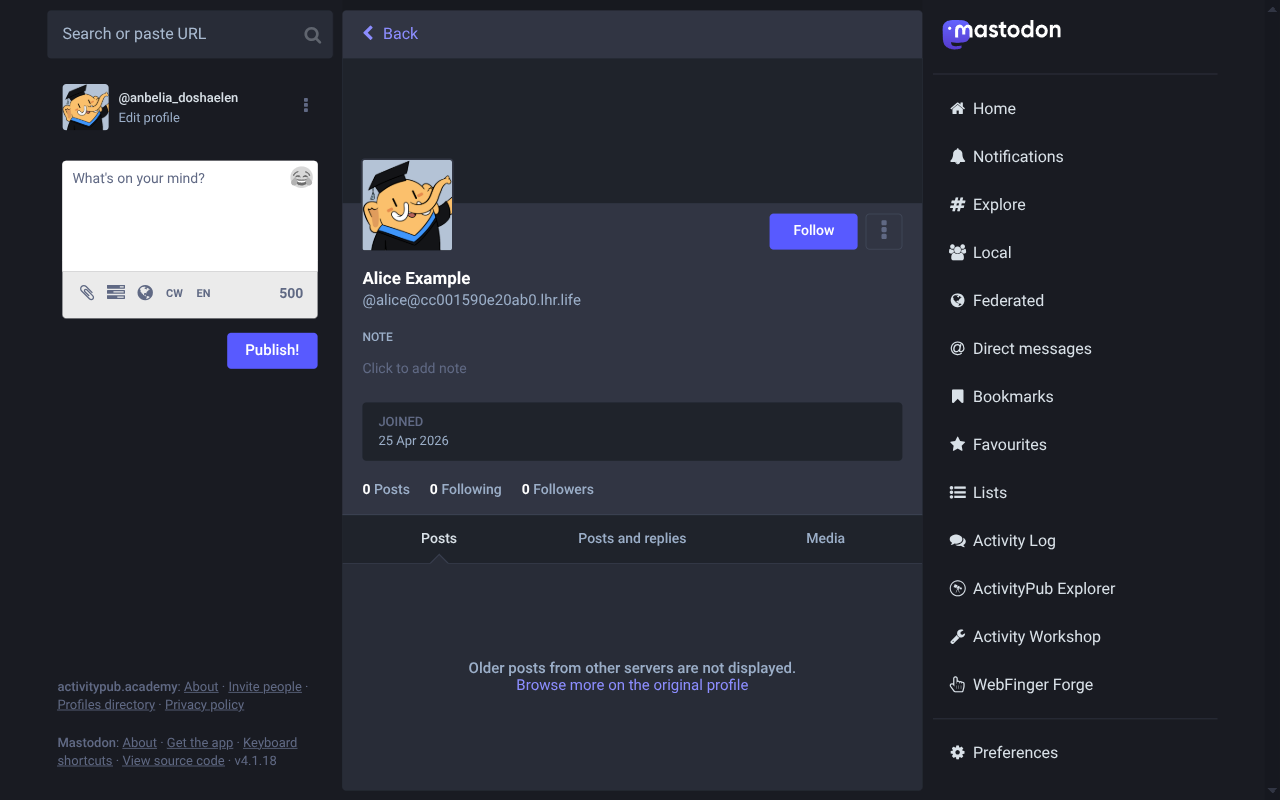
The avatar is a default placeholder because we never wired one up for alice. The Follow button is a clickable button, but no follow flow runs yet; the inbox handler that turns the academy's incoming Follow activity into a follower record is what we build in Handling follows.
Looking alice up from Pixelfed
Mastodon was the first proof point. Pixelfed is the second, and it has a slightly different interface but the same underlying ActivityPub plumbing. If you do not already have a Pixelfed account, pick an instance from the official server list and sign up; any instance with open registration and federation enabled is fine.
Once you are signed in, Pixelfed's URL pattern for remote profiles is <your-instance>/@username@host, so navigating to https://<your-instance>/@alice@<tunnel> triggers a federation fetch and renders alice's profile:
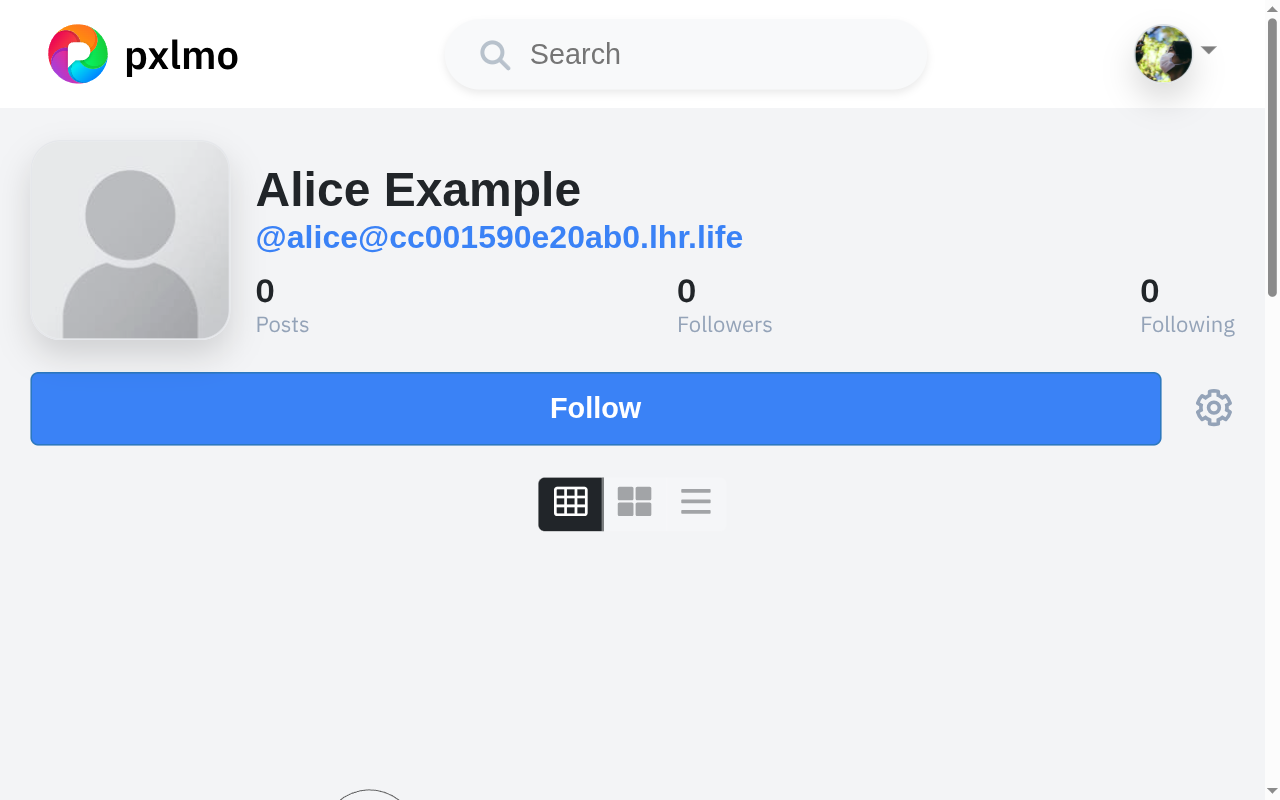
Notice that Pixelfed shows the counters even though we have not exposed a followers or following collection yet; it is happy to default to zero when those endpoints are missing.
TIP
Pixelfed's quick-search dropdown sometimes prefills the input with [object Object] when you press Enter on a remote-account result. Navigate by URL instead (or restart the tab and try the dropdown again). This is a Pixelfed UI quirk unrelated to our server.
What just happened?
Three things had to line up for this chapter to work, all of which have been quietly built up over the previous chapters:
- WebFinger. Both Mastodon and Pixelfed asked our tunnel for
acct:alice@<tunnel>, and Fedify answered using the actor dispatcher we registered in Actor dispatcher. - Signed actor fetch. The remote servers signed their request with their own actor's keys; Fedify verified the signature against the public key it fetched from the remote server.
- Public keys advertised on alice. Once Mastodon or Pixelfed cached alice's actor JSON, they recorded the keys we generated in Cryptographic key pairs. When alice eventually sends activities back, the receiver will already know which key to verify against.
Nothing in our code knows about Mastodon or Pixelfed specifically. ActivityPub is a single protocol, and the chapters that follow will add behavior by adding handlers, not by special-casing servers.
CAUTION
Stop the tunnel (Ctrl+C) when you are not actively testing federation. A live tunnel exposes your dev server to the entire internet, including unsolicited probing traffic. Keys remain safe (they sit in your local SQLite file), but you do not want to leave a development backend reachable longer than necessary.
With the federation pipe open, the next chapter teaches alice how to accept the Follow activities Mastodon and Pixelfed are eager to send.
Handling follows
The Follow button you saw on the federation test does nothing useful yet. Mastodon already sent a Follow activity to alice's inbox the moment you clicked it; our scaffolded inbox just logged a warning and dropped the request. This chapter wires up the inbox so a remote Follow actually creates a follower record and sends back the Accept reply Mastodon needs to flip the button to Following.
What an inbox is
Every actor in ActivityPub has its own inbox: an HTTP endpoint that accepts signed POST requests carrying activities. When somebody likes alice's post, the Like lands in alice's inbox. When somebody follows alice, the Follow lands in her inbox. A server can also expose a shared inbox (the endpoints.sharedInbox URL we set in Actor dispatcher) for activities that target many local actors at once; busy instances rely on it to deliver one copy of a public post instead of one POST per follower.
Fedify already speaks the inbox protocol. The setInboxListeners() call we added in Actor dispatcher registers the routes; the empty body just acknowledges every request with a 202 Accepted. Adding behavior is a matter of chaining on().
The followers table
Open server/db/schema.ts and add an actorKeys-style followers table after actorKeys:
// Remote actors that follow the local user.  Stored denormalized:
// we keep just enough to address the actor when fanning out
// activities (`inboxUrl`, `sharedInboxUrl`) and to render a basic
// "Followers" list (`handle`, `name`, `url`).
export const followers = sqliteTable(
  "followers",
  {
    followingId: integer("following_id")
      .notNull()
      .references(() => users.id),
    actorUri: text("actor_uri").notNull(),
    handle: text("handle").notNull(),
    name: text("name"),
    inboxUrl: text("inbox_url").notNull(),
    sharedInboxUrl: text("shared_inbox_url"),
    url: text("url"),
    createdAt: text("created_at").notNull().default(sql`CURRENT_TIMESTAMP`),
  },
  (t) => [primaryKey({ columns: [t.followingId, t.actorUri] })],
);

export type Follower = typeof followers.$inferSelect;
A few columns deserve a comment:
- Composite primary key.
(followingId, actorUri)is the row's identity. A single remote actor can follow alice exactly once; a re-follow updates the same row instead of inserting a new one. - Cached profile fields. We could refetch the actor every time we need to display followers, but caching
handle,name,urlmakes the followers list cheap to render and survives transient outages on the remote server. inboxUrlplussharedInboxUrl. Fedify'ssendActivity()will prefer the shared inbox when it is available, falling back to the per-actor inbox. Storing both up front lets later chapters fan out posts efficiently.
Push the schema:
npm run db:pushThe Follow listener
Open server/federation.ts. Add Accept, Follow, and getActorHandle() to the @fedify/vocab import, pull in the new followers table, and chain a listener onto setInboxListeners():
import {
  createFederation,
  exportJwk,
  generateCryptoKeyPair,
  importJwk,
  InProcessMessageQueue,
  MemoryKvStore,
} from "@fedify/fedify";
import {
  Accept,
  Endpoints,
  Follow,
  getActorHandle,
  Person,
} from "@fedify/vocab";
import { getLogger } from "@logtape/logtape";
import { eq } from "drizzle-orm";
import { db } from "./db/client";
import { actorKeys, followers, users } from "./db/schema";

export const federation = createFederation<void>({
  kv: new MemoryKvStore(),
  queue: new InProcessMessageQueue(),
  // Pixelfed (as of 2026-04) only implements the legacy
  // draft-cavage HTTP Signatures spec, and its inbox controller
  // returns 200 *before* validating the signature.  Fedify's
  // automatic RFC 9421 -> draft-cavage double-knock fallback only
  // triggers on 4xx, so without the first-knock override Pixelfed
  // would silently drop every Accept we send.  Mastodon and
  // GoToSocial transparently upgrade us back to RFC 9421 anyway.
  firstKnock: "draft-cavage-http-signatures-12",
});
const logger = getLogger("content-sharing");

// (the actor and key-pairs dispatchers from earlier chapters live
// here, unchanged)

federation
  .setInboxListeners("/users/{identifier}/inbox", "/inbox")
  .on(Follow, async (ctx, follow) => {
    if (follow.objectId == null) {
      logger.debug("The Follow has no object: {follow}", { follow });
      return;
    }
    const target = ctx.parseUri(follow.objectId);
    if (target?.type !== "actor") {
      logger.debug("The Follow object is not one of our actors: {follow}", {
        follow,
      });
      return;
    }
    const follower = await follow.getActor();
    if (follower?.id == null || follower.inboxId == null) {
      logger.debug("The Follow has no usable actor: {follow}", { follow });
      return;
    }
    const localUser = (
      await db
        .select()
        .from(users)
        .where(eq(users.username, target.identifier))
        .limit(1)
    )[0];
    if (localUser === undefined) {
      logger.debug("Follow target {identifier} does not exist", {
        identifier: target.identifier,
      });
      return;
    }

    await db
      .insert(followers)
      .values({
        followingId: localUser.id,
        actorUri: follower.id.href,
        handle: await getActorHandle(follower),
        name: follower.name?.toString() ?? null,
        inboxUrl: follower.inboxId.href,
        sharedInboxUrl: follower.endpoints?.sharedInbox?.href ?? null,
        url: follower.url?.href ?? null,
      })
      .onConflictDoUpdate({
        target: [followers.followingId, followers.actorUri],
        set: {
          handle: await getActorHandle(follower),
          name: follower.name?.toString() ?? null,
          inboxUrl: follower.inboxId.href,
          sharedInboxUrl: follower.endpoints?.sharedInbox?.href ?? null,
          url: follower.url?.href ?? null,
        },
      });

    await ctx.sendActivity(
      target,
      follower,
      new Accept({
        id: new URL(
          `#accepts/${crypto.randomUUID()}`,
          ctx.getActorUri(target.identifier),
        ),
        actor: follow.objectId,
        to: follow.actorId,
        object: new Follow({
          id: follow.id,
          actor: follow.actorId,
          object: follow.objectId,
        }),
      }),
    );
  });

export default federation;
Before we dig into the listener body, notice the new option on createFederation():
firstKnock: "draft-cavage-http-signatures-12",ActivityPub servers sign every outbound delivery so the receiver can prove the activity really came from the claimed actor. The modern signature spec is RFC 9421 (HTTP Message Signatures); its predecessor is the draft-cavage-http-signatures spec that Mastodon shipped first and that most fediverse software implemented before RFC 9421 stabilized. Fedify defaults to RFC 9421 and double-knocks back to draft-cavage if the first try fails. That fallback works against Mastodon, GoToSocial, and anything else that returns a 4xx for unknown signature formats. Pixelfed, however, accepts the inbox POST with HTTP 200 before checking the signature, then drops the activity silently when its queue worker cannot parse the RFC 9421 header. Forcing the first knock to draft-cavage keeps Pixelfed in the loop without sacrificing modern peers, who upgrade us back to RFC 9421 on the return trip anyway.
Walking through the listener:
Validating the target.
parseUri()turnsfollow.objectId(the actor URL inside theFollow) back into the{identifier}we registered the dispatcher with. If the URL is not one of our actors, we log and bail out so we never accidentally accept follows for accounts we do not own.Fetching the follower.
follow.getActor()returns the sending actor as a typed object; if the activity arrived without a usable actor (no inbox, no ID), we cannot sendAcceptback, so again we drop the request.Recording the follower. Drizzle's
insert(...).values(...) .onConflictDoUpdate(...)is the SQLite equivalent of a real upsert. TheonConflictDoUpdatepayload re-applies the cached fields, so a remote actor changing their display name eventually flows through the next time they re-follow.Sending the
Accept.sendActivity()takes the sender (the parsed actor target), the recipient (the remote follower), and the activity to send. We construct anAcceptwhoseobjectreferences the originalFollow; that is how Mastodon and Pixelfed correlate our reply with their pending follow.The explicit
idon theAccept. Fedify will auto-generate an id if you do not provide one, but the auto-generated form (https://<host>/#Accept/<uuid>) confuses some peers because it is not anchored under any actor's URI. Building the id under alice's URI (<actor>#accepts/<uuid>) follows the convention Mastodon uses and works on every implementation we tested.Reconstructing a minimal
Followfor theobject. Fedify hydrates the inboundFollowso thatfollow.actoris the fullPersonobject. When we serialize the samefollowinline as our Accept's object, that nestedPersonrides along. Pixelfed'sAcceptValidatorrequiresobject.actorandobject.objectto be URL strings (its'url'validation rule) and silently rejects payloads where they are nested objects. Building a freshFollow({ id, actor, object })from the original URL fields keeps every other peer happy and unblocks Pixelfed'shandleAcceptActivity.
TIP
getActorHandle() returns the canonical fediverse handle in @user@host form by combining the actor's preferredUsername with the host its WebFinger record lives on. Some servers expose a different display handle, so do not try to derive this from URL parsing alone.
Trying it from Mastodon
Restart the dev server if it is not already running, make sure your fedify tunnel URL still reaches alice (fedify lookup @alice@<tunnel> should still work), and head over to your ActivityPub.Academy tab.
Search for alice (paste the actor URL into the search box at the top left), open her profile, and click Follow. Within a second or two the button flips:
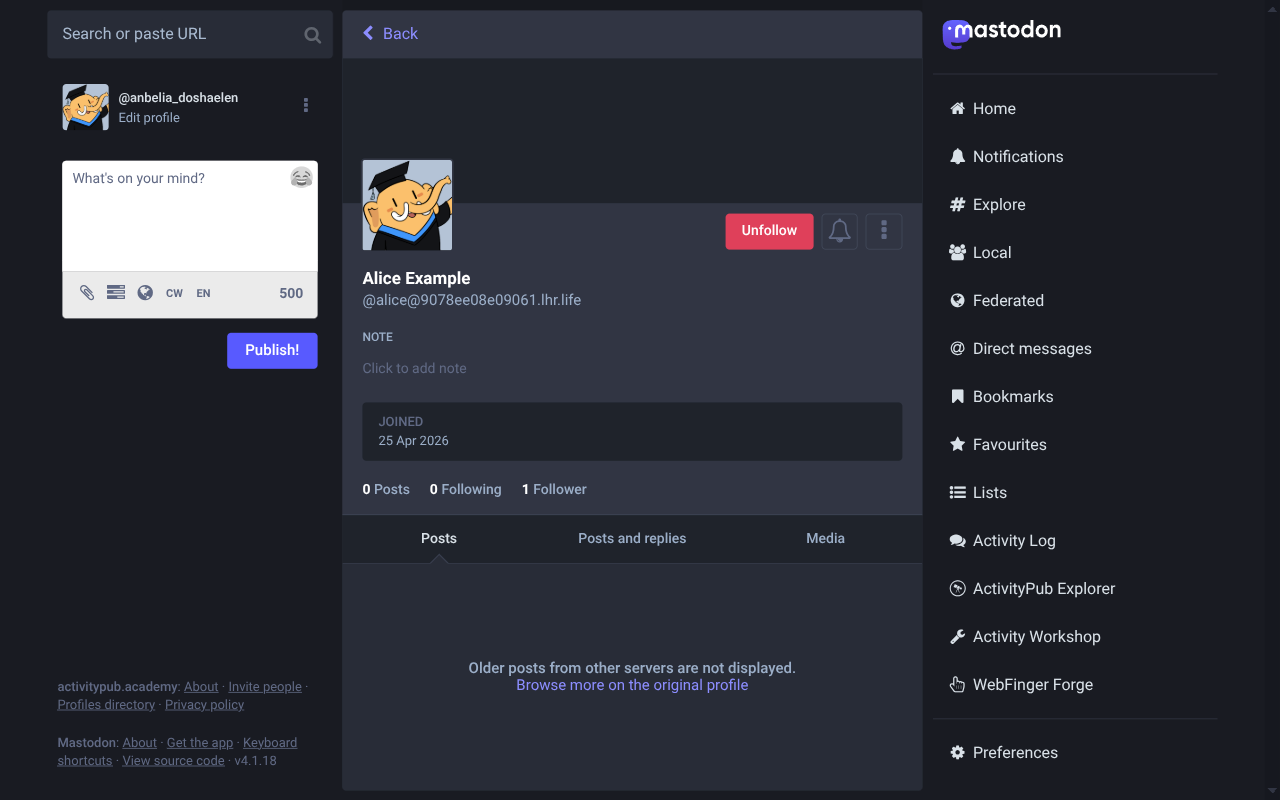
The button only flips because Mastodon received the Accept(Follow) our listener sent. Without the Accept, the button stays Pending indefinitely.
Now check the local database:
sqlite3 -header -column content-sharing.sqlite3 \
  "SELECT following_id, handle, inbox_url FROM followers"
following_id | handle | inbox_url |
|---|---|---|
1 | @anbelia_doshaelen@activitypub.academy | https://activitypub.academy/users/anbelia_doshaelen/inbox |
The Academy assigned your account a randomly-generated name; yours will read differently, but the following_id = 1 and a real /inbox URL are the proof that the round trip happened.
Trying it from Pixelfed
We are building a Pixelfed-style service, so the Pixelfed side of the protocol matters at least as much as the Mastodon side. Switch to your Pixelfed tab, paste the actor handle (@alice@<tunnel>) into the search bar, and open the profile from the dropdown. Click Follow.
The dev log records the matching round trip; you should see lines like:
INF fedify·federation·inbox Activity 'https://<your-pixelfed-instance>/users/.../#follow/...' is enqueued.
INF fedify·federation·http 'POST' '/inbox': 202
INF fedify·federation·inbox Activity '...' has been processed.
INF fedify·federation·outbox Successfully sent activity 'https://<tunnel>/users/alice#accepts/...' to 'https://<your-pixelfed-instance>/users/.../inbox'.
Re-run the database query and you will see two rows, one per remote actor:
sqlite3 -header -column content-sharing.sqlite3 \
  "SELECT following_id, handle, inbox_url FROM followers"
following_id | handle | inbox_url |
|---|---|---|
1 | @anbelia_doshaelen@activitypub.academy | https://activitypub.academy/users/anbelia_doshaelen/inbox |
1 | @you@<your-pixelfed-instance> | https://<your-pixelfed-instance>/users/you/inbox |
After Pixelfed's queue picks the activity up, the Follow button flips to Unfollow on alice's profile:
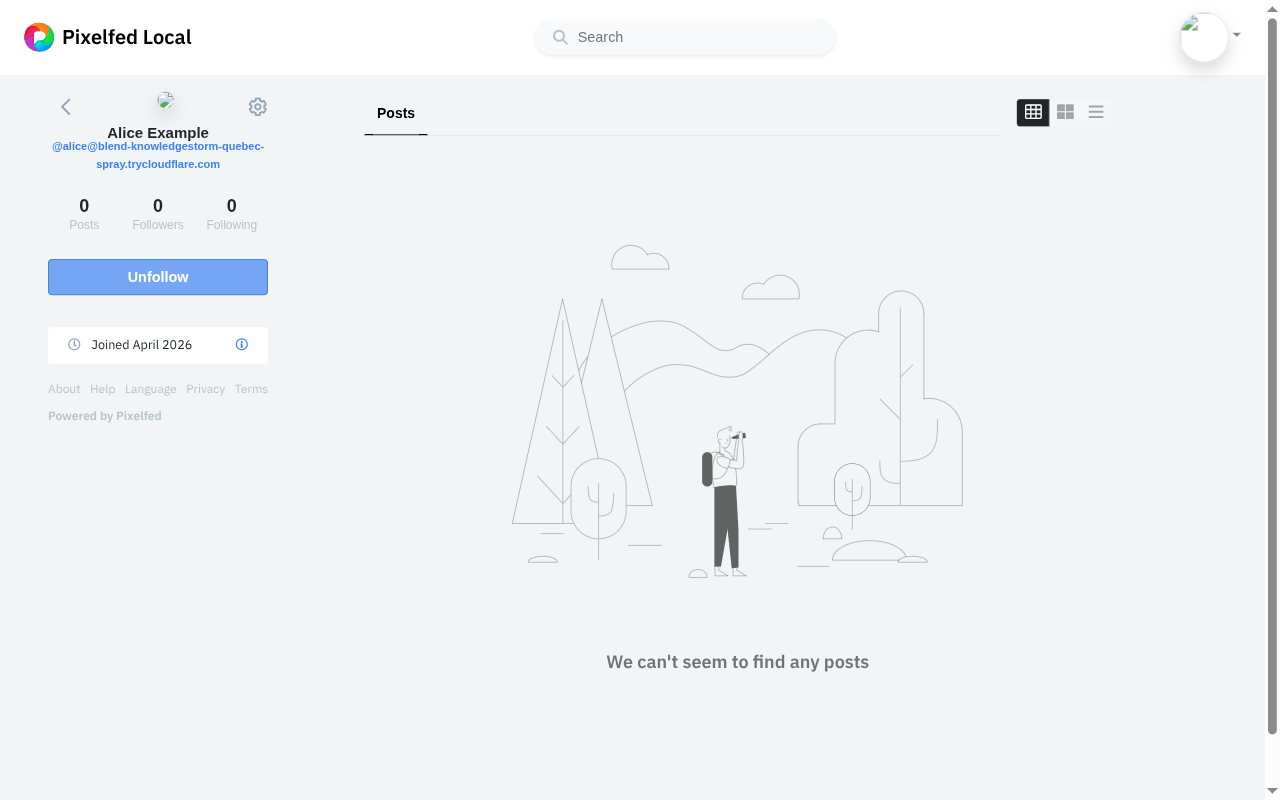
Same handler, two very different servers, identical outcome. That is the win condition for an ActivityPub server: behavior should follow from activity types, not from special-casing the remote brand.
TIP
If the follower row never lands, the most likely culprits are:
- The tunnel URL changed since the actor was last fetched. Both Mastodon and Pixelfed cache actor data, including the inbox URL; clear the remote tab, fetch alice again, and retry the follow.
- The dev server is no longer running. Vite's hot reload makes it easy to think the process is alive when it has actually exited; check
tailon your dev log. - Signature verification failed. Fedify's logs name the actor and key it tried to verify against, but
infolevel hides the line that explains why the verification failed. Open server/logging.ts and lower thefedifylogger'slowestLevelfrom"info"to"debug"for the duration of the debugging session, then restart the dev server.
The next chapter rounds the symmetric case out: handling the Undo(Follow) activity Mastodon and Pixelfed send when somebody clicks Unfollow.
Handling unfollows
When a remote actor unfollows alice, the originating server sends an Undo activity whose inner object is the original Follow:
{
  "@context": "https://www.w3.org/ns/activitystreams",
  "id": "https://activitypub.academy/users/anbelia_doshaelen#follows/9867/undo",
  "type": "Undo",
  "actor": "https://activitypub.academy/users/anbelia_doshaelen",
  "object": {
    "id": "https://activitypub.academy/<...>",
    "type": "Follow",
    "actor": "https://activitypub.academy/users/anbelia_doshaelen",
    "object": "https://<tunnel>/users/alice"
  }
}
Without a handler, our inbox happily accepts the activity (HTTP 202) and ignores it; the followers row keeps living. We need to delete it.
The Undo listener
Open server/federation.ts once more. Add Undo to the imports from @fedify/vocab and and to the imports from drizzle-orm, then chain a fourth listener after the Follow handler:
import {
  createFederation,
  exportJwk,
  generateCryptoKeyPair,
  importJwk,
  InProcessMessageQueue,
  MemoryKvStore,
} from "@fedify/fedify";
import {
  Accept,
  Endpoints,
  Follow,
  getActorHandle,
  Person,
  Undo,
} from "@fedify/vocab";
import { getLogger } from "@logtape/logtape";
import { and, eq } from "drizzle-orm";
import { db } from "./db/client";
import { actorKeys, followers, users } from "./db/schema";

// (createFederation, the actor and key-pairs dispatchers, and the
// `on(Follow, ...)` listener from earlier chapters live here.)

federation
  .setInboxListeners("/users/{identifier}/inbox", "/inbox")
  .on(Follow, async (ctx, follow) => { /* from earlier */ })
  .on(Undo, async (ctx, undo) => {
    const object = await undo.getObject();
    if (!(object instanceof Follow)) return;
    if (undo.actorId == null || object.objectId == null) return;
    const target = ctx.parseUri(object.objectId);
    if (target?.type !== "actor") return;
    const localUser = (
      await db
        .select()
        .from(users)
        .where(eq(users.username, target.identifier))
        .limit(1)
    )[0];
    if (localUser === undefined) return;
    await db
      .delete(followers)
      .where(
        and(
          eq(followers.followingId, localUser.id),
          eq(followers.actorUri, undo.actorId.href),
        ),
      );
  });
Walking through the listener:
Verifying the inner type.
undo.getObject()resolves the activity nested underUndo.object. AnUndocan wrap many activity types (Like,Announce,Block, …); we only care aboutFollow, so we discard everything else.Confirming the target. Just like the
Followlistener, we pass the inner Follow'sobjectIdthroughparseUri()to make sure the unfollow is aimed at one of our actors. Otherwise we silently bail.Identifying the row to delete. We delete on
undo.actorId(the URI of the actor sending theUndo). Fedify has already verified the HTTP signature on the inbox POST; if a hostile peer tried to forge anUndoon behalf of somebody else, the signature check would have rejected the delivery before our handler ever ran.Drizzle's composite delete.
and(...)combines the twoeq(...)predicates so theWHEREclause matches both columns of the table's composite primary key, guaranteeing we only ever drop the one row we mean to.
NOTE
Some implementations send Undo(Follow) even when the original Follow was never accepted, e.g. when the remote user cancels a pending follow request before it landed. Our handler treats the missing row case implicitly: db.delete(...) on a row that does not exist is a no-op, no error. Idempotent, by design.
Trying it from Mastodon
Restart the dev server (or save the file and let HMR pick it up). On your ActivityPub.Academy tab, navigate back to alice's profile. You should still see the Unfollow button from the previous chapter; click it.
Within a second or two, the dev log records an Undo(Follow) landing in alice's inbox:
INF fedify·federation·inbox Activity 'https://activitypub.academy/users/<acct>#follows/<id>/undo' is enqueued.
INF fedify·federation·http 'POST' '/users/alice/inbox': 202
INF fedify·federation·inbox Activity '...#follows/<id>/undo' has been processed.
The Mastodon UI flips the button back to Follow and the follower counter ticks down. The same SQL we ran in Handling follows confirms the row is gone:
sqlite3 -header -column content-sharing.sqlite3 \
  "SELECT following_id, handle FROM followers"
The Academy row no longer appears.
Trying it from Pixelfed
Switch back to your Pixelfed tab, open alice's profile, and click Unfollow. The same round trip happens: Pixelfed sends an Undo(Follow), our listener parses it, the row is removed. Pixelfed's UI flips the button back to Follow:
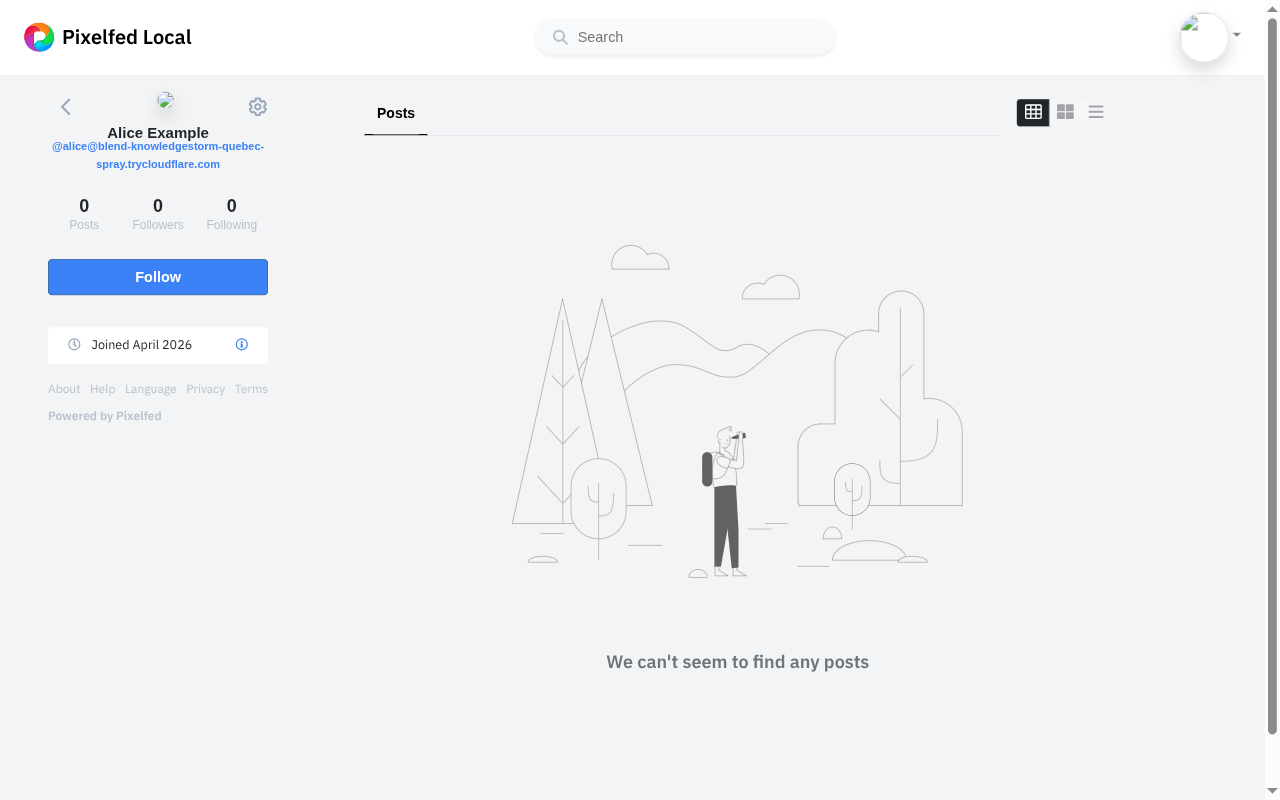
Why we do not delete by actorUri alone
A subtler design question: why include eq(followers.followingId, localUser.id) in the WHERE clause if actorUri is unique to the remote actor?
The answer is that the table's primary key is composite, (following_id, actor_uri). In our single-user setup following_id is always 1, so matching only on actor_uri would happen to work, but the listener is clearer when the WHERE clause names the same two columns that identify the row. If you ever extend the schema to host more than one local account, the composite match keeps a shared remote actor's unfollow against alice from also tearing down the row representing the same actor following bob.
Followers list and collection
Look at alice's profile on a fresh Mastodon or Pixelfed tab now — the Followers counter says 0, even though our database clearly has at least one follower. Remote servers do not poke our SQLite directly; they want to fetch alice's followers collection, which is an ActivityPub OrderedCollection of every actor following her. We do not expose that collection yet.
This chapter adds two complementary pieces in lockstep:
- The ActivityPub-side followers collection dispatcher, so remote servers can ask alice for her follower list and see a real number.
- An HTML followers page on our own site at /users/[username]/followers, so the local user can browse the list in a browser.
Both end up reading the same followers table; the only difference is content negotiation.
The collection dispatcher
Open server/federation.ts. Pull the Recipient type into the existing @fedify/vocab import, and pull count and desc into the drizzle-orm import:
import {
  Accept,
  Endpoints,
  Follow,
  getActorHandle,
  Person,
  type Recipient,
  Undo,
} from "@fedify/vocab";
import { and, count, desc, eq } from "drizzle-orm";
Then chain a third dispatcher on the federation builder, after the inbox listener block:
federation
  .setFollowersDispatcher(
    "/users/{identifier}/followers",
    async (_ctx, identifier) => {
      const localUser = (
        await db
          .select()
          .from(users)
          .where(eq(users.username, identifier))
          .limit(1)
      )[0];
      if (localUser === undefined) return null;
      const rows = await db
        .select()
        .from(followers)
        .where(eq(followers.followingId, localUser.id))
        .orderBy(desc(followers.createdAt));
      const items: Recipient[] = rows.map((row) => ({
        id: new URL(row.actorUri),
        inboxId: new URL(row.inboxUrl),
        endpoints:
          row.sharedInboxUrl == null
            ? null
            : { sharedInbox: new URL(row.sharedInboxUrl) },
      }));
      return { items };
    },
  )
  .setCounter(async (_ctx, identifier) => {
    const localUser = (
      await db
        .select()
        .from(users)
        .where(eq(users.username, identifier))
        .limit(1)
    )[0];
    if (localUser === undefined) return 0;
    const result = await db
      .select({ cnt: count() })
      .from(followers)
      .where(eq(followers.followingId, localUser.id));
    return result[0]?.cnt ?? 0;
  });
A few notes on the shape:
The route template.
"/users/{identifier}/followers"is parallel to the actor and inbox templates we registered in earlier chapters. Fedify uses the same{identifier}to cross-reference the dispatcher, so other code can ask for the collection's URI viagetFollowersUri().Returning
nullfor unknown identifiers. Just like the actor dispatcher, this turns into a404 Not Foundso we never invent a follower list for a username that doesn't exist.The
Recipienttype. Each item we return has the shape Fedify uses internally to address remote actors: anid, aninboxId, and an optionalendpoints.sharedInbox. Storing the inbox URL directly on the row pays off here; we don't need a network round trip to compute the response.setCounter(). Computingcount(*)separately is much cheaper than serializing every row, and most clients only render the count in their UI. Returning0for unknown identifiers is again the safe default.
Linking the collection from the actor
The dispatcher exists, but alice's Person does not yet point at it. Add one line to the actor dispatcher's returned Person:
return new Person({
  id: ctx.getActorUri(identifier),
  // ... other fields ...
  inbox: ctx.getInboxUri(identifier),
  followers: ctx.getFollowersUri(identifier),
  // ... other fields ...
});
getFollowersUri() returns the URL the new dispatcher serves, computed from the same template Fedify keeps internally. If we ever change the route template, this call updates with it.
TIP
Try fedify lookup http://localhost:3000/users/alice/followers. You should get an OrderedCollection whose totalItems matches the row count in our followers table, and whose items array holds each remote follower's actor URL. Remote servers will hit the same endpoint and update their cached follower count the next time they refresh alice's profile.
A browser page for the local user
Remote servers are happy with the OrderedCollection, but the local user wants to actually see who's following them. Move the existing profile page so it can host a sibling route:
mkdir -p app/pages/users/\[username\]
git mv app/pages/users/\[username\].vue app/pages/users/\[username\]/index.vue
Now create app/pages/users/[username]/followers.vue:
<script setup lang="ts">
const route = useRoute();
const username = computed(() => String(route.params.username));

const { data, error } = await useFetch(
  () => `/api/users/${username.value}/followers`,
  { key: () => `followers-${username.value}` },
);

if (error.value) {
  throw createError({ statusCode: 404, statusMessage: "User not found" });
}

const user = computed(() => data.value?.user ?? null);
const followers = computed(() => data.value?.followers ?? []);

useHead({
  title: () =>
    user.value
      ? `${user.value.name}'s followers (@${user.value.username})`
      : "PxShare",
});
</script>

<template>
  <section v-if="user" class="flex flex-col gap-6">
    <header class="flex flex-col gap-1">
      <NuxtLink
        :to="`/users/${user.username}`"
        class="text-sm text-gray-500 hover:text-brand"
      >
        ← {{ user.name }}
      </NuxtLink>
      <h1 class="text-xl font-bold">Followers</h1>
      <p class="text-sm text-gray-500">
        {{ followers.length }}
        {{ followers.length === 1 ? "follower" : "followers" }}
      </p>
    </header>
    <ul v-if="followers.length > 0" class="flex flex-col gap-3">
      <li
        v-for="follower in followers"
        :key="follower.actorUri"
        class="flex items-center gap-3"
      >
        <a
          :href="follower.url ?? follower.actorUri"
          target="_blank"
          rel="noopener noreferrer"
          class="flex flex-col hover:text-brand"
        >
          <span class="font-semibold">{{ follower.name ?? follower.handle }}</span>
          <span class="text-sm text-gray-500">{{ follower.handle }}</span>
        </a>
      </li>
    </ul>
    <p v-else class="text-sm text-gray-400 py-8 text-center">
      No followers yet.
    </p>
  </section>
</template>
This page expects a JSON endpoint at /api/users/[username]/followers. Add it next to the existing user endpoint, in server/api/users/[username]/followers.get.ts:
import { desc, eq } from "drizzle-orm";
import { createError, defineEventHandler, getRouterParam } from "h3";
import { db } from "../../../db/client";
import { followers, users } from "../../../db/schema";

export default defineEventHandler(async (event) => {
  const username = getRouterParam(event, "username");
  if (typeof username !== "string" || username === "") {
    throw createError({ statusCode: 404 });
  }
  const user = (
    await db.select().from(users).where(eq(users.username, username)).limit(1)
  )[0];
  if (user === undefined) {
    throw createError({ statusCode: 404 });
  }
  const rows = await db
    .select()
    .from(followers)
    .where(eq(followers.followingId, user.id))
    .orderBy(desc(followers.createdAt));
  return { user, followers: rows };
});
Finally, surface the count on the profile page itself. Update server/api/users/[username].get.ts to include followerCount:
import { count, eq } from "drizzle-orm";
import { createError, defineEventHandler, getRouterParam } from "h3";
import { db } from "../../db/client";
import { followers, users } from "../../db/schema";

export default defineEventHandler(async (event) => {
  const username = getRouterParam(event, "username");
  if (typeof username !== "string" || username === "") {
    throw createError({ statusCode: 404 });
  }
  const user = (
    await db.select().from(users).where(eq(users.username, username)).limit(1)
  )[0];
  if (user === undefined) {
    throw createError({ statusCode: 404 });
  }
  const [{ followerCount }] = await db
    .select({ followerCount: count() })
    .from(followers)
    .where(eq(followers.followingId, user.id));
  return { user, followerCount };
});
…and rewrite app/pages/users/[username]/index.vue to render the count as a link to the new page:
<script setup lang="ts">
const route = useRoute();
const username = computed(() => String(route.params.username));

const { data, error } = await useFetch(() => `/api/users/${username.value}`, {
  key: () => `user-${username.value}`,
});

if (error.value) {
  throw createError({ statusCode: 404, statusMessage: "User not found" });
}

const user = computed(() => data.value?.user ?? null);
const followerCount = computed(() => data.value?.followerCount ?? 0);

useHead({
  title: () =>
    user.value ? `${user.value.name} (@${user.value.username})` : "PxShare",
});
</script>

<template>
  <section v-if="user" class="flex flex-col gap-6">
    <header class="flex items-center gap-4">
      <div
        class="w-20 h-20 rounded-full bg-brand/10 flex items-center justify-center text-3xl font-bold text-brand"
      >
        {{ user.name[0] }}
      </div>
      <div class="flex flex-col">
        <h1 class="text-xl font-bold">{{ user.name }}</h1>
        <p class="text-sm text-gray-500">@{{ user.username }}</p>
      </div>
    </header>
    <nav class="flex gap-6 text-sm border-b border-gray-200 pb-3">
      <NuxtLink
        :to="`/users/${user.username}/followers`"
        class="hover:text-brand"
      >
        <strong>{{ followerCount }}</strong>
        {{ followerCount === 1 ? "follower" : "followers" }}
      </NuxtLink>
    </nav>
    <div
      class="grid grid-cols-3 gap-1 min-h-40 text-sm text-gray-400 items-center justify-center"
    >
      <div class="col-span-3 text-center py-16">No posts yet.</div>
    </div>
  </section>
</template>
Trying it out
Visit http://localhost:3000/users/alice with at least one follower in the database. The profile shows the linked count:
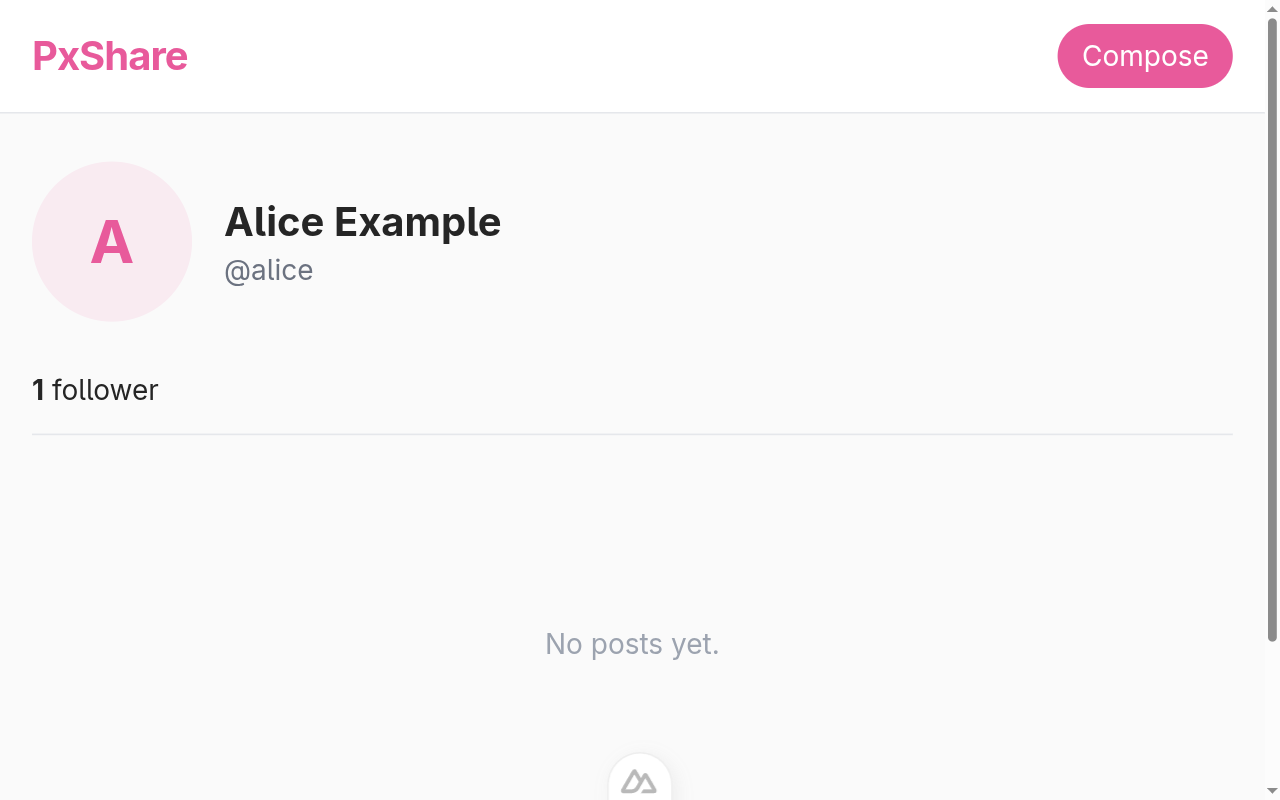
Click through and you land on the new HTML list:
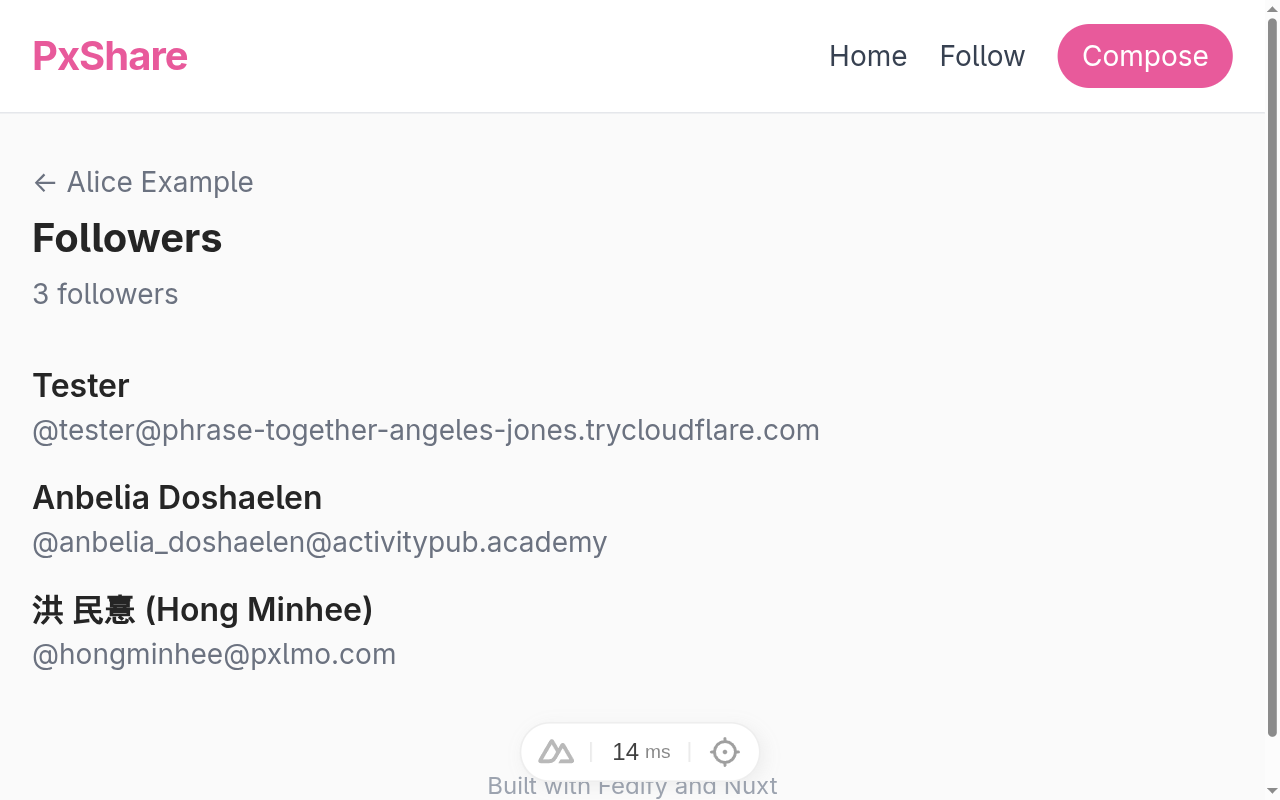
Refresh alice's profile on Mastodon or Pixelfed. Both servers re-read the Person, find the new followers URL, fetch the collection, and start displaying the real follower count.
NOTE
If a remote server still shows 0 followers after a refresh, two things help:
- Wait for the remote server's actor cache to expire (Mastodon defaults to a few minutes, Pixelfed varies by version).
- Trigger a fresh fetch by following alice from the remote side; the remote server reads the actor JSON afresh and the new
followersURL goes live.
With our followers list complete, alice can now finally start producing the content her followers signed up for. The next chapter introduces the posts table that will store image posts.
Image post schema
Up to this point alice's account has been a passive shell: it exists, accepts followers, and otherwise stays silent. This chapter lays the groundwork for posts. We will not let alice publish anything yet (that's Composing and uploading), but we add the storage layer the next several chapters all build on: a posts table and a directory to hold uploaded images.
The posts table
Open server/db/schema.ts and append a new table at the bottom:
// Image posts authored by the local user.  One row per post, one
// image per row.  `mediaPath` is a path under *public/uploads/* so
// Nuxt serves the file directly; `mediaType` is the MIME type so
// we can advertise it as `Document.mediaType` in ActivityPub.
// `caption` is the text body shown next to the image; nullable
// because Pixelfed allows captionless posts.
export const posts = sqliteTable("posts", {
  id: integer("id").primaryKey({ autoIncrement: true }),
  userId: integer("user_id")
    .notNull()
    .references(() => users.id),
  caption: text("caption"),
  mediaPath: text("media_path").notNull(),
  mediaType: text("media_type").notNull(),
  createdAt: text("created_at").notNull().default(sql`CURRENT_TIMESTAMP`),
});

export type Post = typeof posts.$inferSelect;
Walking through the columns:
id- An autoincrementing integer. This is the post's public identifier on our server;
Noteobject dispatcher weaves it into the ActivityPub IRI we hand out to other servers. userId- Foreign key to
users. In our single-user app this is always1(alice), but naming the author explicitly keeps the relationship clear in joins and would generalize without schema changes if you ever supported more than one local account. caption- Optional text body shown next to the image. Pixelfed allows captionless posts, so we keep the column nullable instead of forcing a placeholder.
mediaPath- Relative path under public/uploads/, e.g. alice/abc123.jpg. Nuxt serves anything under public/ as a static asset, so there is no separate file-serving endpoint to write.
mediaType- MIME type (
image/jpeg,image/png, …). We hand this verbatim to ActivityPub'sDocument.mediaTypeonceNoteobject dispatcher wires up the Note object dispatcher. createdAt- Unix-style created-at timestamp. Drizzle's
sql`CURRENT_TIMESTAMP`default lets SQLite stamp it for us; the post composer in Composing and uploading only sets the other columns.
Push the schema:
npm run db:pushNOTE
The same “index already exists” warning we saw before re-runs idempotently; the new posts table is created regardless.
The uploads directory
Posts are useless without somewhere to store the actual image bytes. Nuxt automatically serves anything under public/ as a static asset, so we just need to make a directory:
mkdir -p public/uploads
touch public/uploads/.gitkeep
The empty .gitkeep file gives git something to track even when the folder has no other contents.
We do not want every uploaded image to leak into commits, though. Update .gitignore to exclude the contents of public/uploads/ while keeping the .gitkeep:
# Uploaded image files (the directory is tracked via .gitkeep)
public/uploads/*
!public/uploads/.gitkeep
The leading ! is git's “negate this rule” syntax: the bare .gitkeep sneaks past the wider exclusion.
TIP
Production deployments would store uploads on object storage (S3, Cloudflare R2, MinIO) rather than the local filesystem, both for durability and to avoid coupling a single application server to its own disk. We use the local filesystem in the tutorial because it is one less dependency and Nuxt makes the static path effectively free. The chapter on production deployment in your own future would swap the filesystem path for an object-storage URL and adjust the column definition accordingly.
That is the entire schema chapter. No code runs yet; we have set the stage for the compose form to follow. The next chapter adds a Compose page, a multipart upload endpoint, and the first proper insert into the posts table.
Composing and uploading
Time to give alice a way to actually post. We will build two pieces in lockstep: a form at /compose and a server endpoint that accepts the upload. The combined flow is:
- The reader picks a file and a caption in the form.
- The browser POSTs the form as
multipart/form-datato /api/posts. - The endpoint validates the MIME type and size, writes the bytes to public/uploads/<username>/<uuid>.<ext>, inserts a
postsrow, and303redirects back to the profile. - Nuxt serves the saved file as a static asset under /uploads/… without any extra handler.
The upload endpoint
Create server/api/posts.post.ts:
import { mkdir, writeFile } from "node:fs/promises";
import path from "node:path";
import {
  createError,
  defineEventHandler,
  readMultipartFormData,
  sendRedirect,
} from "h3";
import { db } from "../db/client";
import { posts } from "../db/schema";
import { getLocalUser } from "../utils/users";

const ALLOWED_TYPES = new Set([
  "image/jpeg",
  "image/png",
  "image/webp",
  "image/gif",
]);
const MAX_BYTES = 8 * 1024 * 1024; // 8 MB

const EXTENSION: Record<string, string> = {
  "image/jpeg": "jpg",
  "image/png": "png",
  "image/webp": "webp",
  "image/gif": "gif",
};

export default defineEventHandler(async (event) => {
  const user = await getLocalUser();
  if (user == null) {
    throw createError({ statusCode: 403, statusMessage: "No user" });
  }

  const parts = await readMultipartFormData(event);
  if (parts == null) {
    throw createError({ statusCode: 400, statusMessage: "Empty body" });
  }

  let caption: string | null = null;
  let imageBuffer: Buffer | null = null;
  let imageType: string | null = null;
  for (const part of parts) {
    if (part.name === "caption") {
      const text = part.data.toString("utf8").trim();
      caption = text === "" ? null : text;
    } else if (part.name === "image") {
      imageBuffer = part.data;
      imageType = part.type ?? null;
    }
  }

  if (imageBuffer == null || imageType == null) {
    throw createError({ statusCode: 400, statusMessage: "Missing image" });
  }
  if (!ALLOWED_TYPES.has(imageType)) {
    throw createError({
      statusCode: 415,
      statusMessage: `Unsupported media type: ${imageType}`,
    });
  }
  if (imageBuffer.byteLength > MAX_BYTES) {
    throw createError({
      statusCode: 413,
      statusMessage: `Image too large (max ${MAX_BYTES / 1024 / 1024} MB)`,
    });
  }

  const ext = EXTENSION[imageType];
  const filename = `${crypto.randomUUID()}.${ext}`;
  const userDir = path.join("public", "uploads", user.username);
  await mkdir(userDir, { recursive: true });
  await writeFile(path.join(userDir, filename), imageBuffer);

  const mediaPath = `${user.username}/${filename}`;
  await db.insert(posts).values({
    userId: user.id,
    caption,
    mediaPath,
    mediaType: imageType,
  });

  return await sendRedirect(event, `/users/${user.username}`, 303);
});
Walking through:
readMultipartFormData(event)- h3 has a built-in multipart parser; no extra dependency. We iterate the parts once and pick out the caption and image by name instead of trusting the order the browser uses.
ALLOWED_TYPES,MAX_BYTES- Only JPEG, PNG, WebP, and GIF go through, capped at 8 MB. Anything else fails fast with a meaningful HTTP status; the browser shows the message in the form's default error UI.
- Filename generation
crypto.randomUUID()plus the extension we pick for the MIME type. Random UUIDs avoid both clashes and the security concern of accepting filenames from user input.303 See Other- This is the right HTTP status for “the POST succeeded; come fetch the next page with a
GET.” Browsers follow it automatically, and the form pattern works without any client-side JS.
TIP
Real Pixelfed instances run uploaded images through a thumbnailing pipeline (sharp/libvips) so the in-feed image is a sensible size and the original lives only on the post detail page. We deliberately ship the original byte-for-byte: the dependency surface stays small, Nuxt's public/ pipeline streams the file as-is, and the closing chapter lists thumbnailing as a natural next step.
The compose page
Create app/pages/compose.vue:
<script setup lang="ts">
const { data } = await useFetch("/api/me", { key: "me-compose" });
const meUsername = computed(() => data.value?.user?.username ?? "");

useHead({ title: "Compose · PxShare" });
</script>

<template>
  <section class="flex flex-col gap-4">
    <header>
      <h1 class="text-xl font-bold">New post</h1>
      <p class="text-sm text-gray-500">
        Pick an image, add a caption, and share it with your followers.
      </p>
    </header>
    <form
      action="/api/posts"
      method="post"
      enctype="multipart/form-data"
      class="flex flex-col gap-4"
    >
      <label class="flex flex-col gap-1">
        <span class="text-sm font-semibold">Image</span>
        <input
          type="file"
          name="image"
          accept="image/jpeg,image/png,image/webp,image/gif"
          required
          class="block w-full text-sm file:mr-4 file:py-2 file:px-4 file:rounded-full file:border-0 file:bg-brand/10 file:text-brand file:font-semibold hover:file:bg-brand/20 cursor-pointer"
        />
        <span class="text-xs text-gray-500">
          JPEG, PNG, WebP, or GIF.  Up to 8 MB.
        </span>
      </label>
      <label class="flex flex-col gap-1">
        <span class="text-sm font-semibold">Caption</span>
        <textarea
          name="caption"
          rows="3"
          maxlength="500"
          placeholder="Say something about this picture (optional)"
          class="border border-gray-300 rounded-lg p-2 text-sm focus:outline-none focus:ring-2 focus:ring-brand/40"
        ></textarea>
      </label>
      <div class="flex items-center justify-end gap-3">
        <NuxtLink
          v-if="meUsername"
          :to="`/users/${meUsername}`"
          class="text-sm text-gray-500 hover:text-brand"
        >
          Cancel
        </NuxtLink>
        <button
          type="submit"
          class="px-4 py-2 bg-brand text-white rounded-full text-sm font-semibold hover:bg-brand-dark"
        >
          Post
        </button>
      </div>
    </form>
  </section>
</template>
The Compose button in app.vue already points at /compose, so the new page is reachable from anywhere. The <form> POSTs straight to /api/posts with enctype="multipart/form-data", which is the only required ingredient for browsers to upload binary data without JavaScript.
Trying it out
Open http://localhost:3000/compose and you should see:
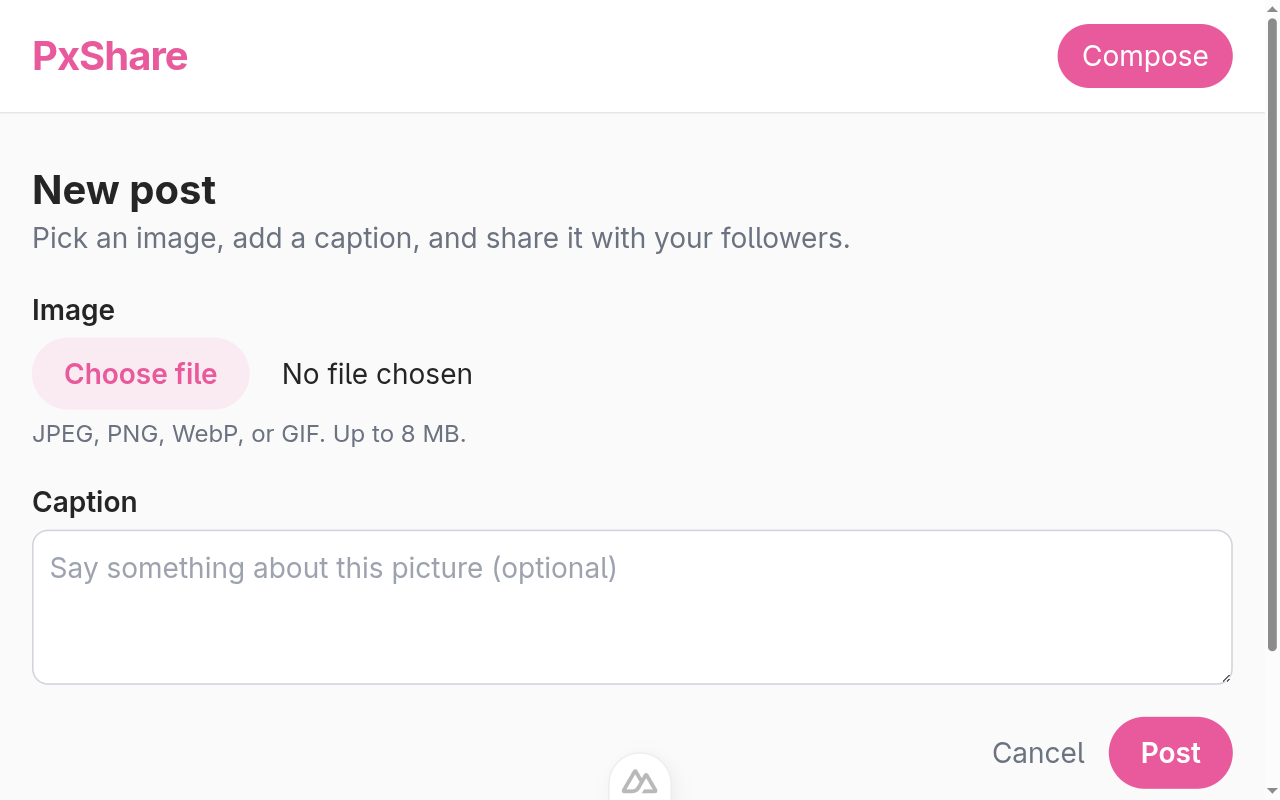
Pick any small image, add a caption, and click Post. The browser follows the 303 redirect back to alice's profile. The post itself does not show on the profile yet; Profile feed adds the grid of posts that pulls from the new table. But you can confirm the row was written:
sqlite3 -header -column content-sharing.sqlite3 "SELECT * FROM posts"id | user_id | caption | media_path | media_type | created_at |
|---|---|---|---|---|---|
1 | 1 | Hello from chapter 14 | alice/5a1d45d6-74f6-48fe-a578-ed33e62d478b.png | image/png | 2026-04-26 01:23:43 |
…and the file lives where we asked Nuxt to serve it:
curl -I "http://localhost:3000/uploads/alice/5a1d45d6-74f6-48fe-a578-ed33e62d478b.png"HTTP/1.1 200 OK
Content-Type: image/png
Content-Length: ...The next chapter teaches Fedify to serve those rows as ActivityPub Note objects so other servers can fetch them.
Note object dispatcher
We have rows in posts and a way to add new ones, but other servers cannot see them yet. An ActivityPub post is a Note object with at least an id, an attributedTo actor, and some content. Image posts also carry a Document attachment. Fedify's setObjectDispatcher() lets us declare a URL template, give it a typed callback, and have all the routing and content negotiation handled for us.
Adding the dispatcher
Open server/federation.ts. Add Document, Note, and PUBLIC_COLLECTION to the @fedify/vocab import, pull in the Temporal polyfill, and add posts to the schema import:
import {
  Accept,
  Document,
  Endpoints,
  Follow,
  getActorHandle,
  Note,
  Person,
  PUBLIC_COLLECTION,
  type Recipient,
  Undo,
} from "@fedify/vocab";
import { Temporal } from "temporal-polyfill";
// ...
import { actorKeys, followers, posts, users } from "./db/schema";
We also need the polyfill itself in package.json:
npm install temporal-polyfillNode.js 22 does not yet ship Temporal natively, and Fedify uses Temporal.Instant for ActivityPub timestamps; the polyfill bridges the gap.
NOTE
Once Node.js ships Temporal natively (currently behind a flag in 22.x and slated to be on by default in a near-term release), the polyfill goes away. Fedify keeps using Temporal.Instant regardless, so this is the only line that needs to change.
Then add a final dispatcher block after the followers dispatcher:
federation.setObjectDispatcher(
  Note,
  "/users/{identifier}/posts/{id}",
  async (ctx, { identifier, id }) => {
    const postId = Number(id);
    if (!Number.isInteger(postId) || postId < 1) return null;
    const localUser = (
      await db
        .select()
        .from(users)
        .where(eq(users.username, identifier))
        .limit(1)
    )[0];
    if (localUser === undefined) return null;
    const post = (
      await db
        .select()
        .from(posts)
        .where(and(eq(posts.id, postId), eq(posts.userId, localUser.id)))
        .limit(1)
    )[0];
    if (post === undefined) return null;

    const mediaUrl = new URL(`/uploads/${post.mediaPath}`, ctx.canonicalOrigin);
    const noteId = ctx.getObjectUri(Note, { identifier, id });
    return new Note({
      id: noteId,
      attribution: ctx.getActorUri(identifier),
      to: PUBLIC_COLLECTION,
      cc: ctx.getFollowersUri(identifier),
      url: noteId,
      content: post.caption ?? "",
      published: Temporal.Instant.from(
        `${post.createdAt.replace(" ", "T")}Z`,
      ),
      // Always emit `attachments` as an array; some peers (notably
      // Pixelfed) treat a scalar Document as an entirely different
      // shape and ignore the attached image.
      attachments: [
        new Document({
          mediaType: post.mediaType,
          url: mediaUrl,
        }),
      ],
    });
  },
);
Walking through the listener:
ctx.getObjectUri(Note, { identifier, id })- Mints the canonical URI from the same template we registered the dispatcher with. Using the helper instead of building a URL ourselves means the URI updates if we ever change the template.
Number.isInteger(postId)- Belt and suspenders: the route template only matches strings, but integer-shaped strings like
"1.2"would still slip through. We normalize and reject anything that is not a positive integer. - The
userIdfilter - Even though only one local user exists today, we constrain the lookup to
posts.userId = localUser.idso a future multi-user instance cannot have one user serve another's posts. to: PUBLIC_COLLECTION,cc: ctx.getFollowersUri(identifier)- Public posts are addressed to the magic
https://www.w3.org/ns/activitystreams#PublicURI onto, plus the followers collection oncc. Mastodon and Pixelfed both render this as a “public” post; either field alone is less consistent. published: Temporal.Instant.from(...)- SQLite stores
2026-04-26 01:23:43, which is not an ISO 8601 instant. The dance withreplace(" ", "T")and a trailingZturns it into one before we hand it to Temporal. attachments: [...]- Always an array, even for a single attachment. Pixelfed in particular treats a scalar Document as a different shape and silently ignores it; emitting an array keeps interop predictable. See PR #721 for the upstream wrapper that catches this for activities, but writing it idiomatically here saves us from depending on it.
Looking the post up
With the dev server restarted, ask Fedify to look up the post you created in the previous chapter:
fedify lookup http://localhost:3000/users/alice/posts/1✔ Fetched object: http://localhost:3000/users/alice/posts/1
Note {
id: URL 'http://localhost:3000/users/alice/posts/1',
attachments: [
Document {
url: URL 'http://localhost:3000/uploads/alice/<uuid>.png',
mediaType: 'image/png'
}
],
attribution: URL 'http://localhost:3000/users/alice',
content: 'Hello from chapter 14',
published: Instant [Temporal.Instant] {},
url: URL 'http://localhost:3000/users/alice/posts/1',
to: URL 'https://www.w3.org/ns/activitystreams#Public',
cc: URL 'http://localhost:3000/users/alice/followers'
}The attached Document lives at the same URL Nuxt serves the file from, so any peer that fetches this Note can also fetch the image directly.
Posts are now individually addressable, but alice's profile page still says “No posts yet”. The next chapter renders posts in a grid on the profile.
Profile feed
Alice now has posts she can author and Notes other servers can fetch, but her own profile page is still stuck on “No posts yet.” This chapter renders the feed.
A JSON endpoint for the posts list
Create server/api/users/[username]/posts.get.ts:
import { desc, eq } from "drizzle-orm";
import { createError, defineEventHandler, getRouterParam } from "h3";
import { db } from "../../../db/client";
import { posts, users } from "../../../db/schema";

export default defineEventHandler(async (event) => {
  const username = getRouterParam(event, "username");
  if (typeof username !== "string" || username === "") {
    throw createError({ statusCode: 404 });
  }
  const user = (
    await db.select().from(users).where(eq(users.username, username)).limit(1)
  )[0];
  if (user === undefined) {
    throw createError({ statusCode: 404 });
  }
  const rows = await db
    .select()
    .from(posts)
    .where(eq(posts.userId, user.id))
    .orderBy(desc(posts.createdAt));
  return { user, posts: rows };
});
The endpoint mirrors the followers one from Followers list and collection: validate the username, resolve the user, return everything ordered newest-first. Real Pixelfed instances paginate this; we will revisit pagination in the closing chapter under “areas for improvement.”
Surfacing the post count
Open server/api/users/[username].get.ts and add a matching postCount aggregate to the existing profile payload:
import { count, eq } from "drizzle-orm";
import { createError, defineEventHandler, getRouterParam } from "h3";
import { db } from "../../db/client";
import { followers, posts, users } from "../../db/schema";

export default defineEventHandler(async (event) => {
  const username = getRouterParam(event, "username");
  if (typeof username !== "string" || username === "") {
    throw createError({ statusCode: 404 });
  }
  const user = (
    await db.select().from(users).where(eq(users.username, username)).limit(1)
  )[0];
  if (user === undefined) {
    throw createError({ statusCode: 404 });
  }
  const [{ followerCount }] = await db
    .select({ followerCount: count() })
    .from(followers)
    .where(eq(followers.followingId, user.id));
  const [{ postCount }] = await db
    .select({ postCount: count() })
    .from(posts)
    .where(eq(posts.userId, user.id));
  return { user, followerCount, postCount };
});
The grid on the profile page
Rewrite app/pages/users/[username]/index.vue to fetch both endpoints in parallel and render the post grid:
<script setup lang="ts">
const route = useRoute();
const username = computed(() => String(route.params.username));

const { data: profile, error } = await useFetch(
  () => `/api/users/${username.value}`,
  { key: () => `user-${username.value}` },
);

if (error.value) {
  throw createError({ statusCode: 404, statusMessage: "User not found" });
}

const { data: postsData } = await useFetch(
  () => `/api/users/${username.value}/posts`,
  { key: () => `posts-${username.value}` },
);

const user = computed(() => profile.value?.user ?? null);
const followerCount = computed(() => profile.value?.followerCount ?? 0);
const postCount = computed(() => profile.value?.postCount ?? 0);
const posts = computed(() => postsData.value?.posts ?? []);

useHead({
  title: () =>
    user.value ? `${user.value.name} (@${user.value.username})` : "PxShare",
});
</script>

<template>
  <section v-if="user" class="flex flex-col gap-6">
    <header class="flex items-center gap-4">
      <div
        class="w-20 h-20 rounded-full bg-brand/10 flex items-center justify-center text-3xl font-bold text-brand"
      >
        {{ user.name[0] }}
      </div>
      <div class="flex flex-col">
        <h1 class="text-xl font-bold">{{ user.name }}</h1>
        <p class="text-sm text-gray-500">@{{ user.username }}</p>
      </div>
    </header>
    <nav class="flex gap-6 text-sm border-b border-gray-200 pb-3">
      <span>
        <strong>{{ postCount }}</strong>
        {{ postCount === 1 ? "post" : "posts" }}
      </span>
      <NuxtLink
        :to="`/users/${user.username}/followers`"
        class="hover:text-brand"
      >
        <strong>{{ followerCount }}</strong>
        {{ followerCount === 1 ? "follower" : "followers" }}
      </NuxtLink>
    </nav>
    <div v-if="posts.length > 0" class="grid grid-cols-3 gap-1">
      <NuxtLink
        v-for="post in posts"
        :key="post.id"
        :to="`/users/${user.username}/posts/${post.id}`"
        class="block aspect-square overflow-hidden bg-gray-100 hover:opacity-90 transition"
      >
        <img
          :src="`/uploads/${post.mediaPath}`"
          :alt="post.caption ?? ''"
          class="w-full h-full object-cover"
        />
      </NuxtLink>
    </div>
    <p v-else class="text-sm text-gray-400 py-8 text-center">No posts yet.</p>
  </section>
</template>
The grid is three columns of square tiles, the same shape Pixelfed uses on its profile pages. Each tile is a NuxtLink pointing at /users/<username>/posts/<id>; the route the next chapter will fill in. object-cover crops images that are not square so they fill the tile cleanly.
Trying it out
Refresh http://localhost:3000/users/alice. Now the counter row shows the post count, and the grid renders a tile per row in posts:
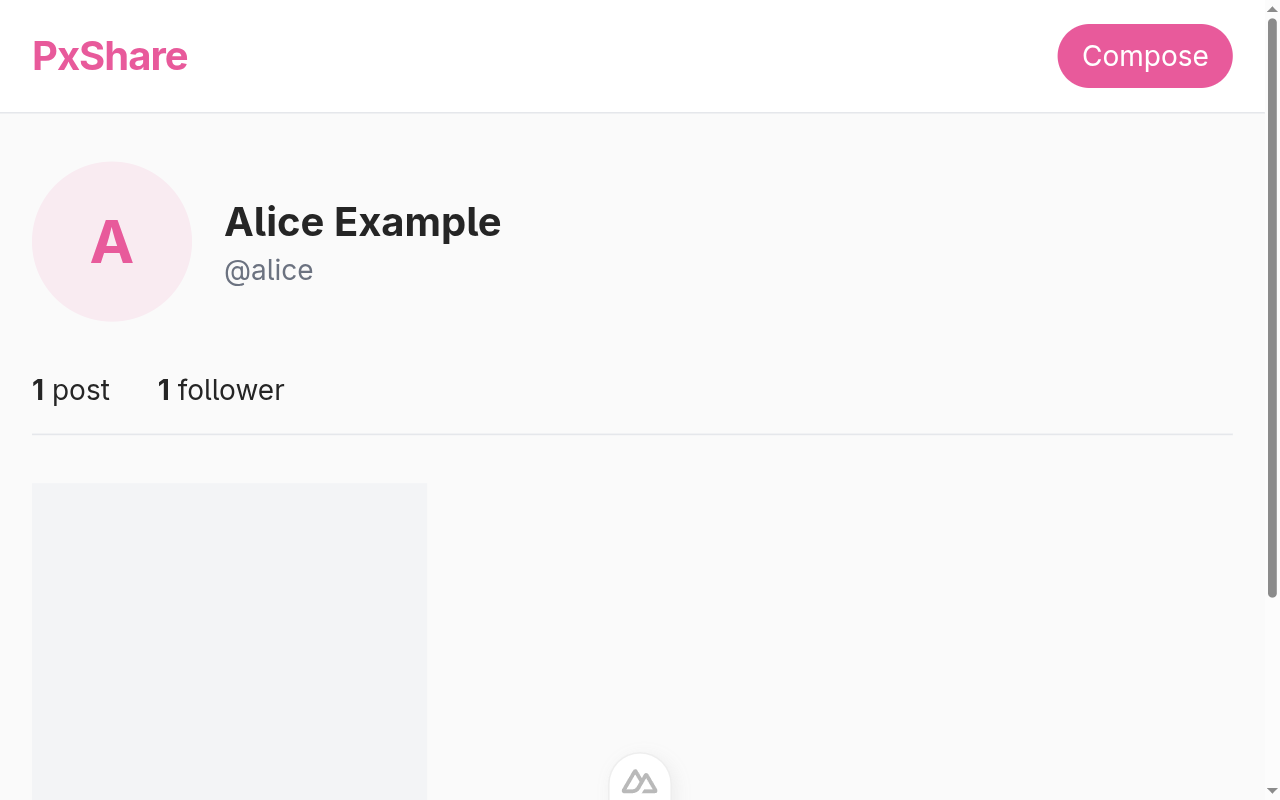
The counters and grid update on every page load; there is no caching layer beyond the database itself, so freshly composed posts appear on the next refresh.
The next chapter wires up the post detail route the tiles already link to, so clicking a tile leads somewhere instead of 404ing.
Post detail page
The grid tiles from Profile feed link at /users/<username>/posts/<id> but that route does not exist yet. This chapter adds the page that goes there: a single image at full bleed, the caption, a timestamp, and the Open Graph metadata that turns the URL into a rich preview when it is shared.
A JSON endpoint for one post
Create server/api/users/[username]/posts/[id].get.ts:
import { and, eq } from "drizzle-orm";
import { createError, defineEventHandler, getRouterParam } from "h3";
import { db } from "../../../../db/client";
import { posts, users } from "../../../../db/schema";

export default defineEventHandler(async (event) => {
  const username = getRouterParam(event, "username");
  const idParam = getRouterParam(event, "id");
  if (typeof username !== "string" || username === "") {
    throw createError({ statusCode: 404 });
  }
  const id = Number(idParam);
  if (!Number.isInteger(id) || id < 1) {
    throw createError({ statusCode: 404 });
  }
  const user = (
    await db.select().from(users).where(eq(users.username, username)).limit(1)
  )[0];
  if (user === undefined) {
    throw createError({ statusCode: 404 });
  }
  const post = (
    await db
      .select()
      .from(posts)
      .where(and(eq(posts.id, id), eq(posts.userId, user.id)))
      .limit(1)
  )[0];
  if (post === undefined) {
    throw createError({ statusCode: 404 });
  }
  return { user, post };
});
The endpoint validates both pieces of the URL (username + integer id) and constrains the lookup with both columns. That makes /users/alice/posts/2 a 404 if post id 2 actually belongs to bob; the URL stays canonical even if the schema later opens up to multiple local users.
The Vue page
Create app/pages/users/[username]/posts/[id].vue:
<script setup lang="ts">
const route = useRoute();
const username = computed(() => String(route.params.username));
const postId = computed(() => String(route.params.id));

const { data, error } = await useFetch(
  () => `/api/users/${username.value}/posts/${postId.value}`,
  { key: () => `post-${username.value}-${postId.value}` },
);

if (error.value) {
  throw createError({ statusCode: 404, statusMessage: "Post not found" });
}

const user = computed(() => data.value?.user ?? null);
const post = computed(() => data.value?.post ?? null);
const imageUrl = computed(() =>
  post.value ? `/uploads/${post.value.mediaPath}` : "",
);
const headline = computed(() =>
  user.value && post.value
    ? post.value.caption
      ? `${user.value.name}: ${post.value.caption}`
      : `Post by ${user.value.name}`
    : "PxShare",
);

useHead({
  title: () => headline.value,
  meta: () => [
    { property: "og:title", content: headline.value },
    { property: "og:type", content: "article" },
    { property: "og:image", content: imageUrl.value },
    {
      property: "og:description",
      content: post.value?.caption ?? "Posted on PxShare",
    },
  ],
});
</script>

<template>
  <article v-if="user && post" class="flex flex-col gap-4">
    <NuxtLink
      :to="`/users/${user.username}`"
      class="text-sm text-gray-500 hover:text-brand"
    >
      ← {{ user.name }}
    </NuxtLink>
    <figure
      class="bg-gray-100 rounded-lg overflow-hidden flex items-center justify-center"
    >
      <img
        :src="imageUrl"
        :alt="post.caption ?? ''"
        class="w-full max-h-[80vh] object-contain"
      />
    </figure>
    <p v-if="post.caption" class="text-base whitespace-pre-line">
      {{ post.caption }}
    </p>
    <p class="text-xs text-gray-400">
      Posted {{ new Date(post.createdAt + "Z").toLocaleString() }}
    </p>
  </article>
</template>
A few details worth calling out:
max-h-[80vh] object-contain- Wide-aspect images get the full viewport width; portrait images do not blow past 80% of the viewport height. The container's gray rectangle fills the rest, giving every post a consistent visual weight regardless of orientation.
- Open Graph metadata
- When somebody pastes the post URL into Slack, Mastodon, or any rich-link target, the embed shows the image and caption instead of just the URL.
og:imagepoints at the same static-asset path Nuxt already serves; no separate preview pipeline. - Locale-aware timestamp
new Date(post.createdAt + "Z").toLocaleString()parses the SQLite string as UTC and formats it in the visitor's locale. The closing chapter's “areas for improvement” lists relative timestamps as a natural extension.
Trying it out
Click any post tile from the profile. The detail page renders the image, the caption, and the timestamp:
The image still has the original dimensions we uploaded; the container handles the layout. The next chapter teaches alice to push posts: when she composes one, our server sends a Create(Note) to every follower's inbox so the post lands in their home timeline.
Distributing new posts to followers
So far alice can post, and other servers can fetch each post through the object dispatcher. But fetching is pull, and nothing makes a remote follower notice a new post unless they think to refetch alice's profile. Federation needs push: whenever alice composes, we should send a Create(Note) activity to every follower's inbox so the post lands in their home timeline straight away.
This is the moment the rest of the fediverse stops being a curiosity and starts being a place: alice's friends on Mastodon or Pixelfed see her photos in their feeds without ever knowing PxShare exists.
Refactor: a reusable buildNote
The Note we construct inside setObjectDispatcher() in Note object dispatcher is exactly what we want to wrap in a Create when alice composes. Pull that body into a small helper so the two callers share one definition.
Open server/federation.ts and add the helper just above the existing object-dispatcher block:
import type { Context } from "@fedify/fedify";
// …existing imports…
import {
  Accept,
  Create,
  Document,
  // …
} from "@fedify/vocab";

// …actor / followers / inbox setup unchanged…

// Build a Note for a stored post.  Shared by the object
// dispatcher (so other servers can fetch a single post) and the
// compose endpoint (so we can wrap the Note in a Create activity
// and fan it out to followers).
export function buildNote(
  ctx: Context<unknown>,
  identifier: string,
  post: {
    id: number;
    caption: string | null;
    mediaPath: string;
    mediaType: string;
    createdAt: string;
  },
): Note {
  const noteId = ctx.getObjectUri(Note, {
    identifier,
    id: String(post.id),
  });
  return new Note({
    id: noteId,
    attribution: ctx.getActorUri(identifier),
    to: PUBLIC_COLLECTION,
    cc: ctx.getFollowersUri(identifier),
    url: noteId,
    content: post.caption ?? "",
    published: Temporal.Instant.from(`${post.createdAt.replace(" ", "T")}Z`),
    attachments: [
      new Document({
        mediaType: post.mediaType,
        url: new URL(`/uploads/${post.mediaPath}`, ctx.canonicalOrigin),
      }),
    ],
  });
}
Then collapse the setObjectDispatcher() body to delegate to the helper:
federation.setObjectDispatcher(
  Note,
  "/users/{identifier}/posts/{id}",
  async (ctx, { identifier, id }) => {
    const postId = Number(id);
    if (!Number.isInteger(postId) || postId < 1) return null;
    const localUser = (
      await db
        .select()
        .from(users)
        .where(eq(users.username, identifier))
        .limit(1)
    )[0];
    if (localUser === undefined) return null;
    const post = (
      await db
        .select()
        .from(posts)
        .where(and(eq(posts.id, postId), eq(posts.userId, localUser.id)))
        .limit(1)
    )[0];
    if (post === undefined) return null;
    return buildNote(ctx, identifier, post);
  },
);
TIP
Why drop a typed Context<unknown> in here? setObjectDispatcher() already gives the dispatcher callback a Context whose contextData is the federation's context-data type (we have not customized it, so it is unknown). The compose endpoint will obtain the same Context from federation.createContext(), and that returns a Context of the same shape. Typing the parameter once lets both callers feed in their own Context without copy-pasting generic parameters.
Send Create(Note) from the compose endpoint
Now hook the fan-out into server/api/posts.post.ts. We want to:
- Insert the row (already done) but capture the inserted record so we know its id and timestamp without an extra read.
- Build a Note from that record using
buildNote. - Wrap the Note in a
Createactivity. - Hand the activity to Fedify with the magic recipient
"followers"so it expands into every follower's inbox.
Open server/api/posts.post.ts and update the imports plus the section after the file write:
import { mkdir, writeFile } from "node:fs/promises";
import path from "node:path";
import { Create } from "@fedify/vocab";
import { eq } from "drizzle-orm";
import {
  createError,
  defineEventHandler,
  readMultipartFormData,
  sendRedirect,
  toWebRequest,
} from "h3";
import { db } from "../db/client";
import { posts } from "../db/schema";
import federation, { buildNote } from "../federation";
import { getLocalUser } from "../utils/users";

// …ALLOWED_TYPES, MAX_BYTES, EXTENSION unchanged…

export default defineEventHandler(async (event) => {
  // …auth, multipart parsing, validation, and writeFile() unchanged…

  const mediaPath = `${user.username}/${filename}`;
  const [inserted] = await db
    .insert(posts)
    .values({
      userId: user.id,
      caption,
      mediaPath,
      mediaType: imageType,
    })
    .returning();

  // Fan out a Create(Note) to every follower's inbox.  Fedify
  // expands the magic "followers" target into the right inbox or
  // sharedInbox URLs and queues the deliveries through the
  // message queue, so the request returns quickly even for big
  // follower lists.
  const ctx = federation.createContext(toWebRequest(event), undefined);
  const note = buildNote(ctx, user.username, inserted);
  await ctx.sendActivity(
    { identifier: user.username },
    "followers",
    new Create({
      id: new URL("#create", note.id ?? ""),
      actor: ctx.getActorUri(user.username),
      to: note.toIds[0] ?? null,
      cc: note.ccIds[0] ?? null,
      object: note,
      published: note.published,
    }),
  );

  return await sendRedirect(event, `/users/${user.username}`, 303);
});
Three details worth pausing on:
.returning()(Drizzle)- Drizzle's SQLite driver supports SQL's
RETURNINGclause, which gives us back the row exactly as it was written, with the auto-incrementedidand the database-generatedcreatedAt. Without it we would have to re-SELECTafter the insert. federation.createContext()- Inbox listeners and dispatchers receive a
Contextfor free. Anywhere else, including a route handler outside Fedify's own routes, we ask the federation for one.createContext()needs the request so it can resolve the canonical origin from the Host and X-Forwarded-Host headers. The second argument is the per-request context data; we passedundefinedbecause PxShare does not use a context-data payload. "followers"as a sendActivity recipient- Fedify recognizes this magic string and consults the followers dispatcher we wrote in Followers list and collection. It walks the result, deduplicates by shared-inbox URL where one is advertised, and queues a delivery for each unique endpoint. The compose request returns immediately; the actual HTTP POSTs happen in the message queue worker, signed with alice's keys.
NOTE
The to/cc fields on the Create repeat the Note's recipients. Some peers (most notably Mastodon) read the activity envelope before they look at the embedded object, and they decide a status is public when the activity's to contains the public collection. Mirroring the Note's audience onto the Create keeps both readings consistent.
Trying it out
Make sure a Pixelfed account is following alice first; chapter 10 covered the round trip end-to-end. With a follower in place, restart the dev server, open the Compose form on the tunnel URL (so the canonical origin in the activity matches the keys alice signs with), pick an image, write a caption, and hit Post.
The dev server logs the delivery the moment Fedify drains the queue:
ℹ INF fedify·federation·outbox Successfully sent activity
  'https://your-tunnel.example/users/alice/posts/7#create'
  to 'https://your-pixelfed.example/users/tester/inbox'.
Refresh the Pixelfed account's Home Feed: alice's image lands on the feed straight away, captioned and ready to like:
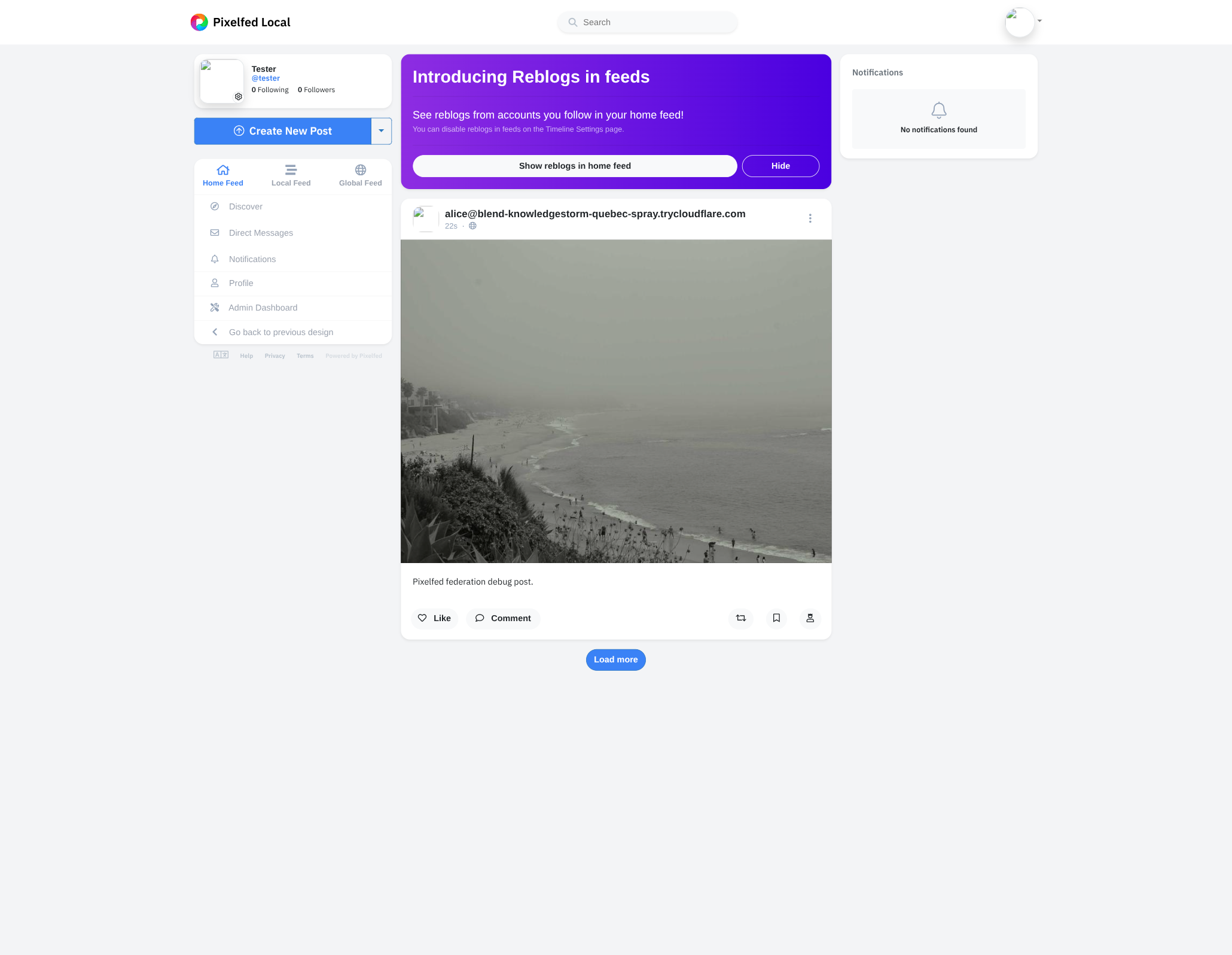
This is the round trip the whole tutorial has been pointing at: alice composes locally, the fediverse sees it within a second, and Pixelfed renders it as a first-class post inside its own feed. Mastodon and GoToSocial accept the same activity and behave the same way.
TIP
If alice's post does not show up, the most common causes are a stale tunnel URL (the activity went out with the wrong canonical origin), the Pixelfed instance running on an older queue worker, or, on Pixelfed specifically, the firstKnock setting in server/federation.ts not being set to "draft-cavage-http-signatures-12". Chapter 10 covers that flag in detail.
Once Pixelfed shows the post, the federation loop is real: alice posts, the fediverse sees it. The next chapter teaches alice to follow back: discovering remote actors, sending a Follow, and handling the Accept that completes the relationship.
Following remote accounts
Federation has been one-directional so far: remote servers can follow alice, but alice cannot follow them. This chapter closes the loop. By the end alice will be able to paste a fediverse handle into a form and end up with a recorded relationship that remote Create(Note) activities can address as inbox.
A following table
Mirror the followers table from Handling follows, with two new columns:
status- either
"pending"(the moment we send theFollow) or"accepted"(after the remote server confirms). Showing the relationship as pending until theAcceptarrives matches what Mastodon's own UI does for the same case, and avoids surprising alice if the remote server drops the request. followActivityId- the
idwe put on the outboundFollow. Most peers echo this back as the embedded object ofAccept, which gives us a precise match when several pending follows are in flight at once.
Append the table to server/db/schema.ts:
export const following = sqliteTable(
  "following",
  {
    followerId: integer("follower_id")
      .notNull()
      .references(() => users.id),
    actorUri: text("actor_uri").notNull(),
    handle: text("handle").notNull(),
    name: text("name"),
    inboxUrl: text("inbox_url").notNull(),
    sharedInboxUrl: text("shared_inbox_url"),
    url: text("url"),
    status: text("status", { enum: ["pending", "accepted"] })
      .notNull()
      .default("pending"),
    followActivityId: text("follow_activity_id").notNull(),
    createdAt: text("created_at").notNull().default(sql`CURRENT_TIMESTAMP`),
  },
  (t) => [primaryKey({ columns: [t.followerId, t.actorUri] })],
);

export type Following = typeof following.$inferSelect;
Push the migration:
npm run db:pushThe /follow page
Create app/pages/follow.vue. It is a thin form on top of $fetch, with a result paragraph that flips between idle, loading, success, and error.
<script setup lang="ts">
const { data: me } = await useFetch("/api/me", { key: "me-follow" });
const meUsername = computed(() => me.value?.user?.username ?? "");

const handle = ref("");
const status = ref<"idle" | "loading" | "success" | "error">("idle");
const message = ref("");

async function submit() {
  if (handle.value.trim() === "") return;
  status.value = "loading";
  message.value = "";
  try {
    const result = await $fetch<{ handle: string }>("/api/follow", {
      method: "POST",
      body: { handle: handle.value.trim() },
    });
    status.value = "success";
    message.value = `Sent a Follow to ${result.handle}.  It will move to "accepted" once the remote server confirms.`;
    handle.value = "";
  } catch (error) {
    status.value = "error";
    const fetchError = error as { statusMessage?: string; message?: string };
    message.value =
      fetchError.statusMessage ?? fetchError.message ?? "Follow failed.";
  }
}

useHead({ title: "Follow someone · PxShare" });
</script>

<template>
  <section class="flex flex-col gap-4">
    <header>
      <h1 class="text-xl font-bold">Follow someone</h1>
      <p class="text-sm text-gray-500">
        Enter a fediverse handle (<code>@user@server</code>) or a profile URL.
        We'll look the actor up and send a Follow request.
      </p>
    </header>
    <form class="flex flex-col gap-3" @submit.prevent="submit">
      <label class="flex flex-col gap-1">
        <span class="text-sm font-semibold">Handle or URL</span>
        <input
          v-model="handle"
          type="text"
          required
          placeholder="@dahlia@hollo.social or https://mastodon.social/@gargron"
          class="border border-gray-300 rounded-lg p-2 text-sm focus:outline-none focus:ring-2 focus:ring-brand/40"
        />
      </label>
      <div class="flex items-center justify-end gap-3">
        <NuxtLink
          v-if="meUsername"
          :to="`/users/${meUsername}`"
          class="text-sm text-gray-500 hover:text-brand"
        >
          Cancel
        </NuxtLink>
        <button
          type="submit"
          :disabled="status === 'loading'"
          class="px-4 py-2 bg-brand text-white rounded-full text-sm font-semibold hover:bg-brand-dark disabled:opacity-50 disabled:cursor-not-allowed"
        >
          {{ status === "loading" ? "Sending…" : "Follow" }}
        </button>
      </div>
    </form>
    <p
      v-if="status === 'success'"
      class="text-sm text-emerald-600 bg-emerald-50 border border-emerald-200 rounded-lg p-3"
    >
      {{ message }}
    </p>
    <p
      v-else-if="status === 'error'"
      class="text-sm text-rose-600 bg-rose-50 border border-rose-200 rounded-lg p-3"
    >
      {{ message }}
    </p>
  </section>
</template>
The empty form looks like:
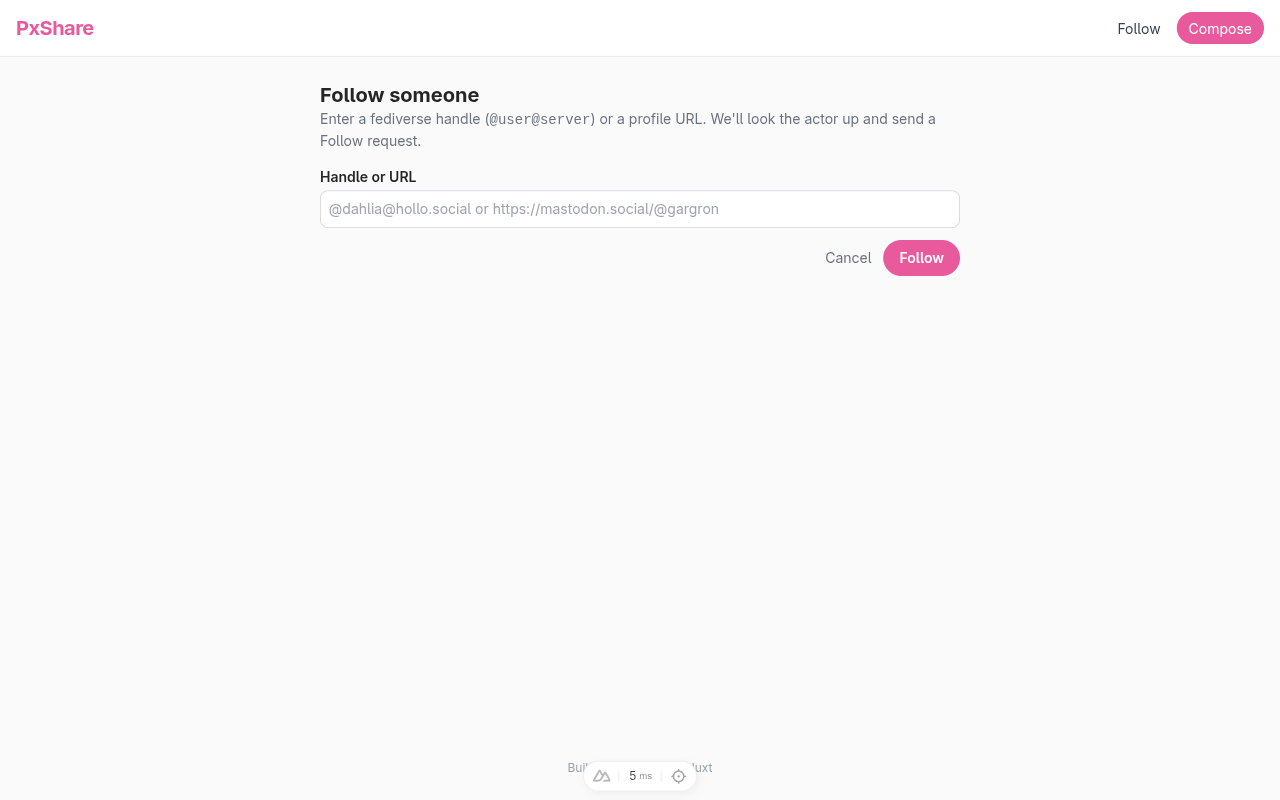
Add a quick Follow link to the navbar in app/app.vue so the page is reachable without typing the URL:
<nav class="flex items-center gap-4 text-sm">
  <NuxtLink to="/follow" class="text-gray-700 hover:text-brand">
    Follow
  </NuxtLink>
  <NuxtLink
    to="/compose"
    class="px-3 py-1.5 bg-brand text-white rounded-full hover:bg-brand-dark"
  >
    Compose
  </NuxtLink>
</nav>
The follow endpoint
Create server/api/follow.post.ts:
import { Follow, getActorHandle, isActor } from "@fedify/vocab";
import {
  createError,
  defineEventHandler,
  readBody,
  toWebRequest,
} from "h3";
import { db } from "../db/client";
import { following } from "../db/schema";
import federation from "../federation";
import { getLocalUser } from "../utils/users";

export default defineEventHandler(async (event) => {
  const user = await getLocalUser();
  if (user == null) {
    throw createError({ statusCode: 403, statusMessage: "No user" });
  }

  const body = await readBody<{ handle?: unknown }>(event);
  const handle = typeof body?.handle === "string" ? body.handle.trim() : "";
  if (handle === "") {
    throw createError({ statusCode: 400, statusMessage: "Missing handle" });
  }

  const ctx = federation.createContext(toWebRequest(event), undefined);
  const actor = await ctx.lookupObject(handle, {
    documentLoader: await ctx.getDocumentLoader({ identifier: user.username }),
  });
  if (actor == null || !isActor(actor)) {
    throw createError({
      statusCode: 404,
      statusMessage: `Could not resolve actor: ${handle}`,
    });
  }
  if (actor.id == null || actor.inboxId == null) {
    throw createError({
      statusCode: 422,
      statusMessage: "Resolved actor lacks an id or inbox",
    });
  }

  const followActivityId = new URL(
    `#follows/${crypto.randomUUID()}`,
    ctx.getActorUri(user.username),
  );
  const remoteHandle = await getActorHandle(actor);
  await db
    .insert(following)
    .values({
      followerId: user.id,
      actorUri: actor.id.href,
      handle: remoteHandle,
      name: actor.name?.toString() ?? null,
      inboxUrl: actor.inboxId.href,
      sharedInboxUrl: actor.endpoints?.sharedInbox?.href ?? null,
      url: actor.url?.href ?? null,
      status: "pending",
      followActivityId: followActivityId.href,
    })
    .onConflictDoNothing();

  await ctx.sendActivity(
    { identifier: user.username },
    actor,
    new Follow({
      id: followActivityId,
      actor: ctx.getActorUri(user.username),
      object: actor.id,
    }),
  );

  return {
    handle: remoteHandle,
    actorUri: actor.id.href,
    status: "pending" as const,
  };
});
The interesting bits:
ctx.lookupObject()- accepts whatever shape the user typed. An @user@server handle triggers a WebFinger request (resolves to an
acct:URI, then to a profile URL); a profile URL is fetched directly. PassdocumentLoaderso the fetch is signed with alice's keys, which lets authorized-fetch instances (notably Mastodon with secure mode on) answer the request. isActor()- filters the result down to
Application | Group | Organization | Person | Service. Anything else (a strayNoteorImage) gets a 404 instead of crashing later. onConflictDoNothing()- makes following the same account twice a safe no-op. We keep the existing row's status because we may already have been accepted, and re-sending a
Followis harmless from the peer's perspective anyway. new Follow({ id: …, actor: …, object: … })- the bare minimum. The
idis what the remote server is expected to embed back into theAccept'sobjectfield so we can match the response to the right row.
Accept inbox listener
Add Accept (alongside the existing Follow) to the @fedify/vocab import, pull or into the drizzle-orm import, and bring in the following schema. Then chain an Accept handler at the end of the inbox-listener chain in server/federation.ts:
.on(Accept, async (ctx, accept) => {
  // The remote server has accepted alice's outbound Follow.
  // Match the Accept against our `following` row by either the
  // original Follow's `id` (when the peer echoes it) or the
  // remote actor URI (Pixelfed sometimes mints a fresh id on the
  // way back), and flip the row's status to "accepted".
  if (accept.actorId == null || accept.objectId == null) return;
  const followActivityId = accept.objectId.href;
  const remoteActorUri = accept.actorId.href;
  const matcher = accept.objectId.origin === ctx.canonicalOrigin
    ? eq(following.followActivityId, followActivityId)
    : or(
      eq(following.followActivityId, followActivityId),
      eq(following.actorUri, remoteActorUri),
    );
  await db
    .update(following)
    .set({ status: "accepted" })
    .where(matcher);
});
accept.objectId reads the referenced activity's ID without trusting or dereferencing an embedded Follow from another origin. Mastodon and GoToSocial keep the original Follow ID, which makes matching unambiguous. Pixelfed often returns a freshly minted ID instead, so the remote actor URI remains the interoperability fallback in this single-user application. The handler only uses that fallback for an ID minted on another origin; a mismatched ID on our own origin is rejected instead of accepting an unrelated activity.
TIP
If you ship multiple local users later (the closing chapter lists this as a stretch goal), narrow the matcher to the follower user too. The current single-user constraint means an Accept from any peer always belongs to alice, but with two local accounts you must look at who sent the Follow before flipping a row.
Trying it out
Restart the dev server, open the Follow page on the tunnel URL (so alice's signature points at the canonical origin), paste a remote handle, and click Follow.
Following an ActivityPub.Academy account
An ActivityPub.Academy account is the easiest first target: academy auto-accepts every Follow without manual intervention:
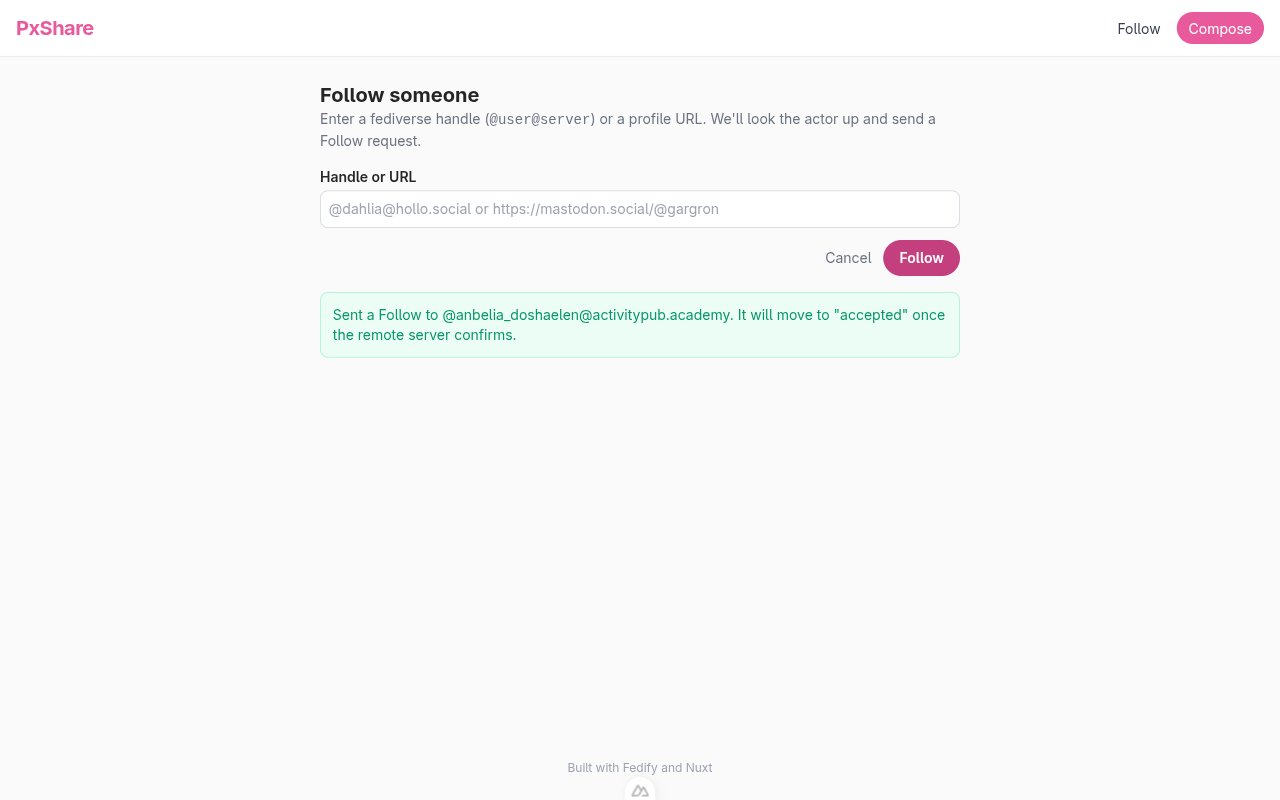
The dev server narrates the round trip in real time:
ℹ INF fedify·federation·outbox Successfully sent activity
  'https://your-tunnel.example/users/alice#follows/1f39…'
  to 'https://activitypub.academy/users/anbelia_doshaelen/inbox'.
ℹ INF fedify·federation·inbox Activity 'https://activitypub.academy/users/anbelia_doshaelen#accepts/follows/16039'
  is enqueued.
ℹ INF fedify·federation·http 'POST' '/users/alice/inbox': 202
ℹ INF fedify·federation·inbox Activity '…#accepts/follows/16039' has been processed.
Run a quick query to confirm the row flipped:
sqlite3 content-sharing.sqlite3 "SELECT handle, status FROM following"handle | status |
|---|---|
@anbelia_doshaelen@activitypub.academy | accepted |
Following a Pixelfed account
Pixelfed is the second proof point and the more important one for this tutorial. Submit a Pixelfed account's handle in the same form. The dev server logs the same shape (just to a Pixelfed inbox), Pixelfed sends the Accept back essentially instantaneously, and the row in following flips to accepted:
sqlite3 content-sharing.sqlite3 "SELECT handle, status FROM following"handle | status |
|---|---|
@anbelia_doshaelen@activitypub.academy | accepted |
@tester@your-pixelfed.example | accepted |
On the Pixelfed side, log in to the account that just got followed and open the Notifications page: alice's follow appears in the list:
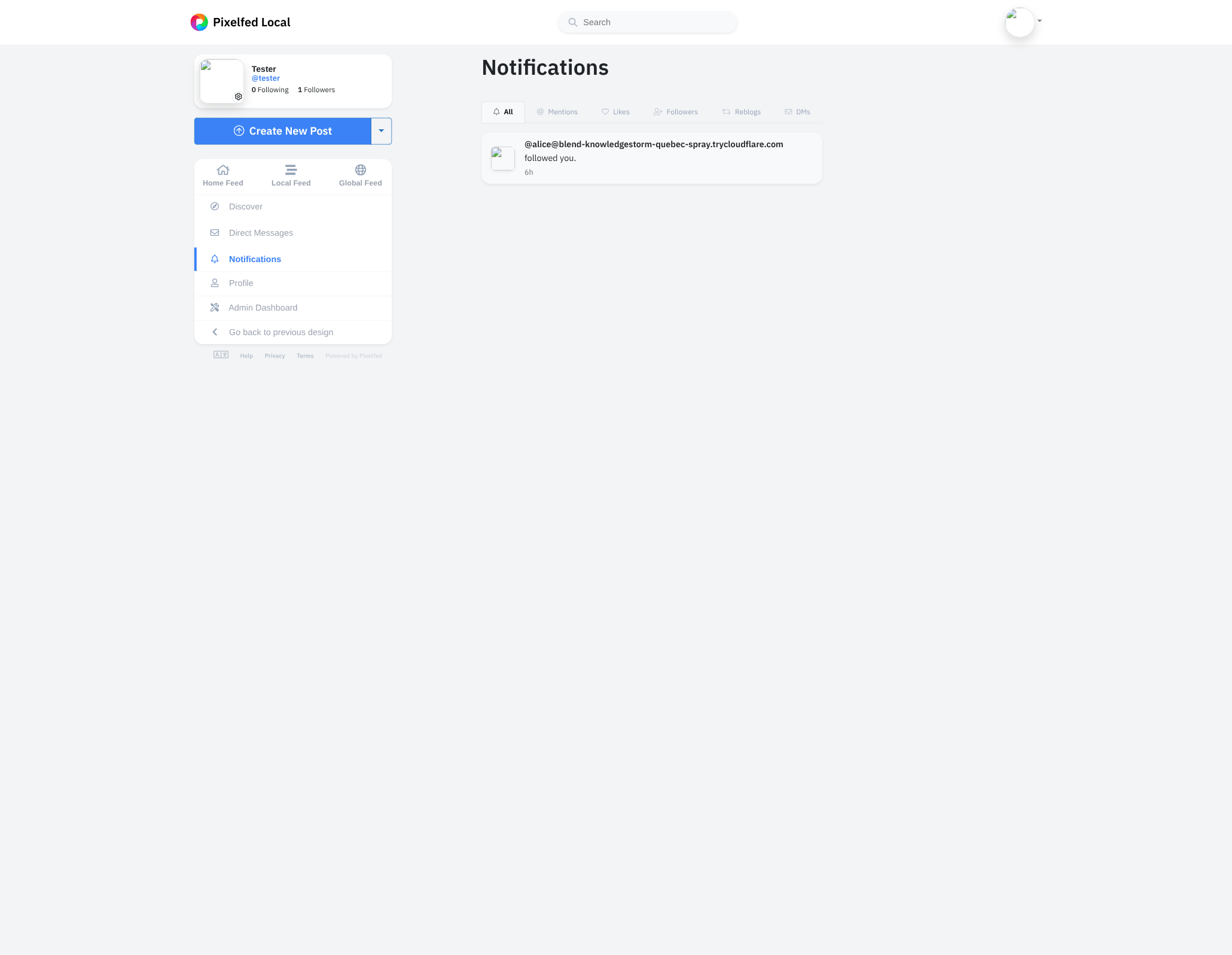
NOTE
Mastodon proper sometimes takes a few seconds to send the Accept; Pixelfed is usually instantaneous. If the row stays pending, check that the dev server's URL matches the URL the actor was looked up from (canonical-origin mismatch is the most common cause of dropped Accepts).
Now alice can follow anyone in the fediverse, but the only proof of it is a row in SQLite. The next chapter renders that list as a Vue page so alice can see who she follows, and exposes it as an ActivityPub Following collection so peers can read it back.
Following list
This chapter is the symmetric counterpart of the followers list from Followers list and collection: an HTML page that shows who alice follows, plus an ActivityPub OrderedCollection peers can fetch. Both reuse the following table from Following remote accounts, filtered to the rows whose status is accepted.
A JSON endpoint
Create server/api/users/[username]/following.get.ts:
import { and, desc, eq } from "drizzle-orm";
import { createError, defineEventHandler, getRouterParam } from "h3";
import { db } from "../../../db/client";
import { following, users } from "../../../db/schema";

export default defineEventHandler(async (event) => {
  const username = getRouterParam(event, "username");
  if (typeof username !== "string" || username === "") {
    throw createError({ statusCode: 404 });
  }
  const user = (
    await db.select().from(users).where(eq(users.username, username)).limit(1)
  )[0];
  if (user === undefined) {
    throw createError({ statusCode: 404 });
  }
  // Hide pending rows from the public list: an unconfirmed follow
  // is between alice and the remote server, not something to
  // advertise.
  const rows = await db
    .select()
    .from(following)
    .where(
      and(eq(following.followerId, user.id), eq(following.status, "accepted")),
    )
    .orderBy(desc(following.createdAt));
  return { user, following: rows };
});
The Vue page
Create app/pages/users/[username]/following.vue:
<script setup lang="ts">
const route = useRoute();
const username = computed(() => String(route.params.username));

const { data, error, refresh } = await useFetch(
  () => `/api/users/${username.value}/following`,
  { key: () => `following-${username.value}` },
);

if (error.value) {
  throw createError({ statusCode: 404, statusMessage: "User not found" });
}

const user = computed(() => data.value?.user ?? null);
const following = computed(() => data.value?.following ?? []);
const pending = ref<Set<string>>(new Set());

async function unfollow(actorUri: string) {
  pending.value.add(actorUri);
  try {
    await $fetch("/api/follow", {
      method: "DELETE",
      body: { actorUri },
    });
    await refresh();
  } finally {
    pending.value.delete(actorUri);
  }
}

useHead({
  title: () =>
    user.value
      ? `${user.value.name} is following (@${user.value.username})`
      : "PxShare",
});
</script>

<template>
  <section v-if="user" class="flex flex-col gap-6">
    <header class="flex flex-col gap-1">
      <NuxtLink
        :to="`/users/${user.username}`"
        class="text-sm text-gray-500 hover:text-brand"
      >
        ← {{ user.name }}
      </NuxtLink>
      <h1 class="text-xl font-bold">Following</h1>
      <p class="text-sm text-gray-500">
        Following {{ following.length }}
        {{ following.length === 1 ? "account" : "accounts" }}
      </p>
    </header>
    <ul v-if="following.length > 0" class="flex flex-col gap-3">
      <li
        v-for="account in following"
        :key="account.actorUri"
        class="flex items-center justify-between gap-3"
      >
        <a
          :href="account.url ?? account.actorUri"
          target="_blank"
          rel="noopener noreferrer"
          class="flex flex-col hover:text-brand"
        >
          <span class="font-semibold">{{ account.name ?? account.handle }}</span>
          <span class="text-sm text-gray-500">{{ account.handle }}</span>
        </a>
        <button
          type="button"
          :disabled="pending.has(account.actorUri)"
          class="px-3 py-1 text-sm border border-gray-300 rounded-full hover:border-rose-400 hover:text-rose-500 disabled:opacity-50 disabled:cursor-not-allowed"
          @click="unfollow(account.actorUri)"
        >
          {{ pending.has(account.actorUri) ? "Unfollowing…" : "Unfollow" }}
        </button>
      </li>
    </ul>
    <p v-else class="text-sm text-gray-400 py-8 text-center">
      Not following anyone yet.
    </p>
  </section>
</template>
The Unfollow button calls a new DELETE /api/follow endpoint (written below). We track in-flight unfollows in a pending Set so each row's button can disable itself independently without freezing the whole list.
The unfollow endpoint
Create server/api/follow.delete.ts:
import { Follow, Undo } from "@fedify/vocab";
import { and, eq } from "drizzle-orm";
import {
  createError,
  defineEventHandler,
  readBody,
  toWebRequest,
} from "h3";
import { db } from "../db/client";
import { following } from "../db/schema";
import federation from "../federation";
import { getLocalUser } from "../utils/users";

export default defineEventHandler(async (event) => {
  const user = await getLocalUser();
  if (user == null) {
    throw createError({ statusCode: 403, statusMessage: "No user" });
  }
  const body = await readBody<{ actorUri?: unknown }>(event);
  const actorUri =
    typeof body?.actorUri === "string" ? body.actorUri.trim() : "";
  if (actorUri === "") {
    throw createError({ statusCode: 400, statusMessage: "Missing actorUri" });
  }

  const [row] = await db
    .select()
    .from(following)
    .where(
      and(eq(following.followerId, user.id), eq(following.actorUri, actorUri)),
    )
    .limit(1);
  if (row === undefined) {
    return { actorUri, following: false };
  }

  // Drop the local row first so the UI reflects the unfollow even
  // if the remote inbox is slow.
  await db
    .delete(following)
    .where(
      and(eq(following.followerId, user.id), eq(following.actorUri, actorUri)),
    );

  // Send an `Undo(Follow)` to the remote actor's inbox.  Re-build
  // the original `Follow` activity (using the id we stored at
  // follow time so peers can match by id) and wrap it in `Undo`.
  const ctx = federation.createContext(toWebRequest(event), undefined);
  const aliceUri = ctx.getActorUri(user.username);
  const followActivityId = new URL(row.followActivityId);
  await ctx.sendActivity(
    { identifier: user.username },
    {
      id: new URL(row.actorUri),
      inboxId: new URL(row.inboxUrl),
      endpoints:
        row.sharedInboxUrl == null
          ? null
          : { sharedInbox: new URL(row.sharedInboxUrl) },
    },
    new Undo({
      id: new URL(`#undo-follows/${crypto.randomUUID()}`, aliceUri),
      actor: aliceUri,
      object: new Follow({
        id: followActivityId,
        actor: aliceUri,
        object: new URL(row.actorUri),
      }),
    }),
  );

  return { actorUri, following: false };
});
Two details worth pointing out:
followActivityId(round-tripped through the database)- Chapter 19 stored the outbound
Follow's id on the following row precisely so the unfollow path can echo it back inside the embeddedFollow. Mastodon, Pixelfed, and GoToSocial all match incomingUndo(Follow)against their pending follow record by that id; without it the unfollow silently no-ops on the remote side. - The recipient is built inline
ctx.sendActivity()accepts any object that implements theRecipientshape (an actorid, aninboxId, and an optionalendpoints.sharedInbox). We have all three on the following row, so we hand them over directly and skip alookupObject()round trip.
A counter on the profile
Update server/api/users/[username].get.ts to surface followingCount alongside the existing aggregates:
import { and, count, eq } from "drizzle-orm";
import { createError, defineEventHandler, getRouterParam } from "h3";
import { db } from "../../db/client";
import { followers, following, posts, users } from "../../db/schema";

export default defineEventHandler(async (event) => {
  // …user lookup unchanged…
  const [{ followerCount }] = await db
    .select({ followerCount: count() })
    .from(followers)
    .where(eq(followers.followingId, user.id));
  const [{ followingCount }] = await db
    .select({ followingCount: count() })
    .from(following)
    .where(
      and(eq(following.followerId, user.id), eq(following.status, "accepted")),
    );
  const [{ postCount }] = await db
    .select({ postCount: count() })
    .from(posts)
    .where(eq(posts.userId, user.id));
  return { user, followerCount, followingCount, postCount };
});
Then add a third pill to the profile header in app/pages/users/[username]/index.vue:
const followingCount = computed(() => profile.value?.followingCount ?? 0);<NuxtLink
:to="`/users/${user.username}/followers`"
class="hover:text-brand"
>
<strong>{{ followerCount }}</strong>
{{ followerCount === 1 ? "follower" : "followers" }}
</NuxtLink>
<NuxtLink
:to="`/users/${user.username}/following`"
class="hover:text-brand"
>
<strong>{{ followingCount }}</strong>
following
</NuxtLink>The header now reads posts · followers · following:
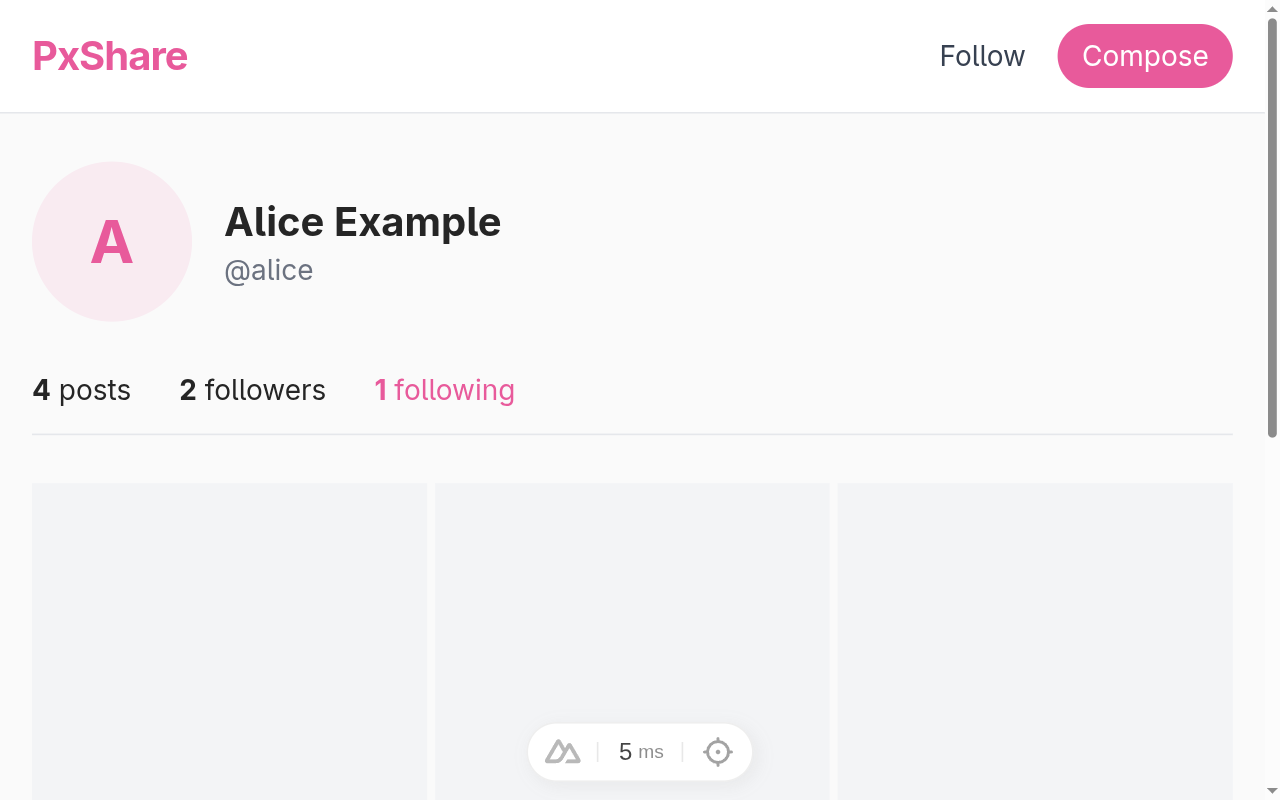
Click 2 following and the new page lists the accounts, each with an Unfollow button:
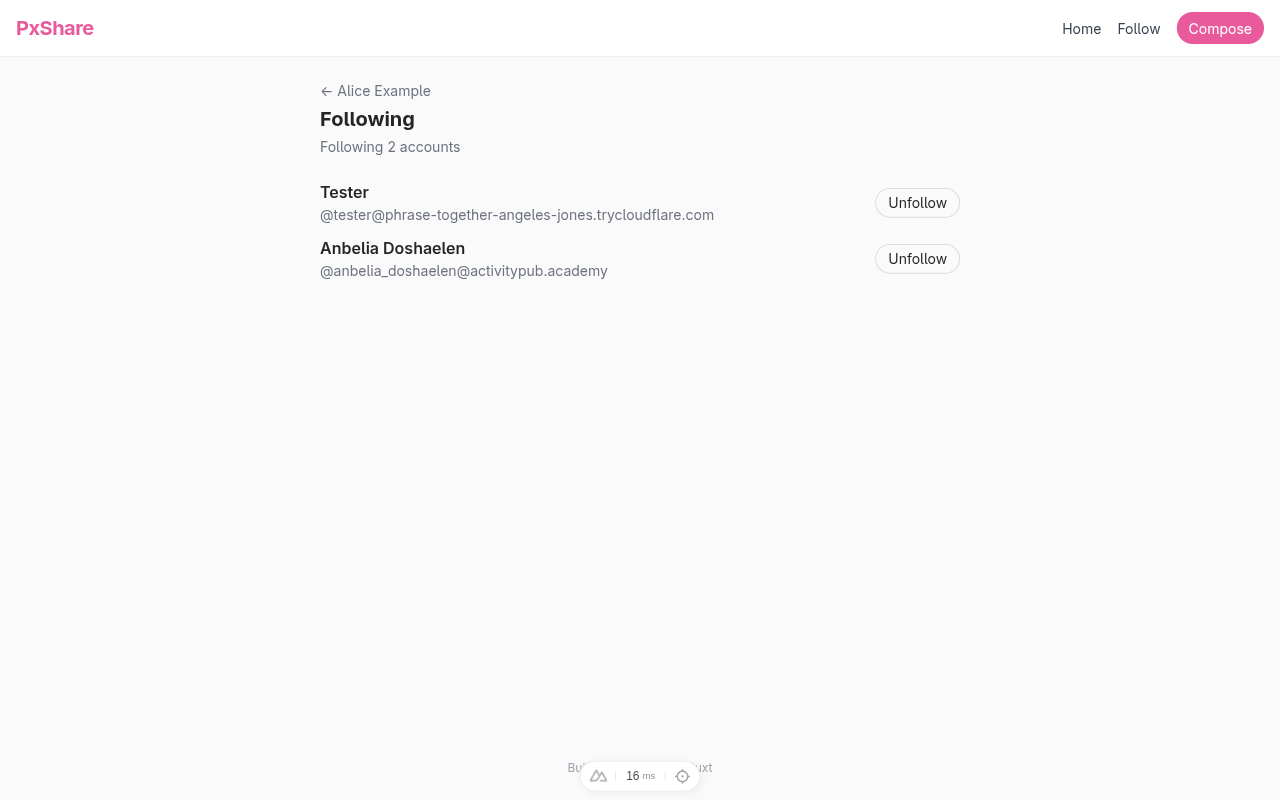
Click Unfollow and the row disappears. The dev server logs the outbound Undo(Follow):
ℹ INF fedify·federation·outbox Successfully sent activity
  'https://your-tunnel.example/users/alice#undo-follows/…'
  to 'https://your-pixelfed.example/users/tester/inbox'.
Refresh the Pixelfed account's Followers page (or query the database directly) and the alice row is gone. Re-click Follow on the Follow page to put the relationship back.
The ActivityPub Following collection
A peer that fetches alice's actor JSON should get a following URL back. Update the actor dispatcher in server/federation.ts:
return new Person({
  // …
  followers: ctx.getFollowersUri(identifier),
  following: ctx.getFollowingUri(identifier),
  // …
});
Then add a sibling to the followers dispatcher that answers that URL:
federation
  .setFollowingDispatcher(
    "/users/{identifier}/following",
    async (_ctx, identifier) => {
      const localUser = (
        await db
          .select()
          .from(users)
          .where(eq(users.username, identifier))
          .limit(1)
      )[0];
      if (localUser === undefined) return null;
      const rows = await db
        .select()
        .from(following)
        .where(
          and(
            eq(following.followerId, localUser.id),
            eq(following.status, "accepted"),
          ),
        )
        .orderBy(desc(following.createdAt));
      const items = rows.map((row) => new URL(row.actorUri));
      return { items };
    },
  )
  .setCounter(async (_ctx, identifier) => {
    const localUser = (
      await db
        .select()
        .from(users)
        .where(eq(users.username, identifier))
        .limit(1)
    )[0];
    if (localUser === undefined) return 0;
    const result = await db
      .select({ cnt: count() })
      .from(following)
      .where(
        and(
          eq(following.followerId, localUser.id),
          eq(following.status, "accepted"),
        ),
      );
    return result[0]?.cnt ?? 0;
  });
Two differences worth pointing out compared to the followers dispatcher:
- Items are plain URL strings, not
Recipientobjects. TheRecipientshape exists so Fedify can deliver activities to followers; for Following, peers only need the actor URIs to fetch the actors themselves. - Both the dispatcher and its counter filter by
status = "accepted". A pending follow is not part of alice's public footprint until the remote server confirms.
TIP
Fedify validates that the URL on actor.followingId matches the URL the dispatcher answers at. If they drift apart (a typo, a route rename), the actor dispatcher will throw at startup, which is the correct moment to discover the mismatch.
Verify the collection serves correctly:
fedify lookup http://localhost:3000/users/alice/followingOrderedCollection {
id: URL "http://localhost:3000/users/alice/following",
totalItems: 1,
items: [ URL "https://activitypub.academy/users/anbelia_doshaelen" ],
}The list is real on both sides now: alice can see it in the browser, and any peer that walks her actor object can fetch it through the standard ActivityPub route. Next we make the relationship pay off: a home timeline page that shows posts the people alice follows have shared.
Home timeline
When the people alice follows post on their own servers, those servers send Create(Note) activities to alice's inbox. Up to this chapter we ignore them. Now we cache them in a small timeline_posts table and render the result as the home page, the entry point alice lands on right after signup.
A timeline cache table
Append to server/db/schema.ts:
export const timelinePosts = sqliteTable(
  "timeline_posts",
  {
    userId: integer("user_id")
      .notNull()
      .references(() => users.id),
    noteUri: text("note_uri").notNull(),
    authorActorUri: text("author_actor_uri").notNull(),
    authorHandle: text("author_handle").notNull(),
    authorName: text("author_name"),
    authorUrl: text("author_url"),
    caption: text("caption"),
    mediaUrl: text("media_url").notNull(),
    mediaType: text("media_type").notNull(),
    publishedAt: text("published_at").notNull(),
    createdAt: text("created_at").notNull().default(sql`CURRENT_TIMESTAMP`),
  },
  (t) => [primaryKey({ columns: [t.userId, t.noteUri] })],
);

export type TimelinePost = typeof timelinePosts.$inferSelect;
Two design points worth calling out:
- Denormalized
- Storing authorHandle, authorName, authorUrl alongside authorActorUri means the home page can render entirely from one table. We pay a small write cost on every inbound Note, but reads stay flat and a remote profile rename only becomes stale until the next post from that author refreshes the row.
- Composite primary key
- (userId, noteUri) makes redelivery a no-op. Mastodon and Pixelfed both retry deliveries when a peer responds slowly, and ActivityPub permits delivering the same activity to a shared inbox more than once. Without the unique key we would accumulate duplicates.
Push the schema:
npm run db:pushSanitize remote captions before storing them
Mastodon, Pixelfed, and most other fediverse servers send Note.content wrapped in HTML elements: <p> for paragraphs, <br> for line breaks, <a> (often inside a <span>) for mentions, hashtags, and plain links. Rendering that markup directly through Vue's v-html against a public inbox is an XSS surface, since any peer could push markup we did not author. We do not want to throw all of that markup away either; mentions and clickable links are part of what makes the home timeline recognizable. The middle ground is to run remote content through a sanitizer with a tight allow-list at write time, and store the cleaned HTML.
Install sanitize-html and its types:
npm install sanitize-html
npm install -D @types/sanitize-html
Then add server/utils/text.ts:
import sanitizeHtml from "sanitize-html";

const ALLOWED_TAGS = ["p", "br", "a", "span"];
// Note: `class` is intentionally not in `allowedAttributes`; it
// is governed exclusively by `allowedClasses` below so peers can
// only surface microformats values we recognize.
const ALLOWED_ATTRS = {
  a: ["href", "rel", "target"],
};
const ALLOWED_CLASSES = {
  a: ["mention", "hashtag", "u-url"],
  span: ["h-card", "invisible", "ellipsis"],
};
const ALLOWED_SCHEMES = ["http", "https"];

export function sanitizeNoteContent(input: string): string {
  return sanitizeHtml(input, {
    allowedTags: ALLOWED_TAGS,
    allowedAttributes: ALLOWED_ATTRS,
    allowedClasses: ALLOWED_CLASSES,
    allowedSchemes: ALLOWED_SCHEMES,
    transformTags: {
      // Force a safe `rel` and `target` on every `<a>` regardless
      // of what the peer sent.  `nofollow noopener noreferrer ugc`
      // is the conventional set for user-generated remote links
      // and matches what Mastodon's web frontend renders.
      a: (_tagName, attribs) => ({
        tagName: "a",
        attribs: {
          ...attribs,
          rel: "nofollow noopener noreferrer ugc",
          target: "_blank",
        },
      }),
    },
  }).trim();
}

// Strip all markup from already-sanitized HTML so we can reuse
// the caption in places where HTML is meaningless (`alt`
// attributes, page titles, OpenGraph descriptions).  `textFilter`
// appends a space to each text node before the surrounding tags
// are removed, which keeps block boundaries from running together
// (e.g. `<p>one</p><p>two</p>` becomes `one two`, not `onetwo`).
// The trailing whitespace is collapsed by the regex below.
export function extractText(html: string): string {
  return sanitizeHtml(html, {
    allowedTags: [],
    allowedAttributes: {},
    textFilter: (text) => `${text} `,
  })
    .replace(/\s+/g, " ")
    .trim();
}
sanitize-html parses the input into a DOM, walks every node against the allow-list, and serializes the survivors back out. Anything outside the allow-list (including <script>, inline event handlers, <img> with hostile src, exotic schemes such as javascript: and data:) is dropped. transformTags rewrites each surviving <a> to carry the rel and target attributes we want; because rel and target are also listed in allowedAttributes.a, the values the transform writes survive the final attribute-allow-list pass. allowedClasses keeps the common Mastodon microformats markers (mention, hashtag, u-url, h-card) so the rendered timeline can style them, while dropping everything else a peer might inject.
extractText is a deliberately narrow companion: feeding the already-sanitized caption back through sanitizeHtml with empty allow-lists yields plain text, which is what we want for alt attributes and OpenGraph descriptions where HTML is rendered as literal characters.
Cache inbound Create(Note) activities
Open server/federation.ts and add Create, Document, and Note to the @fedify/vocab import, and to the drizzle-orm import, and the timelinePosts table to the schema import. Bring in sanitizeNoteContent from ./utils/text. Then add a Create handler at the end of the inbox-listener chain (after the Accept handler from Following remote accounts):
.on(Create, async (_ctx, create) => {
  // A remote actor has authored something.  We only cache it if
  // (a) the object is a Note, (b) the author is one of our
  // accepted followees, and (c) the Note has at least one image
  // Document attachment we can show in the grid.
  if (create.actorId == null) return;
  const object = await create.getObject();
  if (!(object instanceof Note)) return;
  if (object.id == null) return;
  const actorRows = await db
    .select()
    .from(following)
    .where(
      and(
        eq(following.actorUri, create.actorId.href),
        eq(following.status, "accepted"),
      ),
    );
  if (actorRows.length === 0) return;
  let mediaUrl: string | null = null;
  let mediaType: string | null = null;
  for await (const attachment of object.getAttachments()) {
    if (
      attachment instanceof Document &&
      attachment.url instanceof URL &&
      attachment.mediaType?.startsWith("image/")
    ) {
      mediaUrl = attachment.url.href;
      mediaType = attachment.mediaType;
      break;
    }
  }
  if (mediaUrl == null || mediaType == null) return;
  const published =
    object.published?.toString() ?? new Date().toISOString();
  for (const row of actorRows) {
    await db
      .insert(timelinePosts)
      .values({
        userId: row.followerId,
        noteUri: object.id.href,
        authorActorUri: row.actorUri,
        authorHandle: row.handle,
        authorName: row.name,
        authorUrl: row.url,
        caption: sanitizeNoteContent(object.content?.toString() ?? "") || null,
        mediaUrl,
        mediaType,
        publishedAt: published,
      })
      .onConflictDoNothing();
  }
});
Three guards keep the table tidy:
getObject()returns the embedded Note. We useinstanceof Noterather than a string compare ontypebecause Fedify hands us strongly-typed objects; relying on the class is more robust to JSON-LD reshapes.- We filter by author URI on the following table, with the accepted gate. This rejects activities from anyone we are not deliberately following, which means random follower-of-a-follower posts that arrive at our shared inbox do not end up on the home grid.
getAttachments()is an async iterator. We pull the first image-shaped attachment and stop. PxShare is single-image, so dropping further attachments is fine for this tutorial; the closing chapter lists multi-image carousels as a stretch goal.
NOTE
Mastodon's status URLs and the underlying activity URLs are different. The activity has …/statuses/<id>/activity as its id; the embedded Note is …/statuses/<id>. Our handler stores the Note's id in noteUri (so the row links back to the user-visible status, not the federation envelope).
A home-page endpoint and view
Create server/api/home.get.ts:
import { desc, eq } from "drizzle-orm";
import { createError, defineEventHandler } from "h3";
import { db } from "../db/client";
import { timelinePosts } from "../db/schema";
import { extractText } from "../utils/text";
import { getLocalUser } from "../utils/users";

export default defineEventHandler(async () => {
  const user = await getLocalUser();
  if (user == null) {
    throw createError({ statusCode: 403, statusMessage: "No user" });
  }
  const rows = await db
    .select()
    .from(timelinePosts)
    .where(eq(timelinePosts.userId, user.id))
    .orderBy(desc(timelinePosts.publishedAt))
    .limit(60);
  return {
    posts: rows.map((row) => ({
      ...row,
      // `caption` is sanitized HTML for `v-html`; `captionText`
      // is the same content stripped to plain text for the
      // `alt` attribute and other text-only spots.
      captionText: row.caption ? extractText(row.caption) : null,
    })),
  };
});
Then app/pages/home.vue:
<script setup lang="ts">
const { data } = await useFetch("/api/home", { key: "home-timeline" });
const posts = computed(() => data.value?.posts ?? []);

useHead({ title: "Home · PxShare" });
</script>

<template>
  <section class="flex flex-col gap-6">
    <header>
      <h1 class="text-xl font-bold">Home</h1>
      <p class="text-sm text-gray-500">
        Posts from the people you follow.  New posts arrive here as soon
        as their server delivers a Create activity.
      </p>
    </header>
    <div v-if="posts.length > 0" class="grid grid-cols-3 gap-1">
      <a
        v-for="post in posts"
        :key="post.noteUri"
        :href="post.noteUri"
        target="_blank"
        rel="noopener noreferrer"
        class="block aspect-square overflow-hidden bg-gray-100 hover:opacity-90 transition relative group"
      >
        <img
          :src="post.mediaUrl"
          :alt="post.captionText ?? ''"
          class="w-full h-full object-cover"
          loading="lazy"
          referrerpolicy="no-referrer"
        />
        <div
          class="absolute inset-x-0 bottom-0 bg-gradient-to-t from-black/60 to-transparent text-white text-xs p-2 opacity-0 group-hover:opacity-100 transition"
        >
          <span class="font-semibold">{{ post.authorName ?? post.authorHandle }}</span>
        </div>
      </a>
    </div>
    <p v-else class="text-sm text-gray-400 py-12 text-center">
      Your home timeline is empty.  Follow someone from the
      <NuxtLink to="/follow" class="text-brand hover:underline">
        Follow page
      </NuxtLink>
      and their next post will land here.
    </p>
  </section>
</template>
TIP
The <img> tag uses referrerpolicy="no-referrer" because some servers (Pixelfed especially) block hot-linked images when the Referer header points at a different origin. Stripping the referrer makes the request look like a direct fetch, which most servers happily serve.
Wire /home as the entry point
Update the navbar in app/app.vue and the redirect in app/pages/index.vue so the home grid is the first thing alice sees on every login:
<nav class="flex items-center gap-4 text-sm">
  <NuxtLink to="/home" class="text-gray-700 hover:text-brand">
    Home
  </NuxtLink>
  <NuxtLink to="/follow" class="text-gray-700 hover:text-brand">
    Follow
  </NuxtLink>
  <NuxtLink
    to="/compose"
    class="px-3 py-1.5 bg-brand text-white rounded-full hover:bg-brand-dark"
  >
    Compose
  </NuxtLink>
</nav>if (data.value?.user) {
await navigateTo("/home", { replace: true });
}Trying it out
Restart the dev server and post a photo from a Pixelfed account that alice follows (Following remote accounts covers the follow flow). Within a second or two alice's home page lights up: the 3-column grid renders one square thumbnail of the new photo, and clicking it opens the original on Pixelfed. We will rework this layout into stacked cards in Likes and Undo(Like) so that hearts have somewhere to live; the screenshot below shows the later card form with two timeline entries, which is what alice ends up looking at after chapter 22.
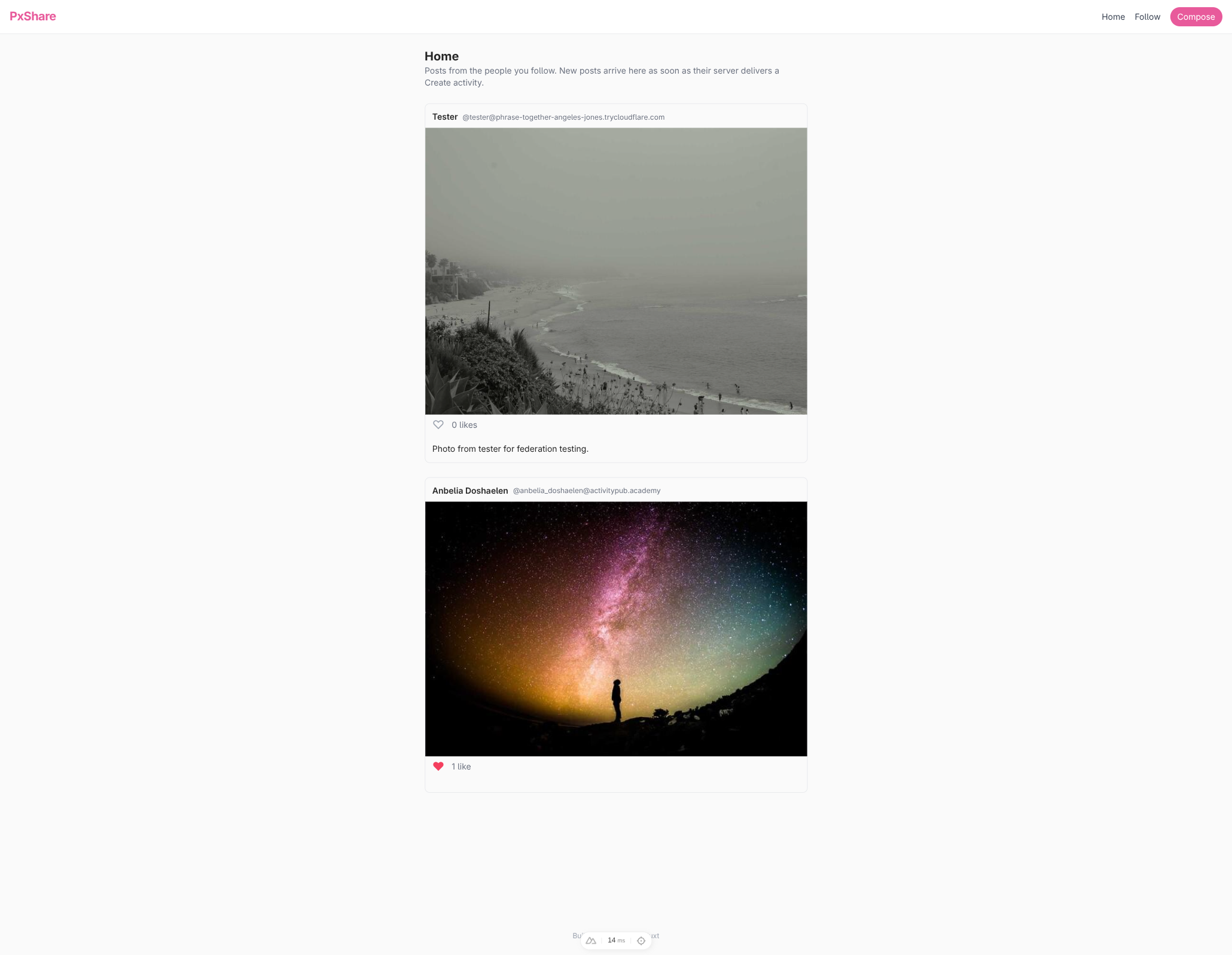
The dev server narrates the inbound activity, and the database gains a row:
ℹ INF fedify·federation·inbox Activity 'https://your-pixelfed.example/p/tester/953…/activity'
  is enqueued.
ℹ INF fedify·federation·http 'POST' '/inbox': 202
ℹ INF fedify·federation·inbox Activity '…/activity' has been processed.
sqlite3 content-sharing.sqlite3 "SELECT note_uri, author_handle FROM timeline_posts"note_uri | author_handle |
|---|---|
https://your-pixelfed.example/p/tester/953… | @tester@your-pixelfed.example |
Posts arrive in real time: no polling, no scheduled job. The fediverse pushed the activity to alice the instant Pixelfed queued the delivery, and the only thing we added was a strict little filter on top of the inbox listener chain.
Likes and Undo(Like)
A Like activity is the fediverse's heart button. This chapter makes it work in both directions: alice can heart a remote post from her home grid, and remote actors can heart alice's posts. Undo(Like) reverses either action.
A bidirectional likes table
Append to server/db/schema.ts:
export const likes = sqliteTable(
  "likes",
  {
    actorUri: text("actor_uri").notNull(),
    noteUri: text("note_uri").notNull(),
    likeActivityId: text("like_activity_id").notNull(),
    createdAt: text("created_at").notNull().default(sql`CURRENT_TIMESTAMP`),
  },
  (t) => [primaryKey({ columns: [t.actorUri, t.noteUri] })],
);

export type Like = typeof likes.$inferSelect;
One row per (actor, note) pair, regardless of who is local. like_activity_id is what we use to match an Undo(Like) back to the row that should disappear. Push the schema:
npm run db:pushOutbound: alice likes a remote post
Create server/api/likes.post.ts:
import { isActor, Like } from "@fedify/vocab";
import { and, eq } from "drizzle-orm";
import {
  createError,
  defineEventHandler,
  readBody,
  toWebRequest,
} from "h3";
import { db } from "../db/client";
import { likes, timelinePosts } from "../db/schema";
import federation from "../federation";
import { getLocalUser } from "../utils/users";

export default defineEventHandler(async (event) => {
  const user = await getLocalUser();
  if (user == null) {
    throw createError({ statusCode: 403, statusMessage: "No user" });
  }
  const body = await readBody<{ noteUri?: unknown }>(event);
  const noteUri = typeof body?.noteUri === "string" ? body.noteUri : "";
  if (noteUri === "") {
    throw createError({ statusCode: 400, statusMessage: "Missing noteUri" });
  }

  // Find the cached timeline row so we know the author actor URI
  // without a fresh fetch.
  const [cached] = await db
    .select()
    .from(timelinePosts)
    .where(
      and(
        eq(timelinePosts.userId, user.id),
        eq(timelinePosts.noteUri, noteUri),
      ),
    )
    .limit(1);
  if (cached === undefined) {
    throw createError({
      statusCode: 404,
      statusMessage: "Post not in your timeline",
    });
  }

  const ctx = federation.createContext(toWebRequest(event), undefined);
  const aliceUri = ctx.getActorUri(user.username);
  const likeActivityId = new URL(`#likes/${crypto.randomUUID()}`, aliceUri);
  // Insert the row idempotently.  `returning()` is empty when a
  // row already exists for `(actorUri, noteUri)`, so a duplicate
  // request (a second click, a retry after a network blip) skips
  // the outbound `Like` and the recipient never sees a second
  // copy with a different `id` than the one we would later
  // `Undo`.
  const inserted = await db
    .insert(likes)
    .values({
      actorUri: aliceUri.href,
      noteUri,
      likeActivityId: likeActivityId.href,
    })
    .onConflictDoNothing()
    .returning({ likeActivityId: likes.likeActivityId });
  if (inserted.length === 0) {
    return { noteUri, liked: true };
  }

  const author = await ctx.lookupObject(cached.authorActorUri, {
    documentLoader: await ctx.getDocumentLoader({ identifier: user.username }),
  });
  if (author != null && isActor(author)) {
    await ctx.sendActivity(
      { identifier: user.username },
      author,
      new Like({
        id: likeActivityId,
        actor: aliceUri,
        object: new URL(noteUri),
      }),
    );
  }

  return { noteUri, liked: true };
});
The unlike sibling, server/api/likes.delete.ts, mirrors this but wraps the original Like in an Undo:
import { isActor, Like, Undo } from "@fedify/vocab";
import { and, eq } from "drizzle-orm";
import { createError, defineEventHandler, readBody, toWebRequest } from "h3";
import { db } from "../db/client";
import { likes, timelinePosts } from "../db/schema";
import federation from "../federation";
import { getLocalUser } from "../utils/users";

export default defineEventHandler(async (event) => {
  const user = await getLocalUser();
  if (user == null) {
    throw createError({ statusCode: 403, statusMessage: "No user" });
  }
  const body = await readBody<{ noteUri?: unknown }>(event);
  const noteUri = typeof body?.noteUri === "string" ? body.noteUri : "";
  if (noteUri === "") {
    throw createError({ statusCode: 400, statusMessage: "Missing noteUri" });
  }

  const ctx = federation.createContext(toWebRequest(event), undefined);
  const aliceUri = ctx.getActorUri(user.username);

  const [existing] = await db
    .select()
    .from(likes)
    .where(and(eq(likes.actorUri, aliceUri.href), eq(likes.noteUri, noteUri)))
    .limit(1);
  if (existing === undefined) {
    return { noteUri, liked: false };
  }

  await db
    .delete(likes)
    .where(and(eq(likes.actorUri, aliceUri.href), eq(likes.noteUri, noteUri)));

  const [cached] = await db
    .select()
    .from(timelinePosts)
    .where(
      and(
        eq(timelinePosts.userId, user.id),
        eq(timelinePosts.noteUri, noteUri),
      ),
    )
    .limit(1);
  if (cached !== undefined) {
    const author = await ctx.lookupObject(cached.authorActorUri, {
      documentLoader: await ctx.getDocumentLoader({
        identifier: user.username,
      }),
    });
    if (author != null && isActor(author)) {
      await ctx.sendActivity(
        { identifier: user.username },
        author,
        new Undo({
          id: new URL(`#undo-likes/${crypto.randomUUID()}`, aliceUri),
          actor: aliceUri,
          object: new Like({
            id: new URL(existing.likeActivityId),
            actor: aliceUri,
            object: new URL(noteUri),
          }),
        }),
      );
    }
  }

  return { noteUri, liked: false };
});
A few design notes:
returning()short-circuits duplicate clicksonConflictDoNothing()keeps the existing row'slike_activity_idwhen the same(actorUri, noteUri)already exists, but the in-flight handler has already minted a fresh UUID for this request. If we naively fell through tosendActivity, a second click (or a retry after a network blip) would deliver aLikewith a different id than the one we record, and a laterUndo(Like)would only retract the first delivery..returning()is empty on conflict, so we return early and the duplicate POST becomes a no-op.isActor()lookupObject()is typed broadly because the URI could in principle resolve to anything (a Note, a Collection).isActor()from@fedify/vocabnarrows it down toApplication | Group | Organization | Person | Service. If the lookup somehow returns a Note we silently skip delivery; the local row still flips, which is the user's intent.Undo(Like)wraps the original Like- We rebuild the
Likewith the originalidso peers that match by activity id (Mastodon does) line up with the row they recorded earlier.
Inbound: receive Likes and Undo(Like)
Two changes in server/federation.ts. First, add Like to the @fedify/vocab import (alongside Follow, Note, etc.). Second, prepend a new Undo(Like) branch to the existing Undo listener so the Undo(Follow) body from Handling unfollows keeps working unchanged. A separate top-level Like listener at the end of the chain records inbound likes themselves.
.on(Undo, async (ctx, undo) => {
  const object = await undo.getObject();
  if (object instanceof Like) {
    if (undo.actorId == null) return;
    const likeActivityId = object.id?.href ?? null;
    const objectId = object.objectId?.href ?? null;
    const conditions = [];
    if (likeActivityId != null) {
      conditions.push(eq(likes.likeActivityId, likeActivityId));
    }
    if (objectId != null) {
      conditions.push(
        and(
          eq(likes.actorUri, undo.actorId.href),
          eq(likes.noteUri, objectId),
        ),
      );
    }
    if (conditions.length === 0) return;
    const matcher =
      conditions.length === 1 ? conditions[0] : or(...conditions);
    await db.delete(likes).where(matcher);
    return;
  }
  if (!(object instanceof Follow)) return;
  if (undo.actorId == null || object.objectId == null) return;
  const target = ctx.parseUri(object.objectId);
  if (target?.type !== "actor") return;
  const localUser = (
    await db.select().from(users).where(eq(users.username, target.identifier)).limit(1)
  )[0];
  if (localUser === undefined) return;
  await db
    .delete(followers)
    .where(
      and(
        eq(followers.followingId, localUser.id),
        eq(followers.actorUri, undo.actorId.href),
      ),
    );
}).on(Like, async (_ctx, like) => {
if (like.actorId == null || like.objectId == null) return;
const likeId = like.id?.href ?? `${like.actorId.href}#${like.objectId.href}`;
await db
.insert(likes)
.values({
actorUri: like.actorId.href,
noteUri: like.objectId.href,
likeActivityId: likeId,
})
.onConflictDoUpdate({
target: [likes.actorUri, likes.noteUri],
set: { likeActivityId: likeId },
});
});The Like handler does not gate by is the object one of our local posts. Storing every like is cheap; the post-detail page only counts rows whose note_uri matches its own canonical URI, so cross-Talk never leaks across posts.
TIP
The fallback id ${actor}#${object} exists because some peers (Pleroma, older Friendica) drop the Like.id entirely. Building a synthetic id keeps the upsert deterministic so the row stays unique even when nothing global addresses it.
Show like counts
Update server/api/home.get.ts to fold the like aggregates into each timeline row. We compute alice's canonical actor URI from the request URL so the same code works behind a tunnel or on localhost:
import { and, count, desc, eq, inArray } from "drizzle-orm";
import {
  createError,
  defineEventHandler,
  getRequestProtocol,
  getRequestURL,
} from "h3";
import { db } from "../db/client";
import { likes, timelinePosts } from "../db/schema";
import { extractText } from "../utils/text";
import { getLocalUser } from "../utils/users";

export default defineEventHandler(async (event) => {
  const user = await getLocalUser();
  if (user == null) {
    throw createError({ statusCode: 403, statusMessage: "No user" });
  }
  const rows = await db
    .select()
    .from(timelinePosts)
    .where(eq(timelinePosts.userId, user.id))
    .orderBy(desc(timelinePosts.publishedAt))
    .limit(60);
  if (rows.length === 0) return { posts: [] };

  const origin = `${getRequestProtocol(event)}://${getRequestURL(event).host}`;
  const aliceActorUri = `${origin}/users/${user.username}`;
  const noteUris = rows.map((r) => r.noteUri);

  const likeCounts = await db
    .select({ noteUri: likes.noteUri, cnt: count() })
    .from(likes)
    .where(inArray(likes.noteUri, noteUris))
    .groupBy(likes.noteUri);
  const myLikes = await db
    .select({ noteUri: likes.noteUri })
    .from(likes)
    .where(
      and(eq(likes.actorUri, aliceActorUri), inArray(likes.noteUri, noteUris)),
    );

  const countMap = new Map(likeCounts.map((r) => [r.noteUri, r.cnt]));
  const mySet = new Set(myLikes.map((r) => r.noteUri));
  return {
    posts: rows.map((row) => ({
      ...row,
      // `caption` is sanitized HTML for `v-html`; `captionText`
      // is the same content stripped to plain text so it can ride
      // along into the `alt` attribute and other text-only spots.
      captionText: row.caption ? extractText(row.caption) : null,
      likeCount: countMap.get(row.noteUri) ?? 0,
      likedByMe: mySet.has(row.noteUri),
    })),
  };
});
Apply the same trick to the local post detail endpoint so alice's profile shows like counts on her own posts. Pull count into the drizzle-orm imports, getRequestProtocol and getRequestURL into the h3 imports, and likes into the schema imports, then add the lookup just before the response:
import { and, count, eq } from "drizzle-orm";
import {
  createError,
  defineEventHandler,
  getRequestProtocol,
  getRequestURL,
  getRouterParam,
} from "h3";
import { likes /* …existing imports… */ } from "../../../../db/schema";
// …
const origin = `${getRequestProtocol(event)}://${getRequestURL(event).host}`;
const noteUri = `${origin}/users/${username}/posts/${id}`;
const [{ likeCount }] = await db
  .select({ likeCount: count() })
  .from(likes)
  .where(eq(likes.noteUri, noteUri));
return { user, post, likeCount };
Wire the heart button
Replace the contents of app/pages/home.vue with a single-column feed that carries a heart per post. The script types the timeline entries with a TimelineEntry shape, pulls refresh out of useFetch, and adds a toggleLike helper that POSTs or DELETEs /api/likes depending on the current state:
<script setup lang="ts">
type TimelineEntry = {
  noteUri: string;
  authorHandle: string;
  authorName: string | null;
  authorUrl: string | null;
  caption: string | null;
  captionText: string | null;
  mediaUrl: string;
  likeCount: number;
  likedByMe: boolean;
};

const { data, refresh } = await useFetch<{ posts: TimelineEntry[] }>(
  "/api/home",
  { key: "home-timeline" },
);
const posts = computed(() => data.value?.posts ?? []);

async function toggleLike(post: TimelineEntry) {
  const method = post.likedByMe ? "DELETE" : "POST";
  await $fetch("/api/likes", {
    method,
    body: { noteUri: post.noteUri },
  });
  await refresh();
}

useHead({ title: "Home · PxShare" });
</script>

<template>
  <section class="flex flex-col gap-6">
    <header>
      <h1 class="text-xl font-bold">Home</h1>
      <p class="text-sm text-gray-500">
        Posts from the people you follow.  New posts arrive here as soon
        as their server delivers a Create activity.
      </p>
    </header>
    <ul v-if="posts.length > 0" class="flex flex-col gap-6">
      <li
        v-for="post in posts"
        :key="post.noteUri"
        class="flex flex-col gap-2 border border-gray-200 rounded-lg overflow-hidden"
      >
        <a
          :href="post.authorUrl ?? `https://${post.authorHandle.replace('@', '').split('@')[1]}`"
          target="_blank"
          rel="noopener noreferrer"
          class="flex items-center gap-2 px-3 pt-3 hover:text-brand"
        >
          <span class="font-semibold text-sm">
            {{ post.authorName ?? post.authorHandle }}
          </span>
          <span class="text-xs text-gray-500">{{ post.authorHandle }}</span>
        </a>
        <a
          :href="post.noteUri"
          target="_blank"
          rel="noopener noreferrer"
          class="block bg-gray-100"
        >
          <img
            :src="post.mediaUrl"
            :alt="post.captionText ?? ''"
            class="w-full max-h-[80vh] object-contain"
            loading="lazy"
            referrerpolicy="no-referrer"
          />
        </a>
        <div class="flex items-center gap-3 px-3 pb-3">
          <button
            type="button"
            class="text-xl leading-none transition"
            :class="post.likedByMe ? 'text-rose-500' : 'text-gray-400 hover:text-rose-400'"
            @click="toggleLike(post)"
          >
            {{ post.likedByMe ? "♥" : "♡" }}
          </button>
          <span class="text-sm text-gray-500">
            {{ post.likeCount }}
            {{ post.likeCount === 1 ? "like" : "likes" }}
          </span>
        </div>
        <div
          v-if="post.caption"
          class="text-sm px-3 pb-3 prose-content"
          v-html="post.caption"
        />
      </li>
    </ul>
    <p v-else class="text-sm text-gray-400 py-12 text-center">
      Your home timeline is empty.  Follow someone from the
      <NuxtLink to="/follow" class="text-brand hover:underline">
        Follow page
      </NuxtLink>
      and their next post will land here.
    </p>
  </section>
</template>
prose-content is a small UnoCSS shortcut that gives <p> margins and a brand-tinted hover for embedded <a> tags inside the sanitized caption. Add it to uno.config.ts:
shortcuts: {
  // Styling for sanitized remote `Note.content`: paragraph
  // spacing for `<p>`, brand-coloured links for `<a>`, and a
  // graceful break behaviour for long URLs.
  "prose-content":
    "[&_p]:mb-2 [&_p:last-child]:mb-0 [&_a]:text-brand [&_a:hover]:underline [&_a]:break-all",
},
TIP
$fetch from Nuxt is the unauthenticated client helper. The dev server's session cookie rides along automatically because /api/likes is same-origin. If you ever move likes to a separate API host, switch to useFetch with credentials: "include".
A small addition to app/pages/users/[username]/posts/[id].vue surfaces the count on alice's own posts. Add a likeCount computed alongside the others in <script setup>:
const likeCount = computed(() => data.value?.likeCount ?? 0); Then render it inside <template> between the caption paragraph and the Posted … timestamp:
<p class="text-sm text-gray-500">
  <span class="text-rose-500">♥</span>
  {{ likeCount }}
  {{ likeCount === 1 ? "like" : "likes" }}
</p>
Trying it out
Outbound: alice likes a Pixelfed post
Click the heart on a Pixelfed-sourced tile in alice's home grid. The button fills in, the counter ticks up, and the dev log shows the outbound Like:
ℹ INF fedify·federation·outbox Successfully sent activity
  'https://your-tunnel.example/users/alice#likes/8b288acb-…'
  to 'https://your-pixelfed.example/users/tester/inbox'.
Open the original post on Pixelfed: the like appears under the photo (Liked by alice, 1 Like) and a notification flags @alice liked your post in the right column.
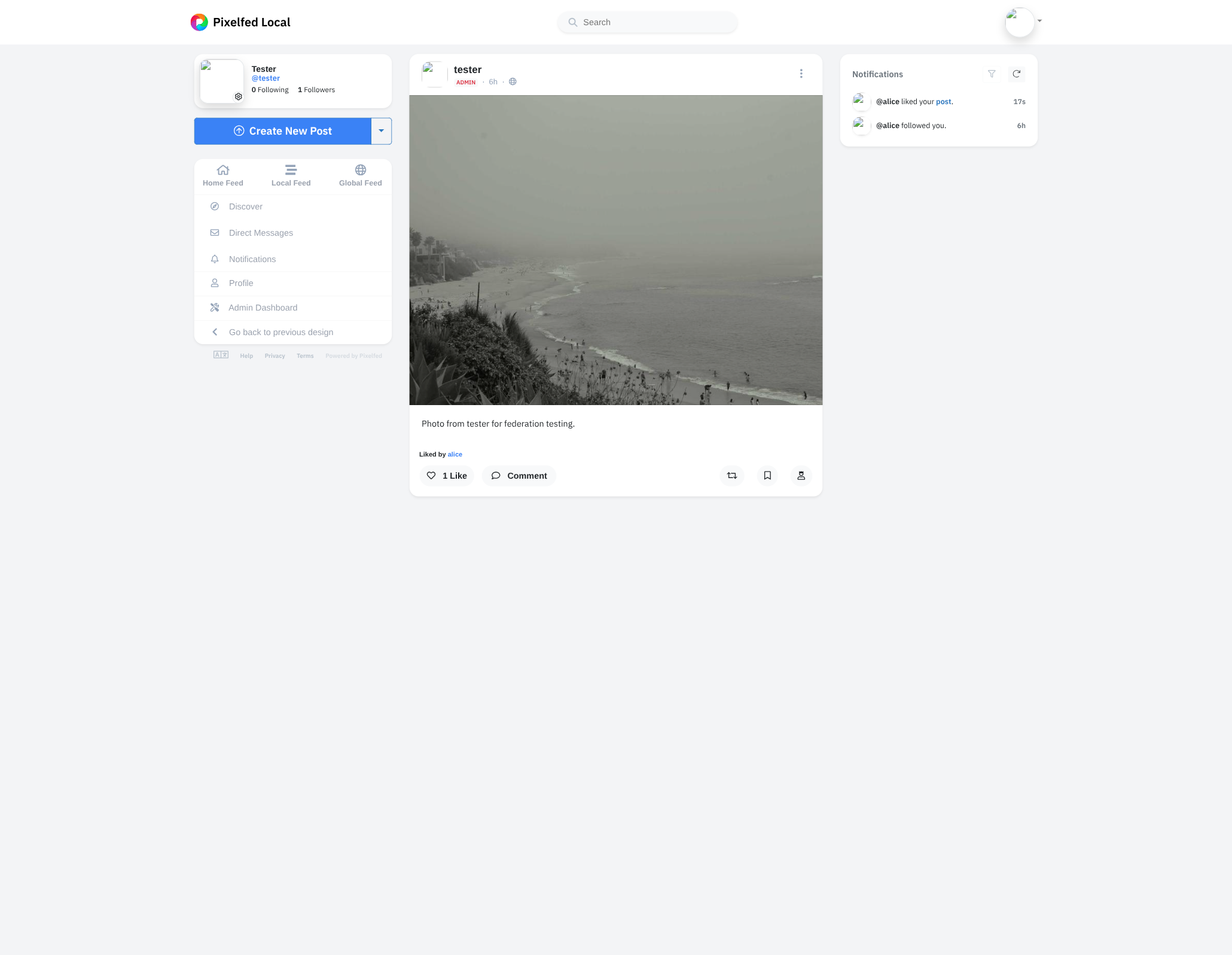
Inbound: a Pixelfed account likes alice's post
For the reverse direction, log in to a Pixelfed account that follows alice and click the heart on alice's photo there. Pixelfed sends a Like to alice's inbox; our handler stores the row, and alice's post detail page on PxShare shows 1 like the next time it loads:
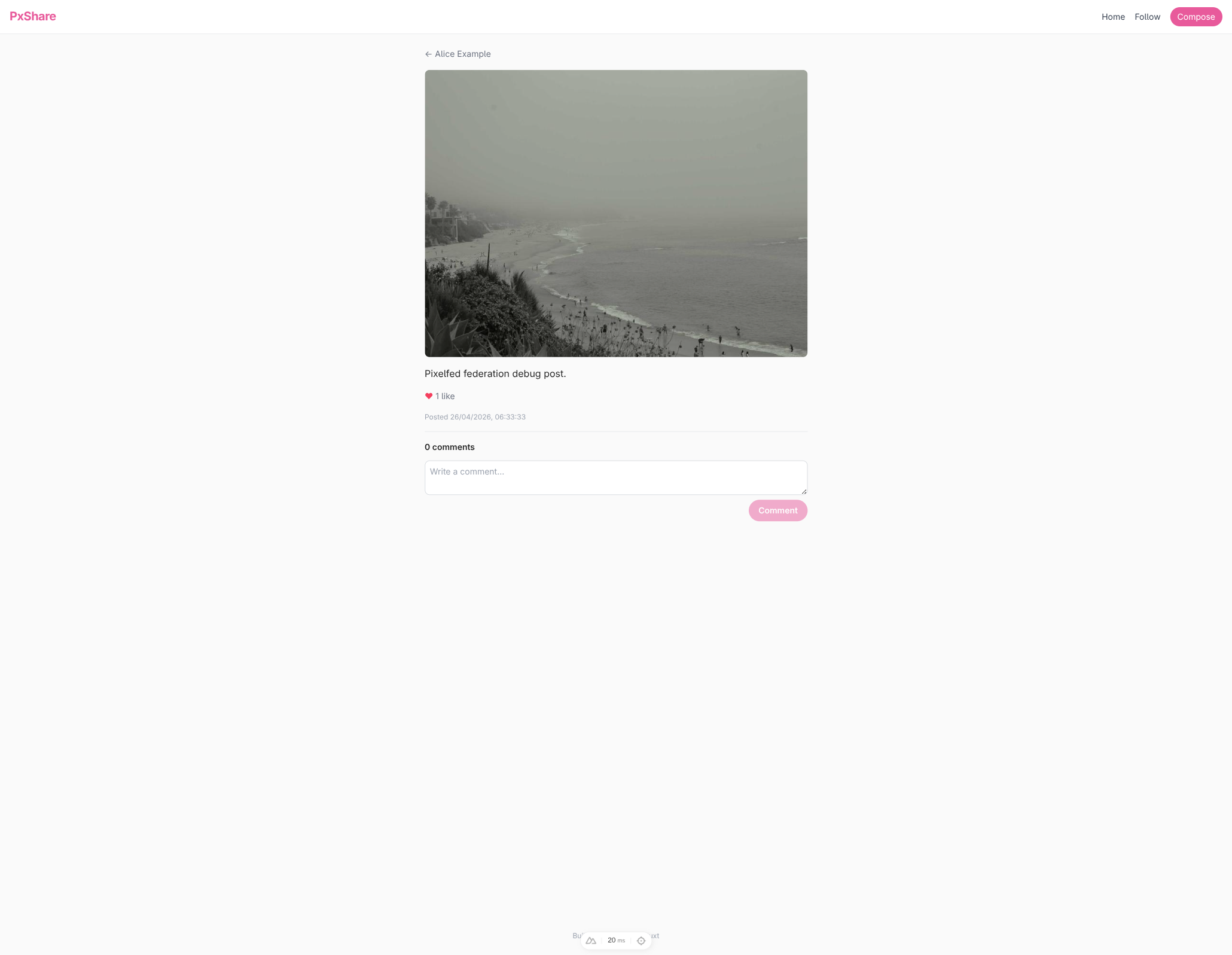
Click the heart again on either side to unlike: the counter decrements on PxShare immediately, and an Undo(Like) flies out signed with alice's keys. The dev server log confirms the delivery, and alice's local row disappears.
NOTE
Some peers report likes asynchronously through their own federation queue. Pixelfed accepts the inbound Like and Undo(Like) activities within a second once Horizon drains, but its post-detail UI keeps a denormalized likes_count cached on the status that does not always update straight away, so the N Likes display can lag by a few seconds before it matches the underlying row. PxShare's count is recomputed live on every page load, so refreshing alice's post detail page is the most reliable way to see the latest state; the closing chapter lists websockets / SSE as a stretch goal for truly live updates.
Comments
A comment in ActivityPub is just a Note whose replyTarget (inReplyTo in JSON-LD) points at the parent post. Caching them and rendering them as a thread on the post detail page is the last federation feature this tutorial covers.
A comments table
Append to server/db/schema.ts:
export const comments = sqliteTable("comments", {
  noteUri: text("note_uri").primaryKey(),
  inReplyToUri: text("in_reply_to_uri").notNull(),
  authorActorUri: text("author_actor_uri").notNull(),
  authorHandle: text("author_handle").notNull(),
  authorName: text("author_name"),
  authorUrl: text("author_url"),
  content: text("content").notNull(),
  publishedAt: text("published_at").notNull(),
  // Populated only for alice's outbound replies to remote posts.
  // The Note object dispatcher reads these back to rebuild the
  // `cc` audience and the `Mention` tag when a peer like Pixelfed
  // refetches the comment by URL.
  replyAuthorActorUri: text("reply_author_actor_uri"),
  replyAuthorMention: text("reply_author_mention"),
  createdAt: text("created_at").notNull().default(sql`CURRENT_TIMESTAMP`),
});

export type Comment = typeof comments.$inferSelect;
note_uri is unique because every Note has a globally addressable id. Push the schema:
npm run db:pushBranch the Create(Note) handler
The same Create listener that caches top-level posts must now route comments into the new table. Open server/federation.ts and update the listener:
.on(Create, async (ctx, create) => {
  if (create.actorId == null) return;
  const object = await create.getObject();
  if (!(object instanceof Note)) return;
  if (object.id == null) return;

  // Comment branch: the Note has an `inReplyTo`.  Only cache
  // replies whose parent is alice's own post or already in the
  // timeline cache.
  if (object.replyTargetId != null) {
    const parentUri = object.replyTargetId.href;
    const target = ctx.parseUri(object.replyTargetId);
    const isLocalParent =
      target?.type === "object" && target.class === Note;
    const isCachedParent =
      (
        await db
          .select({ noteUri: timelinePosts.noteUri })
          .from(timelinePosts)
          .where(eq(timelinePosts.noteUri, parentUri))
          .limit(1)
      ).length > 0;
    if (!isLocalParent && !isCachedParent) return;
    const author = await create.getActor();
    if (author?.id == null) return;
    const authorHandle = await getActorHandle(author);
    await db
      .insert(comments)
      .values({
        noteUri: object.id.href,
        inReplyToUri: parentUri,
        authorActorUri: author.id.href,
        authorHandle,
        authorName: author.name?.toString() ?? null,
        authorUrl: author.url?.href ?? null,
        content: sanitizeNoteContent(object.content?.toString() ?? ""),
        publishedAt:
          object.published?.toString() ?? new Date().toISOString(),
      })
      .onConflictDoNothing();
    return;
  }

  // Top-level branch: the existing home-timeline cache logic
  // (followee filter and image-attachment requirement) applies
  // unchanged here.
  // …
});
ctx.parseUri(url) is the easy way to ask “is this URL one I would dispatch to?” When the parsed class is Note, the URL belongs to one of alice's local posts; we accept the comment unconditionally. For remote parents we require the post already to be in the timeline cache, which is a soft “alice has expressed interest in this conversation” filter.
Surface comments on the post detail page
Update server/api/users/[username]/posts/[id].get.ts to pull the matching rows:
import { and, asc, count, eq } from "drizzle-orm";
import { comments /* …existing imports… */ } from "../../../../db/schema";
// …
const commentRows = await db
  .select()
  .from(comments)
  .where(eq(comments.inReplyToUri, noteUri))
  .orderBy(asc(comments.publishedAt));
return { user, post, likeCount, comments: commentRows };
Then update app/pages/users/[username]/posts/[id].vue. The script grows a Comment type, pulls refresh out of the existing useFetch destructure so we can reload the page after sending, and gains a noteUri computed, a submitComment handler, and the local form state. Add the new declarations alongside the existing ones in <script setup>:
type Comment = {
  noteUri: string;
  authorHandle: string;
  authorName: string | null;
  authorUrl: string | null;
  content: string;
  publishedAt: string;
};

// Add `refresh` to the existing `useFetch` destructure:
//   const { data, error, refresh } = await useFetch(...)

const comments = computed<Comment[]>(() => data.value?.comments ?? []);
const noteUri = computed(() => {
  if (!user.value || !post.value) return "";
  if (typeof window === "undefined") return "";
  return `${window.location.origin}/users/${user.value.username}/posts/${post.value.id}`;
});

const commentDraft = ref("");
const submitting = ref(false);

async function submitComment() {
  if (commentDraft.value.trim() === "") return;
  if (noteUri.value === "") return;
  submitting.value = true;
  try {
    await $fetch("/api/comments", {
      method: "POST",
      body: { inReplyToUri: noteUri.value, content: commentDraft.value.trim() },
    });
    commentDraft.value = "";
    await refresh();
  } finally {
    submitting.value = false;
  }
}
The template grows a <section> that lists the cached replies and ends in the textarea form. Append it inside the existing <article>, after the Posted … timestamp:
<section class="flex flex-col gap-3 border-t border-gray-200 pt-4">
  <h2 class="text-sm font-semibold">
    {{ comments.length }}
    {{ comments.length === 1 ? "comment" : "comments" }}
  </h2>
  <ul v-if="comments.length > 0" class="flex flex-col gap-3">
    <li
      v-for="comment in comments"
      :key="comment.noteUri"
      class="flex flex-col gap-1 border border-gray-200 rounded-lg p-3"
    >
      <a
        :href="comment.authorUrl ?? comment.authorActorUri"
        target="_blank"
        rel="noopener noreferrer"
        class="text-sm font-semibold hover:text-brand"
      >
        {{ comment.authorName ?? comment.authorHandle }}
        <span class="text-xs font-normal text-gray-500">
          {{ comment.authorHandle }}
        </span>
      </a>
      <div class="text-sm prose-content" v-html="comment.content" />
      <p class="text-xs text-gray-400">
        {{ new Date(comment.publishedAt).toLocaleString() }}
      </p>
    </li>
  </ul>
  <form class="flex flex-col gap-2" @submit.prevent="submitComment">
    <textarea
      v-model="commentDraft"
      rows="2"
      maxlength="500"
      placeholder="Write a comment…"
      class="border border-gray-300 rounded-lg p-2 text-sm focus:outline-none focus:ring-2 focus:ring-brand/40"
    />
    <button
      type="submit"
      :disabled="submitting || commentDraft.trim() === ''"
      class="self-end px-4 py-2 bg-brand text-white rounded-full text-sm font-semibold hover:bg-brand-dark disabled:opacity-50 disabled:cursor-not-allowed"
    >
      {{ submitting ? "Sending…" : "Comment" }}
    </button>
  </form>
</section>
TIP
Building the noteUri client-side from window.location.origin rather than passing it down from the server keeps the form trivially correct under a tunnel. In production you would store noteUri server-side once at insert time and feed it back to the page; the closing chapter lists this as a small follow-up.
The outbound endpoint
Create server/api/comments.post.ts:
import {
  Create,
  getActorHandle,
  isActor,
  Mention,
  Note,
  PUBLIC_COLLECTION,
} from "@fedify/vocab";
import { Temporal } from "temporal-polyfill";
import { and, eq } from "drizzle-orm";
import {
  createError,
  defineEventHandler,
  readBody,
  toWebRequest,
} from "h3";
import { db } from "../db/client";
import { comments, timelinePosts } from "../db/schema";
import federation from "../federation";
import { sanitizeNoteContent } from "../utils/text";
import { getLocalUser } from "../utils/users";

export default defineEventHandler(async (event) => {
  const user = await getLocalUser();
  if (user == null) {
    throw createError({ statusCode: 403, statusMessage: "No user" });
  }
  const body = await readBody<{ inReplyToUri?: unknown; content?: unknown }>(
    event,
  );
  const inReplyToUri =
    typeof body?.inReplyToUri === "string" ? body.inReplyToUri.trim() : "";
  const rawContent =
    typeof body?.content === "string" ? body.content.trim() : "";
  // Run alice's textarea input through the same sanitizer we
  // apply to inbound remote content.  Plain text passes through
  // unchanged, and pasted markup is reduced to the same tight
  // allow-list before it hits the database or federation peers.
  const content = sanitizeNoteContent(rawContent);
  if (inReplyToUri === "" || content === "") {
    throw createError({ statusCode: 400, statusMessage: "Missing fields" });
  }

  const ctx = federation.createContext(toWebRequest(event), undefined);
  const aliceUri = ctx.getActorUri(user.username);
  // Use a UUID id under the same `/users/{identifier}/posts/{id}`
  // route the post object dispatcher already serves.  The
  // dispatcher in *server/federation.ts* will branch on the id
  // shape: numeric => post, UUID => comment.
  const commentId = crypto.randomUUID();
  const noteUri = ctx.getObjectUri(Note, {
    identifier: user.username,
    id: commentId,
  });
  const publishedAt = new Date().toISOString();

  const parsed = ctx.parseUri(new URL(inReplyToUri));
  const isLocalParent = parsed?.type === "object" && parsed.class === Note;

  // For replies to a remote post, look up the parent author so we
  // can address the comment to them.  Mastodon and Pixelfed only
  // thread a remote reply under their local copy of the parent
  // when the comment's `cc` contains the parent author and the
  // Note carries a matching `Mention` tag.
  let parentAuthorUri: URL | null = null;
  let parentAuthorMentionName: string | null = null;
  if (!isLocalParent) {
    const [cached] = await db
      .select()
      .from(timelinePosts)
      .where(
        and(
          eq(timelinePosts.userId, user.id),
          eq(timelinePosts.noteUri, inReplyToUri),
        ),
      )
      .limit(1);
    if (cached !== undefined) {
      const author = await ctx.lookupObject(cached.authorActorUri, {
        documentLoader: await ctx.getDocumentLoader({
          identifier: user.username,
        }),
      });
      if (author != null && isActor(author) && author.id != null) {
        parentAuthorUri = author.id;
        parentAuthorMentionName = await getActorHandle(author);
      }
    }
  }

  const ccUris: URL[] = [ctx.getFollowersUri(user.username)];
  if (parentAuthorUri != null) ccUris.push(parentAuthorUri);

  const note = new Note({
    id: noteUri,
    attribution: aliceUri,
    replyTarget: new URL(inReplyToUri),
    content,
    to: PUBLIC_COLLECTION,
    ccs: ccUris,
    published: Temporal.Instant.from(publishedAt.replace("Z", "+00:00")),
    tags:
      parentAuthorUri != null && parentAuthorMentionName != null
        ? [
            new Mention({
              href: parentAuthorUri,
              name: parentAuthorMentionName,
            }),
          ]
        : [],
  });

  await db
    .insert(comments)
    .values({
      noteUri: noteUri.href,
      inReplyToUri,
      authorActorUri: aliceUri.href,
      authorHandle: `@${user.username}@${aliceUri.host}`,
      authorName: user.name,
      authorUrl: aliceUri.href,
      content,
      publishedAt,
      replyAuthorActorUri: parentAuthorUri?.href ?? null,
      replyAuthorMention: parentAuthorMentionName,
    })
    .onConflictDoNothing();

  const create = new Create({
    id: new URL(`#create-comments/${commentId}`, aliceUri),
    actor: aliceUri,
    to: PUBLIC_COLLECTION,
    ccs: ccUris,
    object: note,
    published: note.published,
  });

  if (isLocalParent) {
    await ctx.sendActivity({ identifier: user.username }, "followers", create);
  } else if (parentAuthorUri != null) {
    const author = await ctx.lookupObject(parentAuthorUri, {
      documentLoader: await ctx.getDocumentLoader({
        identifier: user.username,
      }),
    });
    if (author != null && isActor(author)) {
      await ctx.sendActivity({ identifier: user.username }, author, create);
    }
  }

  return { noteUri: noteUri.href };
});
The shape mirrors the posts.post.ts handler from Distributing new posts to followers, with three differences:
- The recipient depends on whether the parent is a local post (deliver to followers) or a remote post (deliver to the parent's author).
- The Note carries
replyTargetso peers thread it under the right parent. - When the parent is remote, the Note also
ccs the parent author and carries aMentiontag for them. Pixelfed and Mastodon both gate inbound replies on this addressing, so omitting the mention silently drops the comment from the thread on those servers even though the inbox returns 200.
Extend the Note object dispatcher to serve comments
Pixelfed re-fetches the comment Note by URL when it threads a reply, so the UUID-based comment URI we mint above must resolve through the same setObjectDispatcher(Note, …) call from Note object dispatcher. Fedify only allows one dispatcher per Note class; instead of registering a second route, branch the existing dispatcher on the id shape. Add Mention to the @fedify/vocab import (alongside Note and PUBLIC_COLLECTION) and comments to the schema import:
federation.setObjectDispatcher(
  Note,
  "/users/{identifier}/posts/{id}",
  async (ctx, { identifier, id }) => {
    const localUser = (
      await db
        .select()
        .from(users)
        .where(eq(users.username, identifier))
        .limit(1)
    )[0];
    if (localUser === undefined) return null;

    // Numeric id: a top-level post.  UUID id: an outbound comment.
    const numericId = Number(id);
    if (Number.isInteger(numericId) && numericId >= 1) {
      const post = (
        await db
          .select()
          .from(posts)
          .where(and(eq(posts.id, numericId), eq(posts.userId, localUser.id)))
          .limit(1)
      )[0];
      if (post === undefined) return null;
      return buildNote(ctx, identifier, post);
    }

    const noteUri = ctx.getObjectUri(Note, { identifier, id }).href;
    const comment = (
      await db
        .select()
        .from(comments)
        .where(eq(comments.noteUri, noteUri))
        .limit(1)
    )[0];
    if (comment === undefined) return null;
    const tags =
      comment.replyAuthorActorUri != null && comment.replyAuthorMention != null
        ? [
            new Mention({
              href: new URL(comment.replyAuthorActorUri),
              name: comment.replyAuthorMention,
            }),
          ]
        : [];
    const ccUris: URL[] = [ctx.getFollowersUri(identifier)];
    if (comment.replyAuthorActorUri != null) {
      ccUris.push(new URL(comment.replyAuthorActorUri));
    }
    return new Note({
      id: new URL(noteUri),
      attribution: ctx.getActorUri(identifier),
      replyTarget: new URL(comment.inReplyToUri),
      content: comment.content,
      to: PUBLIC_COLLECTION,
      ccs: ccUris,
      published: Temporal.Instant.from(comment.publishedAt),
      tags,
    });
  },
);
Sharing the URL space keeps the route table tidy and lets peers crawl back to any single comment by URL. The numeric-vs- UUID branch is unambiguous: Image post schema's posts table uses auto-incrementing integers, and crypto.randomUUID() always contains hyphens, so Number(id) is NaN for comments.
Trying it out
Outbound: alice replies on her own post
Open one of alice's posts in PxShare and write a comment. The button greys out for a moment while Fedify signs and dispatches the activity, then the page refreshes with the new comment inline:
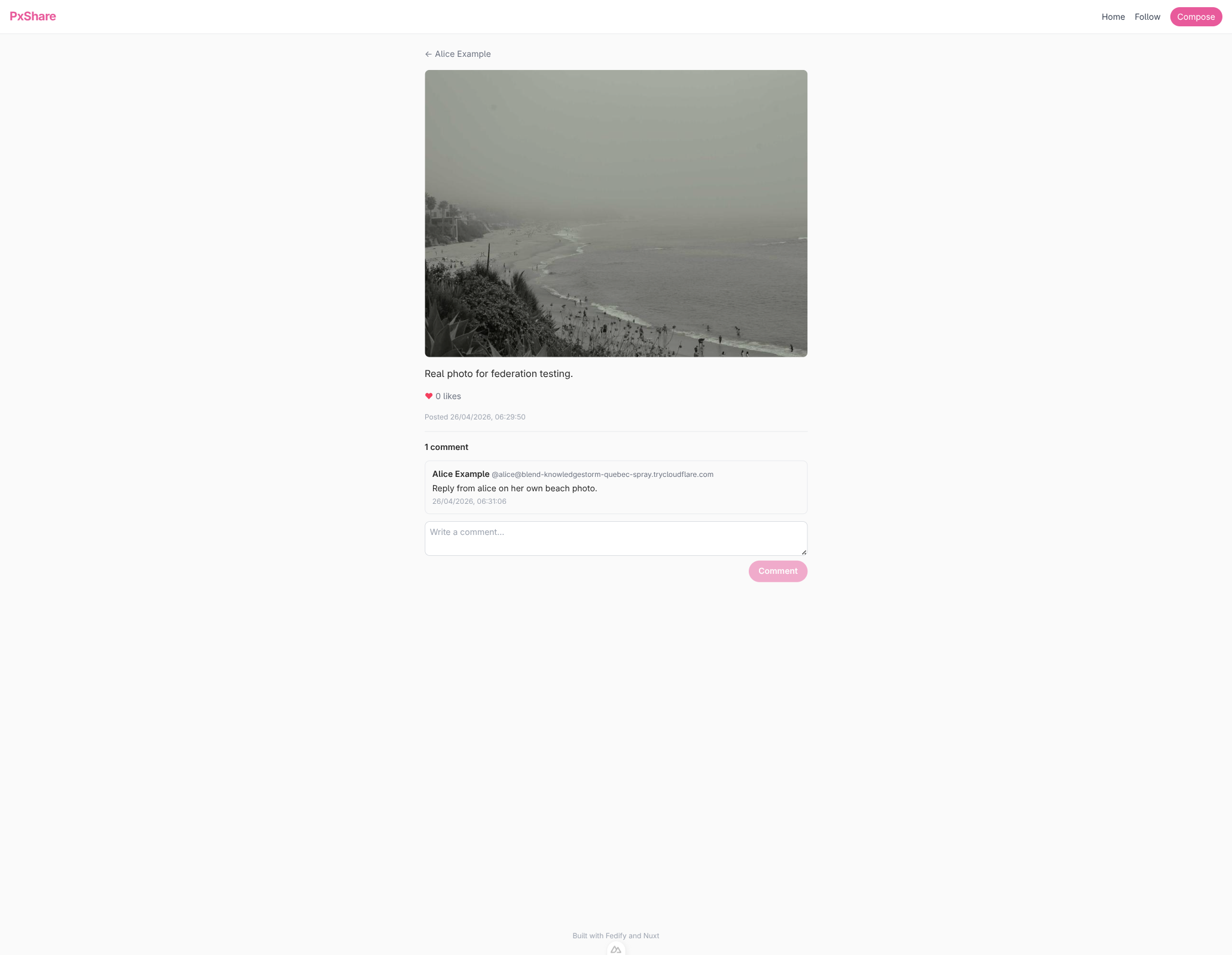
The dev server logs the outbound delivery; alice's followers on Pixelfed thread the reply under the original post.
Outbound: alice replies to a Pixelfed post
Comments work in the other direction too. From the home grid, note the URI of a Pixelfed-sourced tile and POST it as inReplyToUri to /api/comments (the closing chapter lists adding a per-tile reply form as a small follow-up). The dev server logs the same activity shape, and Pixelfed threads the reply under the original photo with a 1 Comment counter and a @alice commented on your post notification:
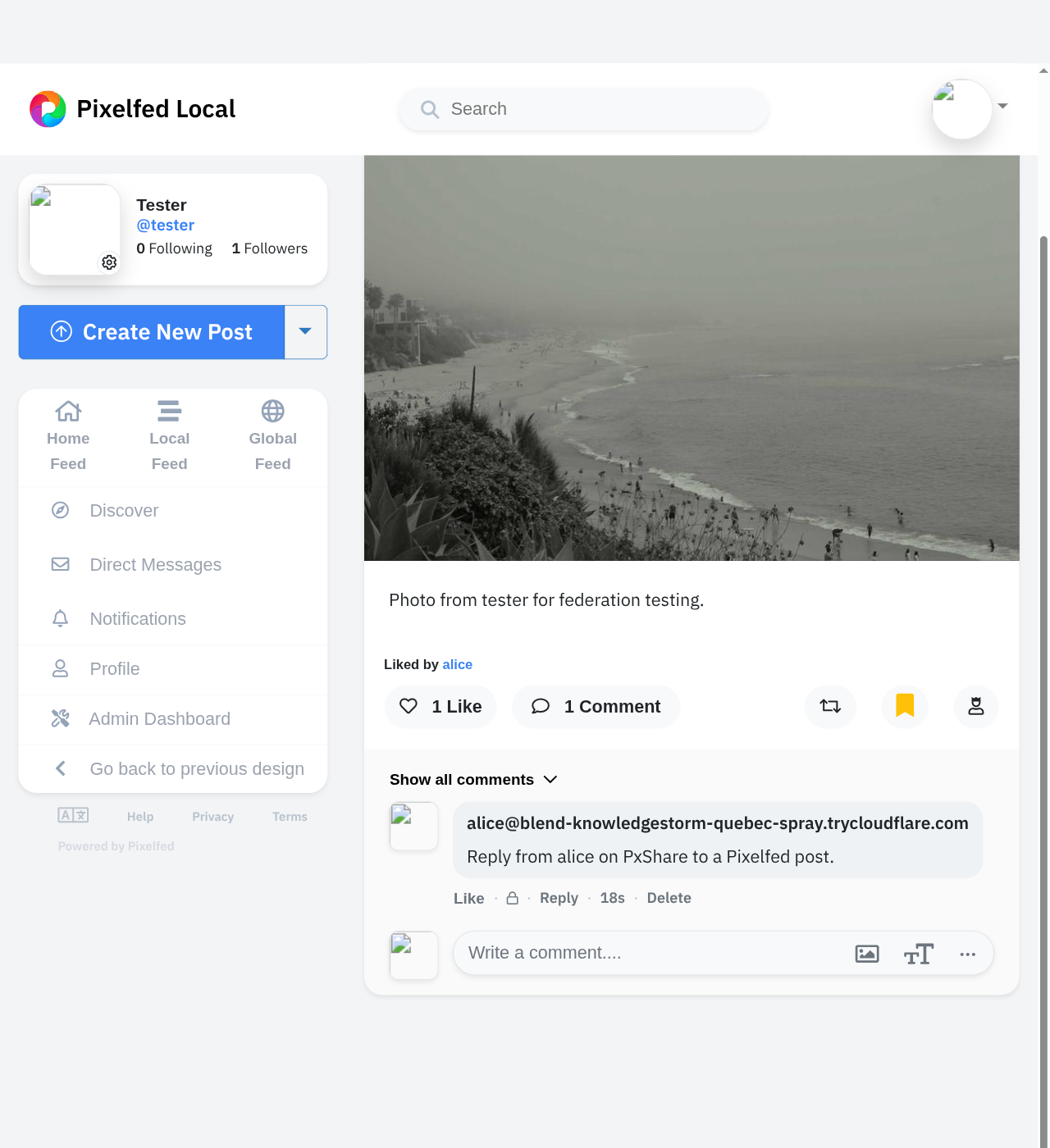
Inbound: a Pixelfed account replies to alice's post
Reply to alice's post from a Pixelfed account that follows her. Pixelfed delivers a Create(Note) whose inReplyTo points at alice's post URI; our listener stores the comment, and alice's post detail page now shows the Pixelfed reply threaded beneath the photo:
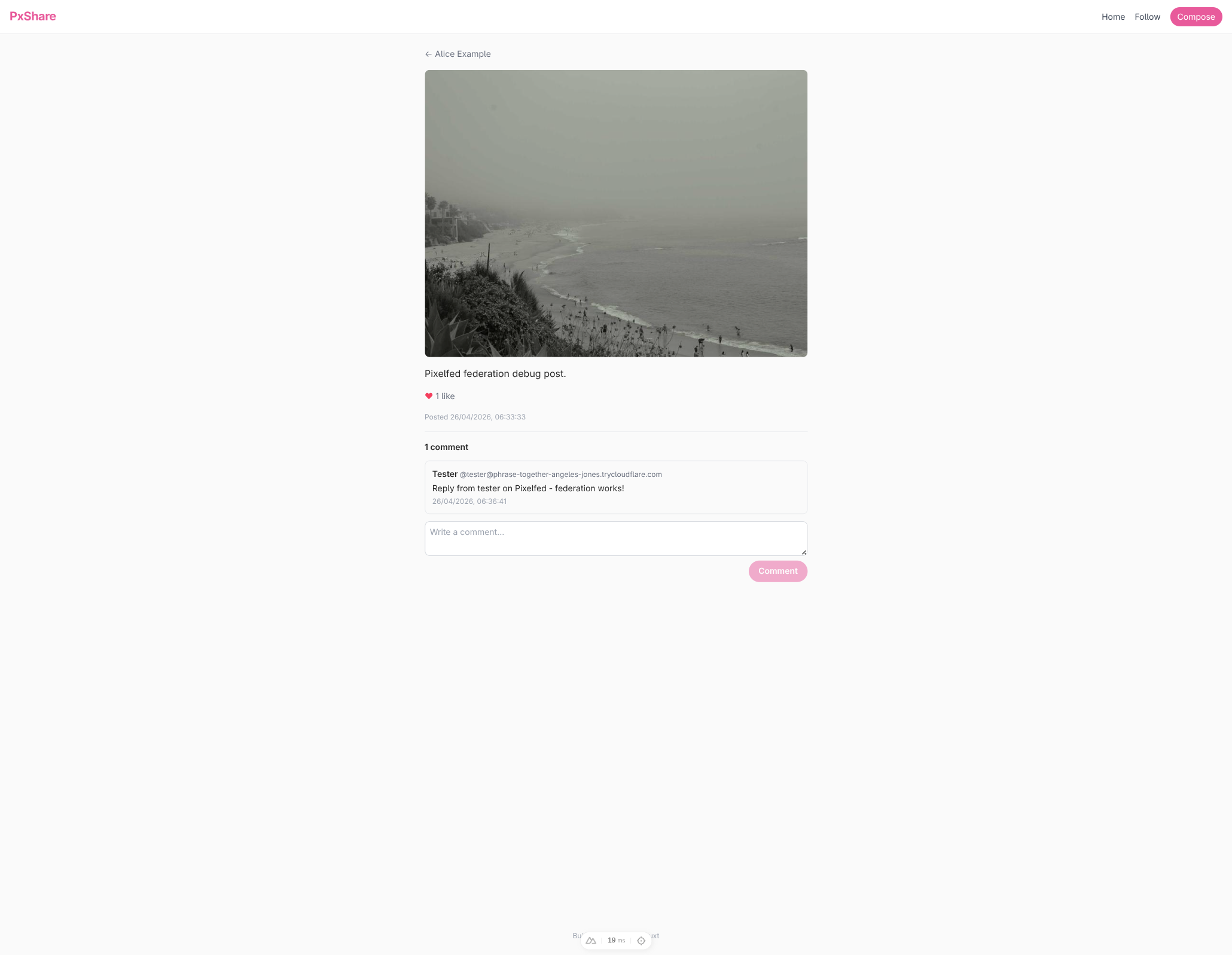
Where next
PxShare is a real federated image-sharing service: alice can post photos, follow accounts on Mastodon and Pixelfed, see their photos in her home timeline, and trade likes and comments with the rest of the fediverse. Roughly 750 lines of TypeScript stand between the fedify init scaffold and that shipping product.
That said, every line of PxShare exists because it teaches something about Fedify, not because it is production-ready. The list below is what you would change next, ordered roughly from “afternoon project” to “weekend sprint”, with pointers into the Fedify manual where each item is documented in detail.
Polish that costs an afternoon
- A reply form on the home grid
- Chapter 23 wires up a comment textarea on alice's own post detail page, but commenting on a remote post still requires POSTing to /api/comments by hand. Add a small form per home-grid tile that fills in
inReplyToUriautomatically. - Multi-image posts
- The posts schema and the
buildNotehelper both assume one media path per post. Loosen them and append everyDocumenttoattachmentsso a post can carry a carousel. Pixelfed natively renders multi-attachment Notes; Mastodon renders the first four. - Edit and delete
Update(Note)andDelete(Note)are the relevant activities. Mirror the Compose form for editing, send the activity to followers, and the rest of the fediverse rewrites the cached copy in place.- Pagination
setFollowersDispatcherandsetFollowingDispatcheraccept a cursor; passing it through into the SQL query keeps memory flat for accounts with thousands of followers. The same applies to the home timeline grid. See Collections in the manual.
Mid-size additions
- Multiple local users
- The users table has a
CHECK (id = 1)constraint that closes the door on more than one account. Drop the check, add a real password / OAuth flow, and route most queries byuser_idconsistently. The actor dispatcher already accepts anidentifier, so most of the wiring scales for free. Announce(boosts)- The boost button on Mastodon and Pixelfed maps to an
Announceactivity wrapping the original Note. Add a boosts table keyed on (actor, note), an inbound listener that records remote boosts, and an outbound endpoint that sendsAnnounceto alice's followers. - Direct messages
- A Note whose
tois a specific actor (instead of Public) is a DM. Add an inbox listener that detects that shape and routes the Note into a separate direct_messages table; surface it on a Messages page with a list of conversation partners. - Live updates
- Refreshing the home page to see new posts is the lowest common denominator. Push fresh rows to connected clients over an SSE endpoint or websocket, fed from the same inbox listener that writes to timeline_posts.
Production-quality work
- Persistent KV and queue
MemoryKvStoreandInProcessMessageQueueare perfect for a tutorial; in production replace them with the Postgres, Redis, or RabbitMQ adapter from the@fedifyfamily of packages. Activities you have already enqueued survive restarts that way.- Authorized fetch and rate limits
- Mastodon's secure mode requires every actor fetch to be HTTP-signed by the requesting actor. Fedify already signs when you pass a
documentLoader, but you should also apply rate limits at the inbox endpoint to keep the federation queue healthy. - Moderation
BlockandFlagare first-class activities. An inboundBlockshould drop deliveries from the blocked actor; outboundFlagreports content to the destination server's moderators.- Object integrity proofs
- FEP-8b32 attaches a verifiable signature to every object, not just the HTTP request. Fedify supports it through the proof-normalization opt-in.
Beyond pxshare
Take a look at the microblog tutorial for a parallel walk-through that ends in a Mastodon-style timeline rather than a grid; it covers some material this tutorial intentionally skipped, like WebFinger plumbing and Hashtag handling.
The Fedify manual is the authoritative reference for the bits we used in passing. Bookmark the Federation and Vocabulary sections in particular; once you start adding activities, you will visit them often.
Finally, when something does not work between two servers, the FEP index is where the fediverse codifies how things should work. Reading the FEPs that cover the activities you are sending is the fastest way to figure out which side has the bug.
Happy federating.